warm_Canvas15D5
Inspiring
August 6, 2018
Answered

Animation not work in NESTED MSO

  • August 6, 2018
  • 5 replies
  • 2338 views

I can get buttons to work in NESTED MSO but not play an animation. I can play a sound with that button, but not an animation.

I can select an object, create the animation, but it will not work either on state load or with a button. (I actually prefer it to play on state load). It is as if the animation doesn't exist, but it clearly does.

Are animations supposed to work in a NESTED MSO? Has anyone created one that works? I'm on the current release of Indesign.

    This topic has been closed for replies.
    Correct answer Laubender

    Hi sherlan ,

    I see two ways to generate a nested MSO.

    1. Anchor an existing MSO to a text frame in a state of an MSO.

    That's not the solution to your animation problem.

    2. Add a new generic MSO to a graphic frame in a state of an MSO.

    That only can be done by scripting. It will create a generic, two-state MSO inside a graphic frame.

    Case 2 will not work with anchored objects so the animation will play if added to a state of the nested MSO.

    However that means you will have to recreate all other aspects of your predefined MSO you are currently using.

    Here a Publish Online document where I am showing a MSO inside a MSO that contains several animations in several states:

    https://indd.adobe.com/view/606bc199-2f8e-4037-b200-8d98577f902e

    Initial state: One MSO ( you see the blue state 1 with a button to click to the next state ) and one animation of a magenta rectangle on the page.
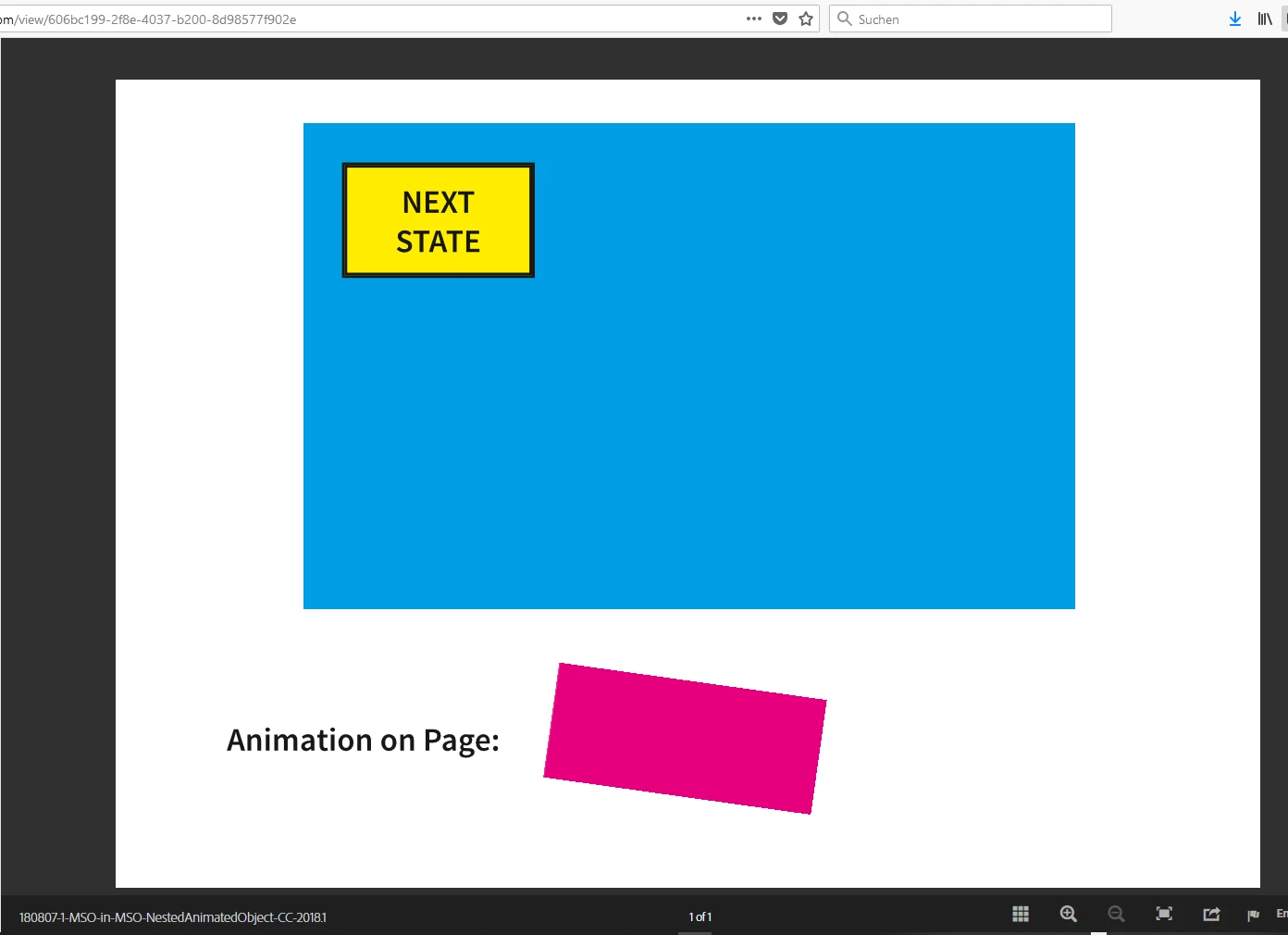
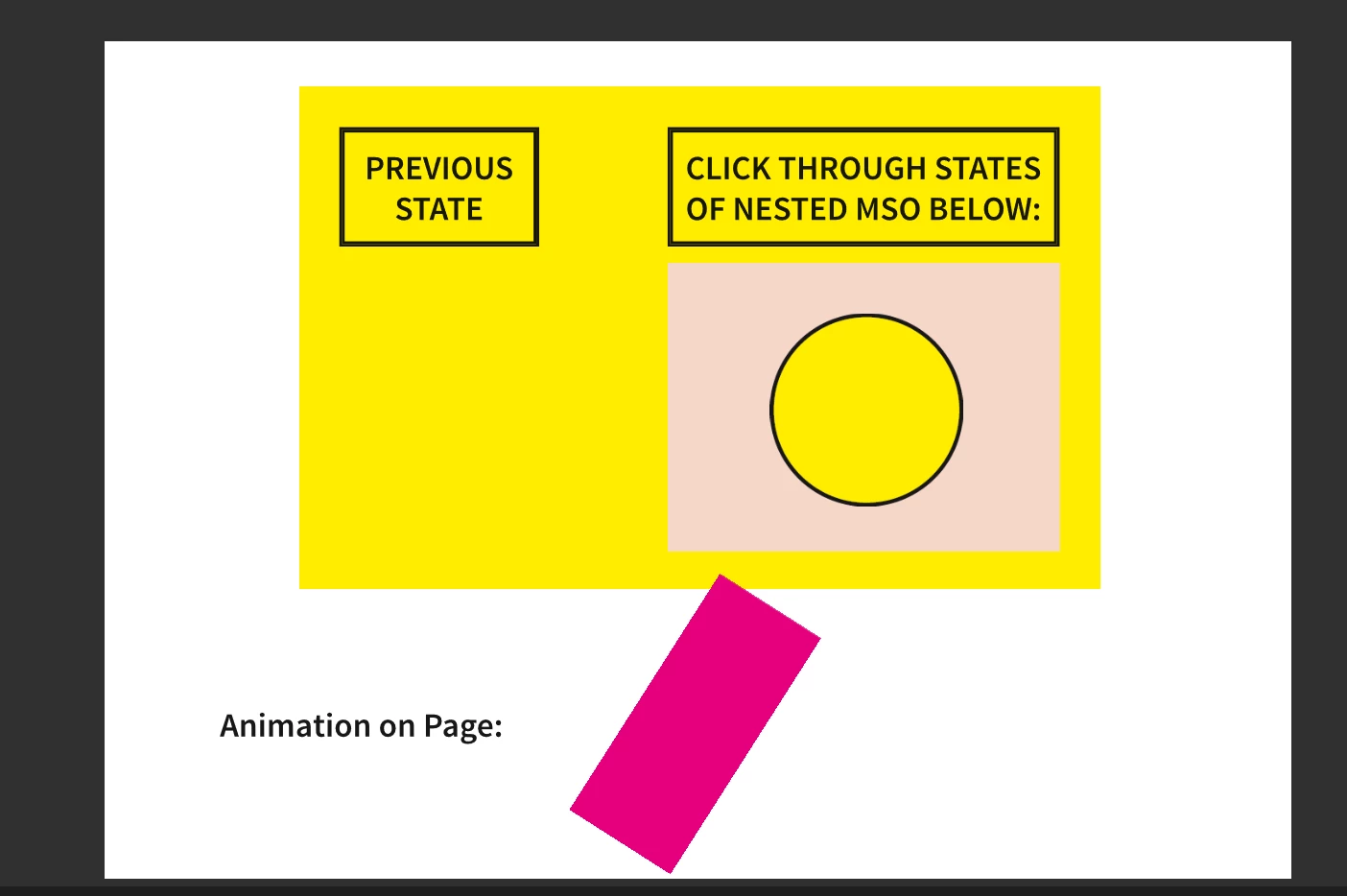
    The button in state 1 of the MSO leads to state 2 of the MSO where another MSO is nested inside.
    And that nested MSO is showing an animation in every state of its 3 states. You can click through the 3 states with the button above the nested MSO:
    Regards,
    Uwe

    5 replies

    warm_Canvas15D5
    Inspiring
    August 7, 2018

    Laubender,

    Thank you ever so much for the Indiscripts for Dummies link!!   I'm looking forward to learning more! All of this may prompt me to make some design changes.

    warm_Canvas15D5
    Inspiring
    August 7, 2018

    Jonathan,

    Yes, mine all work! Sound effects, animations & buttons. Well, it all works perfectly with Apple products but has several quirks that I need to deal with on Android. I'm not sure how that's going to pan out. What I have learned from this project is I need to be very careful where my animations end up. If the image covers a button and if I remember correctly or even animates across it (not 100% sure on that), the button will not work, no matter which state, the button won't work. At least that's what I gathered from my troubleshooting (which I love a good brain challenge). Also, Bob Levine gives excellent instructions!

    Kindest regards,

    Sherlan

    warm_Canvas15D5
    Inspiring
    August 7, 2018

    Laubender,

    Thank you so much for your assistance!! However, I did notice that the animations are not overlapping. Will it still work if the animations are overlapping?? I have noticed that buttons with regard to animations need to be strategically placed; otherwise, they will not work (at least for me). So, I wonder if it makes any difference in this if the animation is on top of others in the MSO. My largest MSO has over 40 states with animations all over the place, play and stop buttons and buttons advancing to and from states as well as a nested MSO with over 40 states. (I didn't need animation in it, just buttons).

    If the animations do work when they overlap, then I suppose I'll be returning to Lynda.com to learn scripting. I haven't learned scripting or coding yet. InDesign has made it so where I haven't had to . . . yet.

    JonathanArias
    Legend
    August 7, 2018

    does it work with so many states? i have had bad experieces with so many buttons and states, but i work with IN5. i had a popup and inside that pop up there was to be 19 buttons each showing and hidding other items. and it did not work well. Curious as to your feedback. i just stay away from that much complexity.

    LaubenderCommunity ExpertCorrect answer
    Community Expert
    August 7, 2018

    Hi sherlan ,

    I see two ways to generate a nested MSO.

    1. Anchor an existing MSO to a text frame in a state of an MSO.

    That's not the solution to your animation problem.

    2. Add a new generic MSO to a graphic frame in a state of an MSO.

    That only can be done by scripting. It will create a generic, two-state MSO inside a graphic frame.

    Case 2 will not work with anchored objects so the animation will play if added to a state of the nested MSO.

    However that means you will have to recreate all other aspects of your predefined MSO you are currently using.

    Here a Publish Online document where I am showing a MSO inside a MSO that contains several animations in several states:

    https://indd.adobe.com/view/606bc199-2f8e-4037-b200-8d98577f902e

    Initial state: One MSO ( you see the blue state 1 with a button to click to the next state ) and one animation of a magenta rectangle on the page.

    The button in state 1 of the MSO leads to state 2 of the MSO where another MSO is nested inside.
    And that nested MSO is showing an animation in every state of its 3 states. You can click through the 3 states with the button above the nested MSO:

    Regards,
    Uwe

    Community Expert
    August 7, 2018

    Here some construction details:

    Note: You cannot change details of the animated object from the Animation panel ( all options are grayed out ) while the animated objects resides in the state of the MSO that is nested.

    To change aspects of the animation other than changing the animation path showing here you have to move the animated object out of the state of the MSO.

    Regards,
    Uwe

    BobLevine
    Community Expert
    Community Expert
    August 7, 2018

    Great work, Uwe!

    BobLevine
    Community Expert
    Community Expert
    August 7, 2018

    What kind of file are you outputting to. It should work in a fixed layout epub but I’ve never tested it.

    Keep in mind that nested MSOs are a kludge and technically not supported at all.

    warm_Canvas15D5
    Inspiring
    August 7, 2018

    File Output: Fixed Layout EPub

    What do you mean when you say "technically not supported at all"? That frightens me. At this moment, my nested MSO works well in FL Epub with the exception of the animation....well, at least with Apple products.

    I do have issues with the MSO in Android products, but I haven't started troubleshooting those issues yet. I also haven't tested with Windows.

    BobLevine
    Community Expert
    Community Expert
    August 7, 2018

    It’s an undocumented “feature.” In fact, for the longest time, the answer to the question of whether you could place an MSO into another MSO was no until someone else discovered the trick of anchoring it to a text frame.