
Answered
Annoying comment box
I've just updated my InDesign desktop app and this annoying black box with white lines sits on top of everything and won't go away; how do I make it?
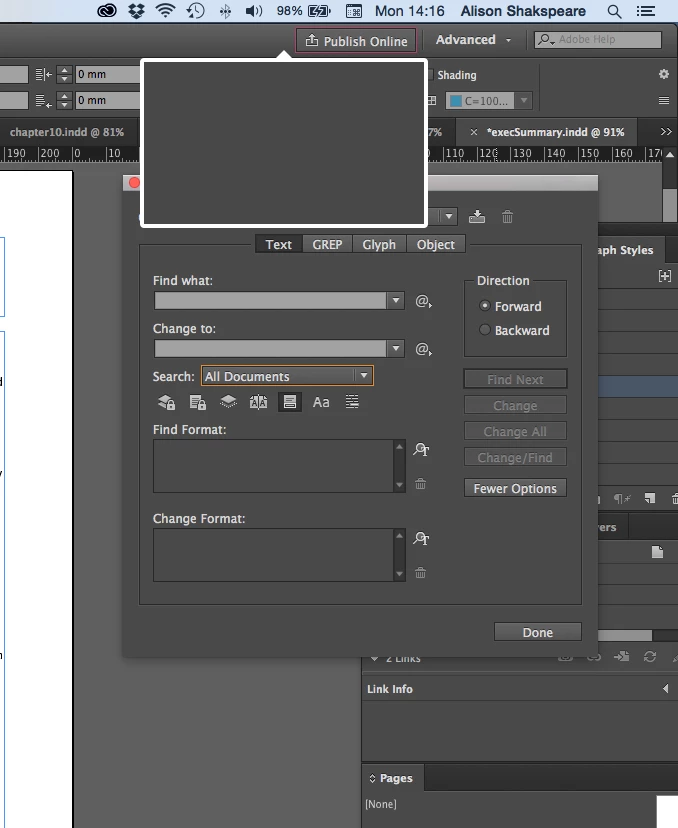
I've just updated my InDesign desktop app and this annoying black box with white lines sits on top of everything and won't go away; how do I make it?
Thanks both. Restarting did nothing, removing Publish Online from Preferences worked a treat.
Already have an account? Login
Enter your E-mail address. We'll send you an e-mail with instructions to reset your password.
 AdChoices