



Chris  P.  Bacon
Inspiring
October 13, 2022
Answered

Any faster way to mirror objects or groups relative to the spine on facing pages?
  • October 13, 2022
  • 1 reply
  • 2696 views

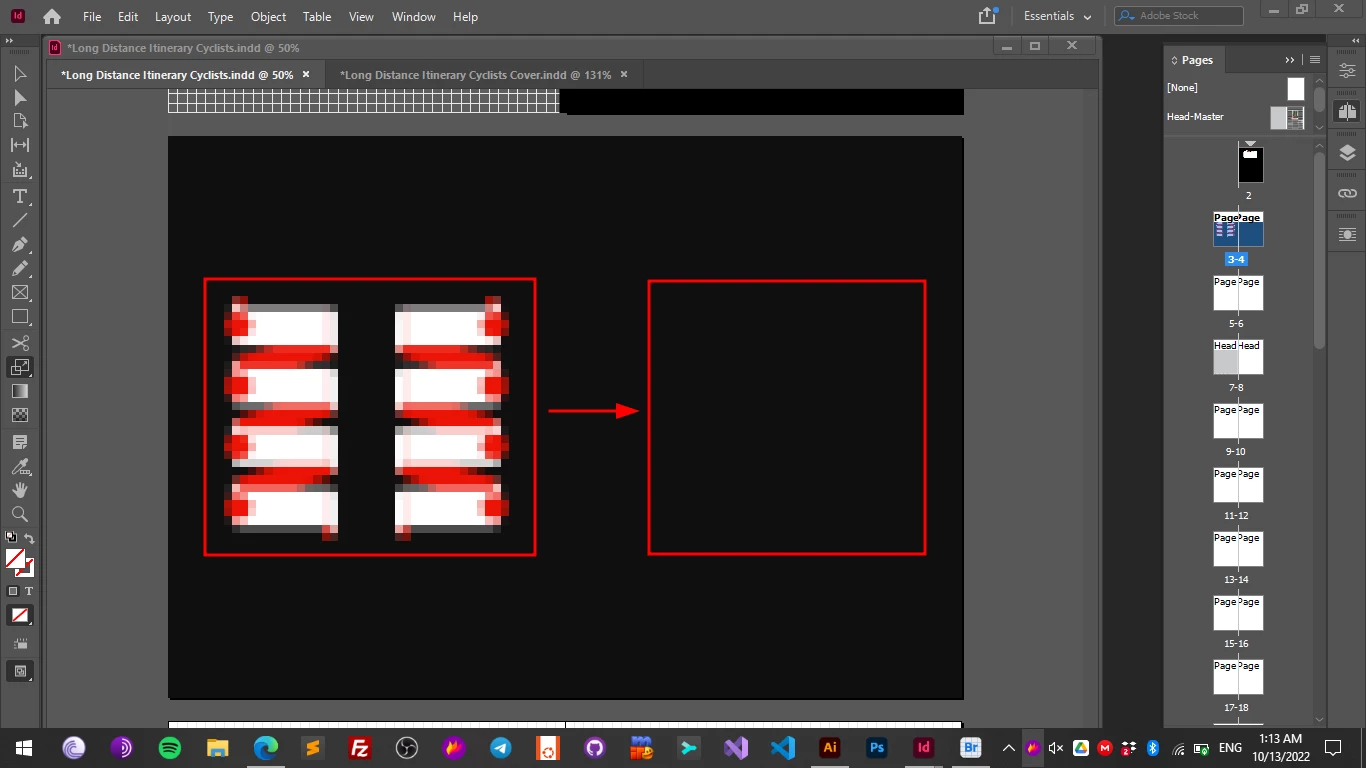
Some tutorials say to click on the spine to set it as a flipping reference point when using the scale tool, but how do I click on the spine? I can only click approximately on the spine (because my smart guides are inactive due to snap to grid that I use).

The other issue is that when I duplicate my object or group to flip it, it's off of the original, not exactly on the top of it, so that will set my flipped object or group also off.


This topic has been closed for replies.
Correct answer Eugene Tyson

I was hoping "Paste in Place" to paste the group on the facing page exactly in the same position, but it just pastes it on the same page, however in the same position without offset.

So that seems to be one way to do it, instead of the duplicate command just copy it and paste it in place, and flip it afterwards.


Group the objects.

Select the group with the White Arrow Tool by marqueeing it.

Set your Horizontal Flip target for center of page.

Then click ALT on the flip icon and it will copy the items

No need to paste in place. 


1 reply

Community Expert
October 13, 2022

I agree - and asked the same question a long time ago !


https://creativepro.com/how-to-mirror-a-layout/


Chris  P.  Bacon
Inspiring
October 13, 2022

I can find the spine if I turn my background rectangle off, but we need a way to duplicate groups so that they would be exactly on the top of each other, without distance offset, for flipping.

Because if I align them after the duplication so that they are on the top of each other, the original position of the group might get changed.

Community Expert
October 13, 2022

Did you check out the link for the plug in - did you try that?