Participant
January 22, 2026
Answered

Any modifications to text becomes overset on version 20.5

  • January 22, 2026
  • 9 replies
  • 140 views

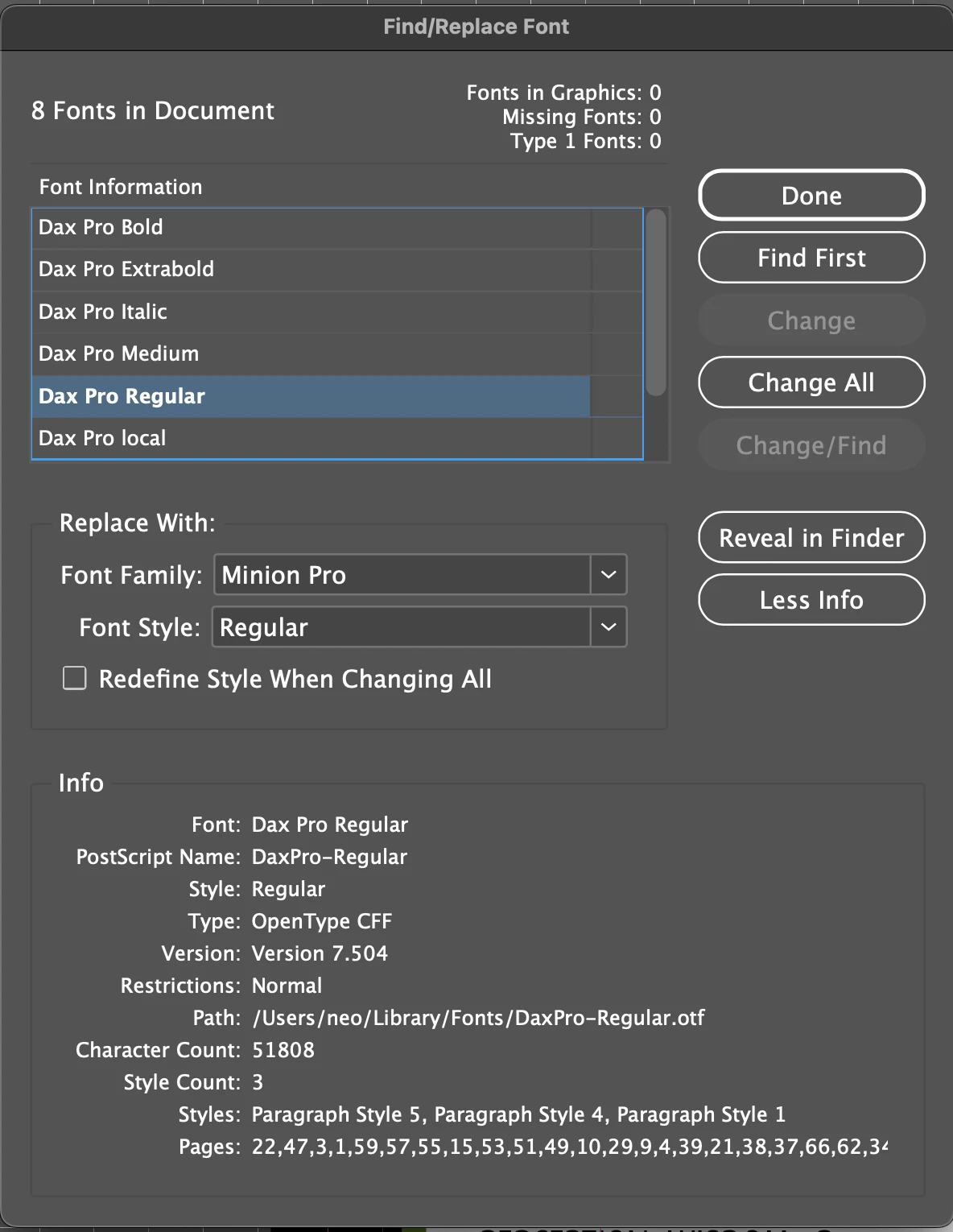
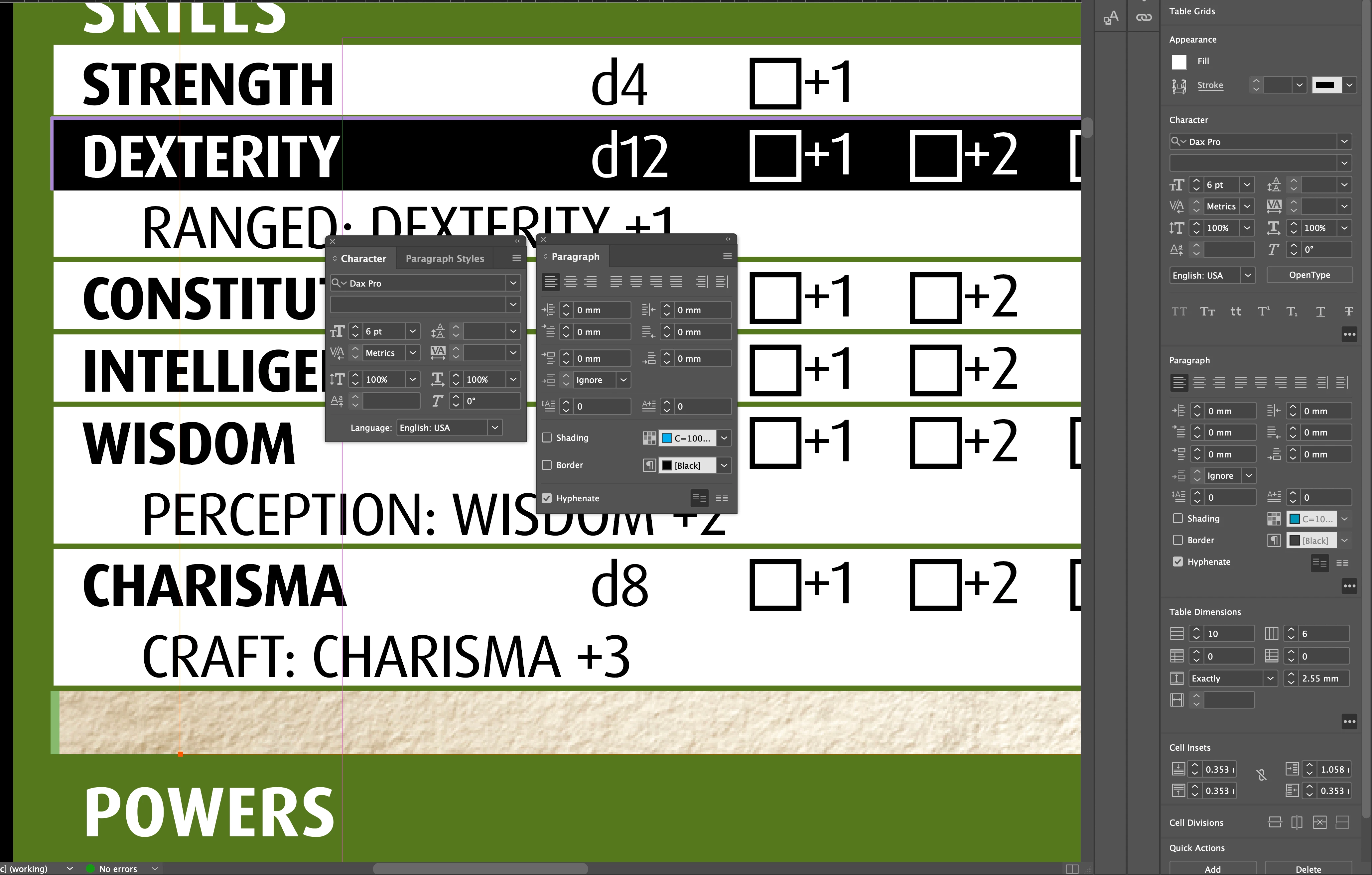
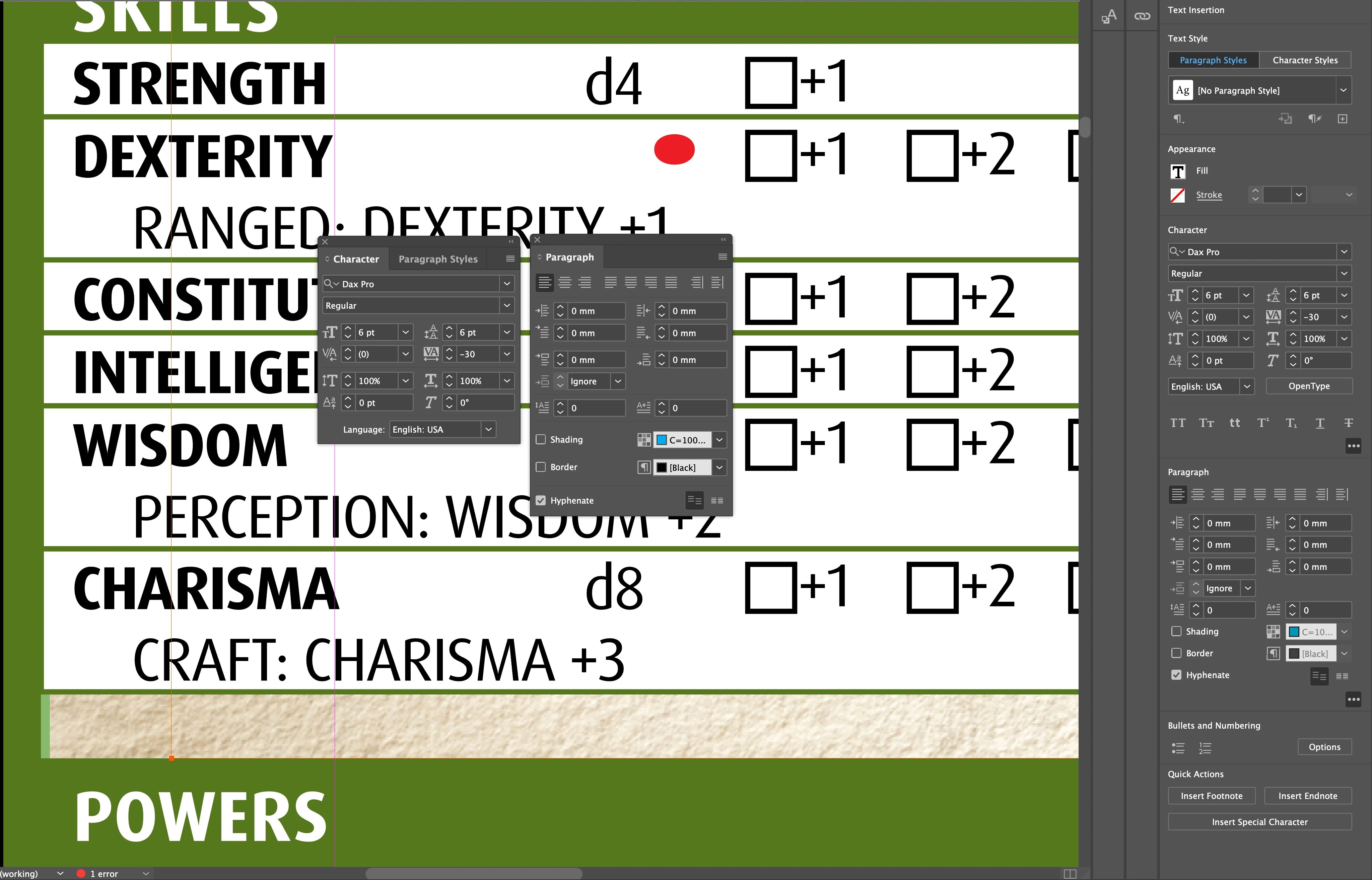
I'm working on an older file (~2023) with a table. Any modifications to the text in the table causes it to be overset text. This includes just deleting a character. The font has not been changed. Please send help.
 

876129iF6FA8C63268F5D1B.png876128i94AEA5986D23CE90.png876127i64B74662409AA7BA.png

Correct answer Barb Binder

This is odd and with what you have shared so far, I can't recreate it.


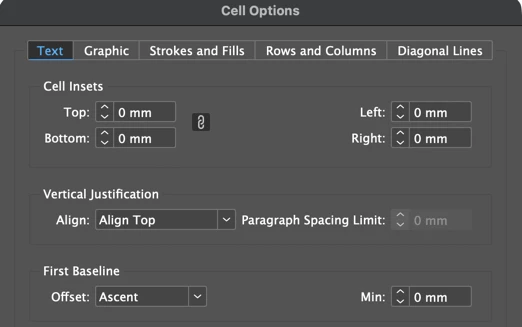
What are the Cell Inset values and First Baseline settings?


876157i56F6512EA2893281.png


~Barb

9 replies

Barb Binder
Community Expert
Community Expert
January 23, 2026

Excellent! Glad you are back on track. 


~Barb

~Barb at Rocky Mountain Training
Barb Binder
Community Expert
Barb BinderCommunity ExpertCorrect answer
Community Expert
January 22, 2026

This is odd and with what you have shared so far, I can't recreate it.


What are the Cell Inset values and First Baseline settings?


876157i56F6512EA2893281.png


~Barb

~Barb at Rocky Mountain Training
aneo9988Author
Participant
January 22, 2026

top: 0.353, left: 1.058

aneo9988Author
Participant
January 22, 2026

Ok fiddling around with the cell insets make it so that I can now edit the table! Not sure what changed to cause this error, but thank you for your help!

Barb Binder
Community Expert
Community Expert
January 22, 2026

Hi @aneo9988:


Can you repost the first two screenshots with Type > Show Hidden Characters enabled and View > Extras > Show Frame Edges enabled, please? We'll need more information on how this is set up.


Also, what change (exactly) did you make between the two screen shots?


~Barb

~Barb at Rocky Mountain Training
aneo9988Author
Participant
January 22, 2026

876139i309326E08FDB87CB.png

I only deleted the 'd' character, then had the overset error pop up

aneo9988Author
Participant
January 22, 2026

876140i48C9626598AD6C60.png