nickdclements
Participating Frequently
November 17, 2017
Question

Apply master to pages with Data Merge?

  • November 17, 2017
  • 1 reply
  • 2629 views

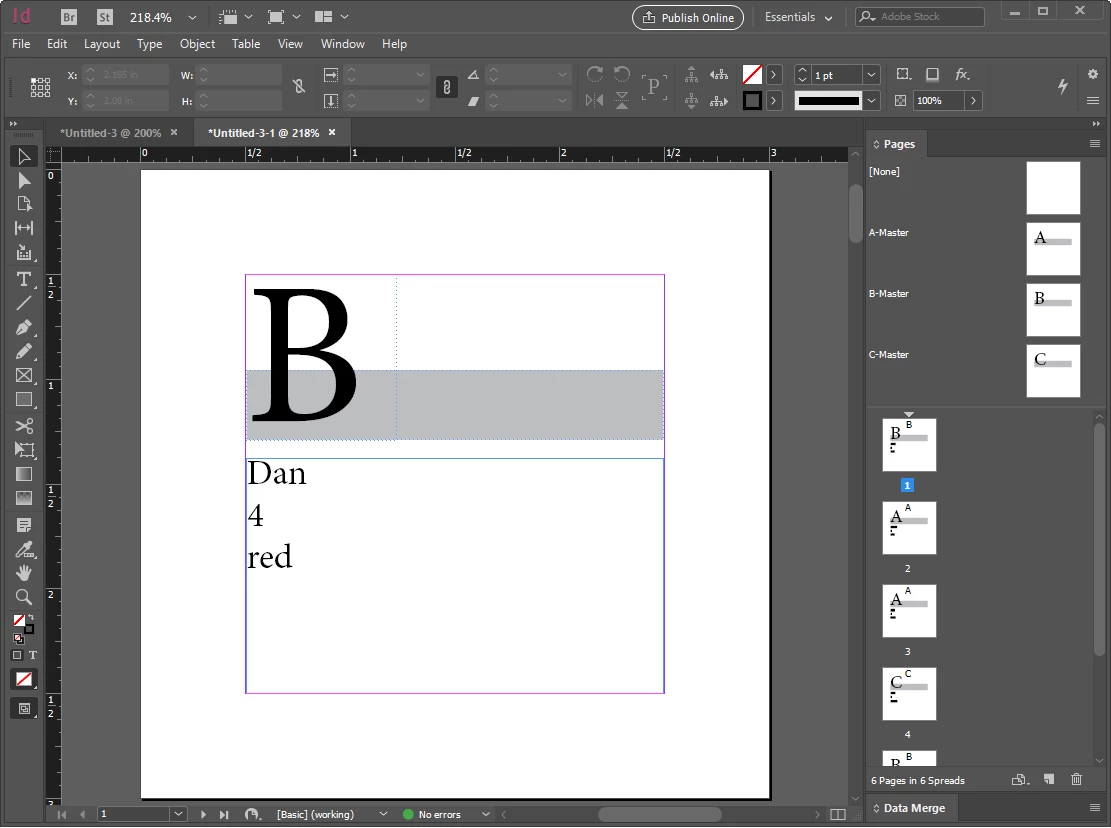
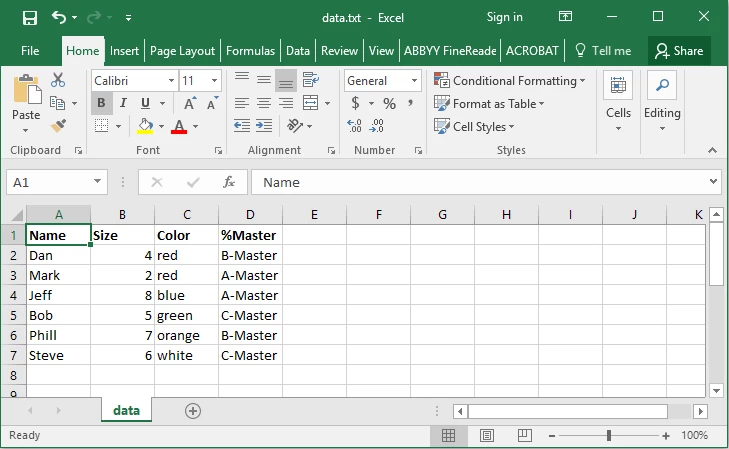
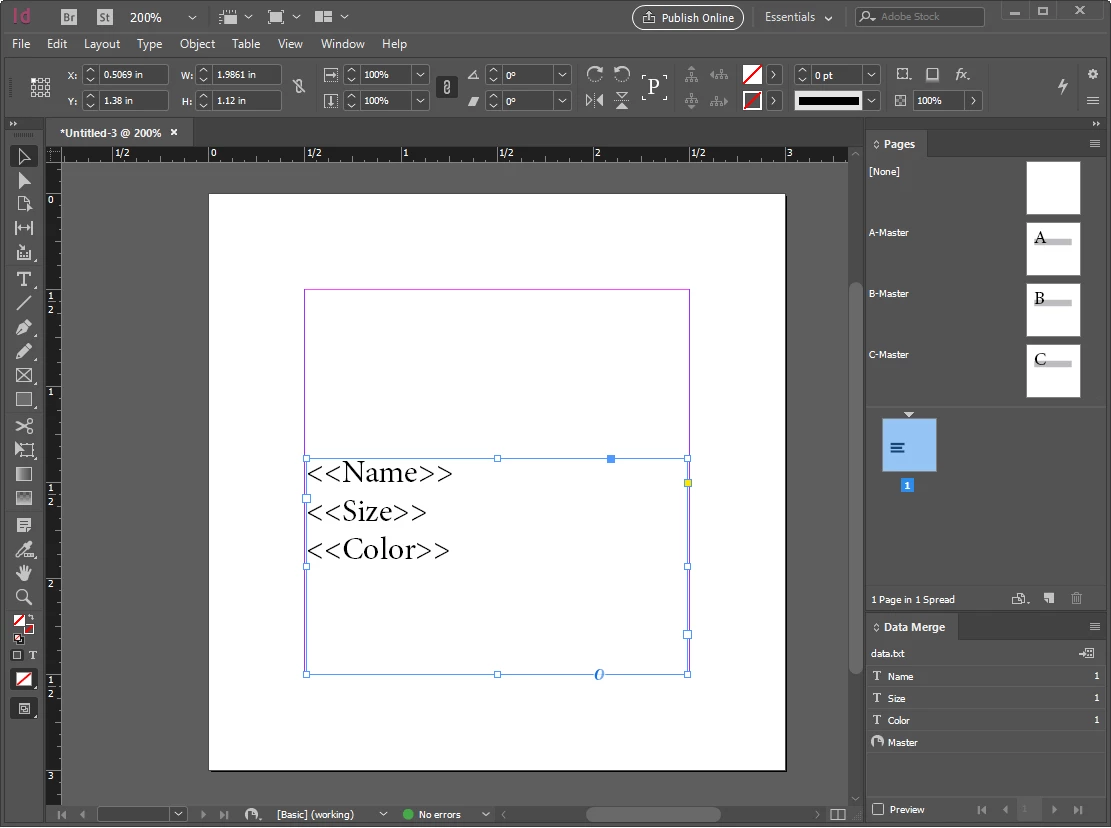
Is there any way to specify a "Master Page" when using data merge?

i.e. In your data file, you might have a column labeled "%Master" where you specify the name of the master you want to be applied for the page with that set of data.
This topic has been closed for replies.

1 reply

MW Design
Inspiring
November 17, 2017

No, not natively. Likely it is able to be scripted (and possibly one exists already).

I use Em Software's data merge plug-in. One can assign master pages during the merge and upon conditions being met. I do this frequently. It is also far more capable for merging than ID's merge capabilities.

Mike

Colin Flashman
Community Expert
Community Expert
November 19, 2017

As Mike says, no it can't be done natively.

It can do the next best thing, which is to import an image into the background. This is fine if the variable text will fall perfectly into position with the background, but if the variable text has to move to new positions to match the background, then it can't do that.

Claudia McCue has a video on Linked-in Learning that (at the time of writing this post) was freely accessible without the subscription and describes how to data merge images: Using InDesign Data Merge with images

If the answer wasn't in my post, perhaps it might be on my blog at colecandoo!