


Applying object styles to multiple graphic cells frames
Hi!
I have a table that I'm changing the first row cells to graphic cells with this script:
app.selection[0].properties = {
leftEdgeStrokeWeight:0,
rightEdgeStrokeWeight:0,
topEdgeStrokeWeight:0,
topEdgeStrokeWeight:0,
innerColumnStrokeWeight:0,
graphicRightInset:2,
graphicLeftInset:1,
graphicBottomInset:2
};
app.selection[0].convertCellType(CellTypeEnum.GRAPHIC_TYPE_CELL, false);
First row selected after run the script:
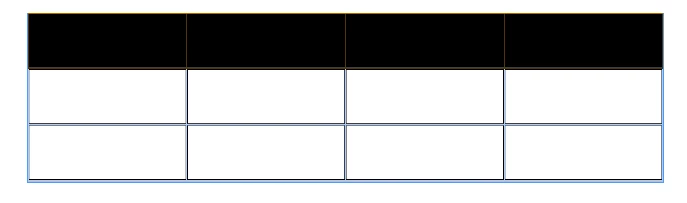
Before run the script:
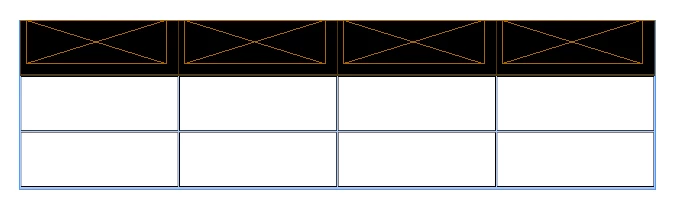
My question is: With the row selected like in the image, how can I reach (with a loop?) each frame inside each graphic cells to apply a object style? Without need to select one by one to apply?
My final goal is something like that:
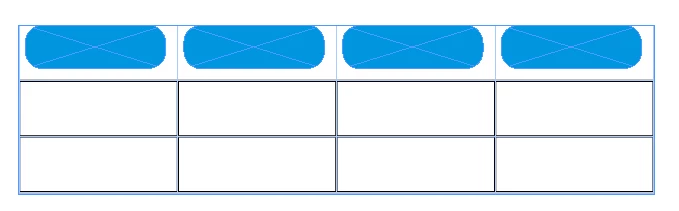
Hope that I explained in the right way.
Thanks in advance!
 AdChoices