



Serene_observer5E99
Inspiring
August 17, 2026
Question

Art is bleeding onto facing page in PDF

  • August 17, 2026
  • 2 replies
  • 36 views

I have created a book with full bleed art on the left-hand page and no art on the right-hand page. If I create a pdf with crop marks and bleed, no problems. The pdf shows that the art is placed correctly and it trims were it is supposed to.

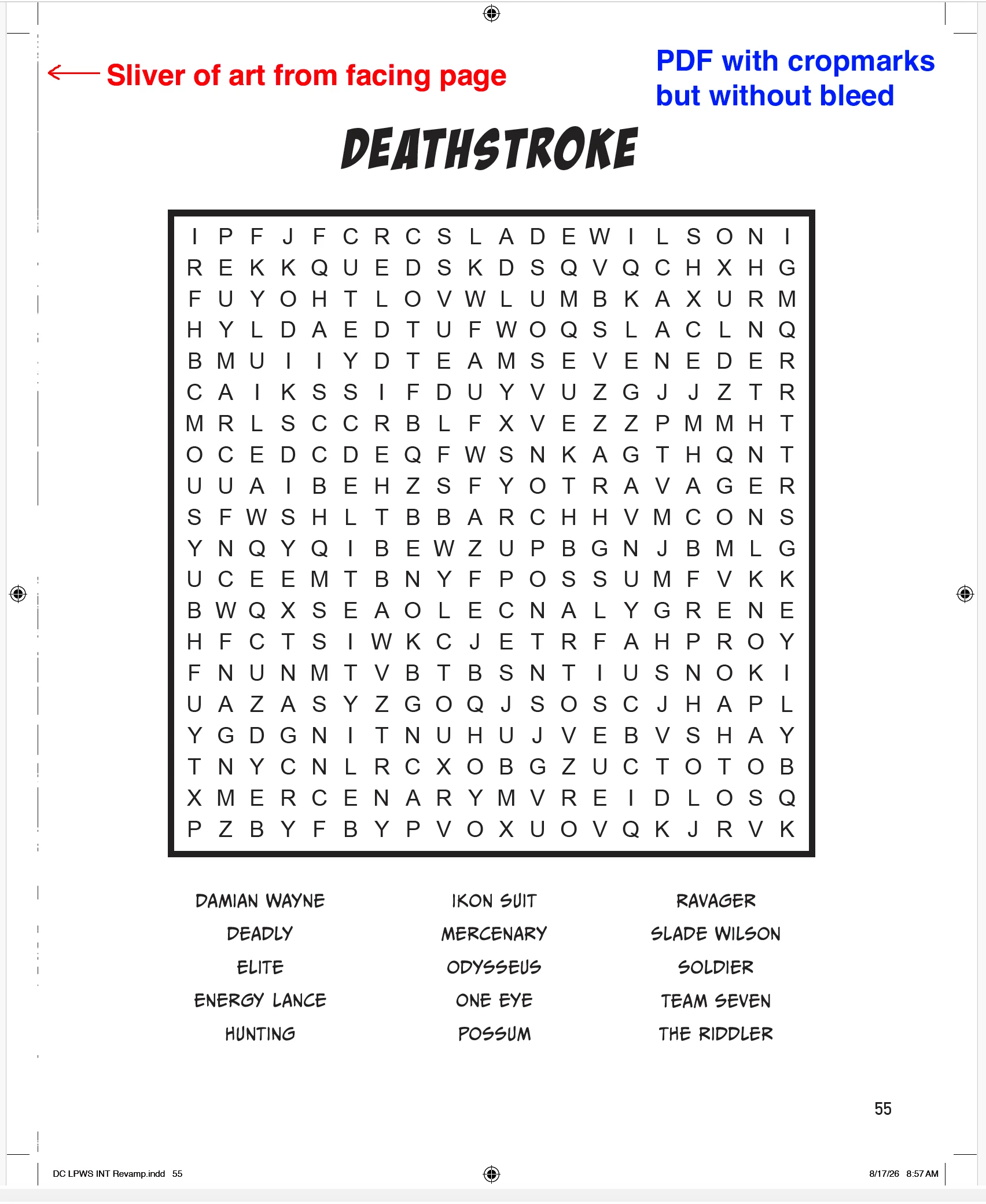
But if I create a pdf without crop marks or bleed, a sliver of the art from the left-hand page shows up on the right-hand page. The picture box is created at the right size and is placed correctly in InDesign, so I know that’s not the issue.

It also happens if I create a pdf with crop marks but without bleed. 

I create PDF files without crops or bleeds to submit to clients for approval all the time, and this problem has only occurred on this particular book.

You can see the issue in the attached screen grabs. 

What is happening?
 

    2 replies

    Community Expert
    August 18, 2026

    I’m able to get rid of it by putting a White Filled Rectangle in the same layer above the object. 

    Not ideal - but it’s better than having the image short.


    It doesn’t show in the PDF then (side by side view)


    Here it is if I delete the white frame


    Dave Creamer of IDEAS
    Community Expert
    Community Expert
    August 17, 2026

    It was discussed a little while ago and it seems like a bug of some sort. 

    You can:

    1. Shorten the width of the left-page object by a point or two.
    2. Use this script to split your spread apart: 
      https://gilbertconsulting.com/blog/new-script-to-break-apart-2-page-spreads
    David Creamer: Community Expert (ACI and ACE 1995-2023)