

zeRafio
Inspiring
February 2, 2014
Answered

[AS/CC]Resizing a box and its contained image

  • February 2, 2014
  • 2 replies
  • 3523 views

Is there a method ro resize by percentage a box and the image inside?

My code for this is the following:

(first line for the box, second for the image)

  resize selection in inner coordinates from top left anchor by multiplying current dimensions by values {0.75, 0.75} with resize individually and considering ruler units

  resize image 1 of selection in parent coordinates from top left anchor by multiplying current dimensions by values {0.75, 0.75} with resize individually and considering ruler units

But unfortunately, if the image is skewed, the result is not what we can expect: the image is resized, but misplaced.

Any suggestion?
Correct answer Laubender

Well. There is another method:

use a transformation matrix.


/*
Scales the selected object with the image to 50%:
scaleMatrix( .5 , .5 )
through method transform() on the selection.
*/

var mySel = app.selection[0];

var myTransformationMatrix = 
app.transformationMatrices.add
(
{
horizontalScaleFactor:1, 
verticalScaleFactor:1
}
);

myTransformationMatrix = 
myTransformationMatrix.scaleMatrix(.5, .5);

mySel.transform
(
CoordinateSpaces.pasteboardCoordinates, 
AnchorPoint.centerAnchor, 
myTransformationMatrix
);


And that seems to be the solution.

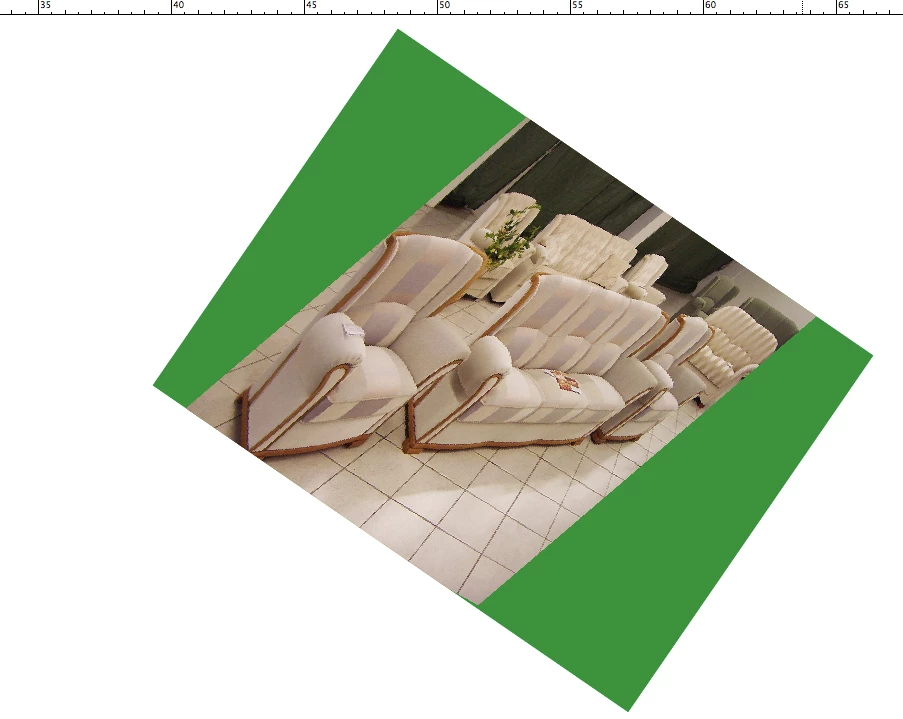
Rectangle plus image scaled in one go.


Here the proof with two overprinting rectangles overlapping perfectly. One scaled with the script above, one scaled with the UI. No shift visible.


Uwe


And here a PDF about using transform() with a transformationMatrix:


indesigncs3_transform_tutorial_javascript.pdf


http://wwwimages.adobe.com/www.adobe.com/content/dam/Adobe/en/products /indesign/pdfs/indesigncs3_transform_tutorial_javascript.pdf


Uwe


PS: Unfortunately the link above is not working anymore.


Instead see into:

Coordinate Spaces & Transformations in InDesign [UPDATE]
Marc Autert, October 14, 2021 | Tips | en
https://indiscripts.com/post/2018/06/coordinate-spaces-and-transformations-5

2 replies

Peter Kahrel
Community Expert
Community Expert
February 6, 2014

If AppleScript behaves the same as JavaScript in this regard, then the answer is 'no', there is no single command for that. I wouldn't resize the image after resizing the rectangle, by the way, but fit the image to the rectangle, which would ensure a good fit. In JS:

myFrame.resize // as you have it

myFrame.fit (FitOptions.contentToFrame)

Peter

zeRafio
zeRafioAuthor
Inspiring
February 6, 2014

Peter,

Unfortunately, your suggestion is invalid for my script:

I want to modify cropped, scaled and even rotated images.

So I have to write tons of code to re-place those images.

I'm dreaming of a <resize myFrame with content> command!

Why can't we do by scripting things we can do manually? (this is for Adobe developpers, of course (and I know they are rarely visiting this board…))

Thank you anyway…

Inspiring
February 6, 2014

I think you're getting into trouble using the top left anchor as your transformation point. Try using the center anchor.

zeRafio
zeRafioAuthor
Inspiring
February 5, 2014

Hey, guys!

No one has a solution?

zeRafio
zeRafioAuthor
Inspiring
February 6, 2014

Hellowwwooowww!

Is there anybody out there?