Participant
September 25, 2022
Question

Audio scroll bar instead of button

  • September 25, 2022
  • 2 replies
  • 369 views

Hi everyone, could someone advise me on how to get my embedded audio to have a time scroll bar like this:

instead of a button like this:
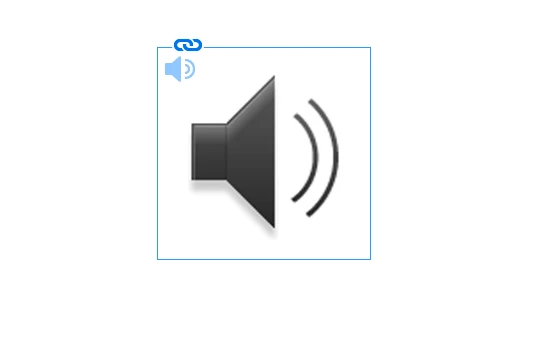
Thanks so much for your help.

This topic has been closed for replies.

2 replies

Lukas Engqvist
Community Expert
Community Expert
September 25, 2022

I think we used to have that as an option before Apple Killed flash. As others say that is now a feature of the viewer.

James Gifford—NitroPress
Legend
September 25, 2022

Yeah, all of this stuff is HTML5 now, which has advantages, but the actual control (same as for all other interactive controls) is dependend on the browser/viewer.


James Gifford—NitroPress
Legend
September 25, 2022

Audio scroll bars are almost universally a function of a browser. An audio link is just an audio link. Different browsers will present it for the user with different interface icons or controls, most with some variation of the full control/scroll bar you've shown. But that is not a part of the web page, or document, or such... it comes from the presentation tool.


I am not sure if you mean within an interactive PDF or to a Publish Online doc, but I don't think either has an audio control option like that. Just the button.


I could be wrong; if I am, a more knowledgeable participant here will be sure to let me know. 🙂


Participant
September 25, 2022

Hi James,

thanks so much for your response. The first pic of the scroll bar is from an epub doc that plays the audio in apple books so I'm thinking it must be possible. Thanks again

BobLevine
Community Expert
Community Expert
September 25, 2022

That's likely a function of the EPUB reader and has nothing to do with any setting in InDesign.