



Auto format first character in a line of multi-line paragraph
First let me explain the project:
I am typesetting as list of names to be laser etched onto metal. It is a very long list. Between names on each line there are bullets, but no bullets at the beginning of each line. All lines fully justified and no name breaks to the next line.
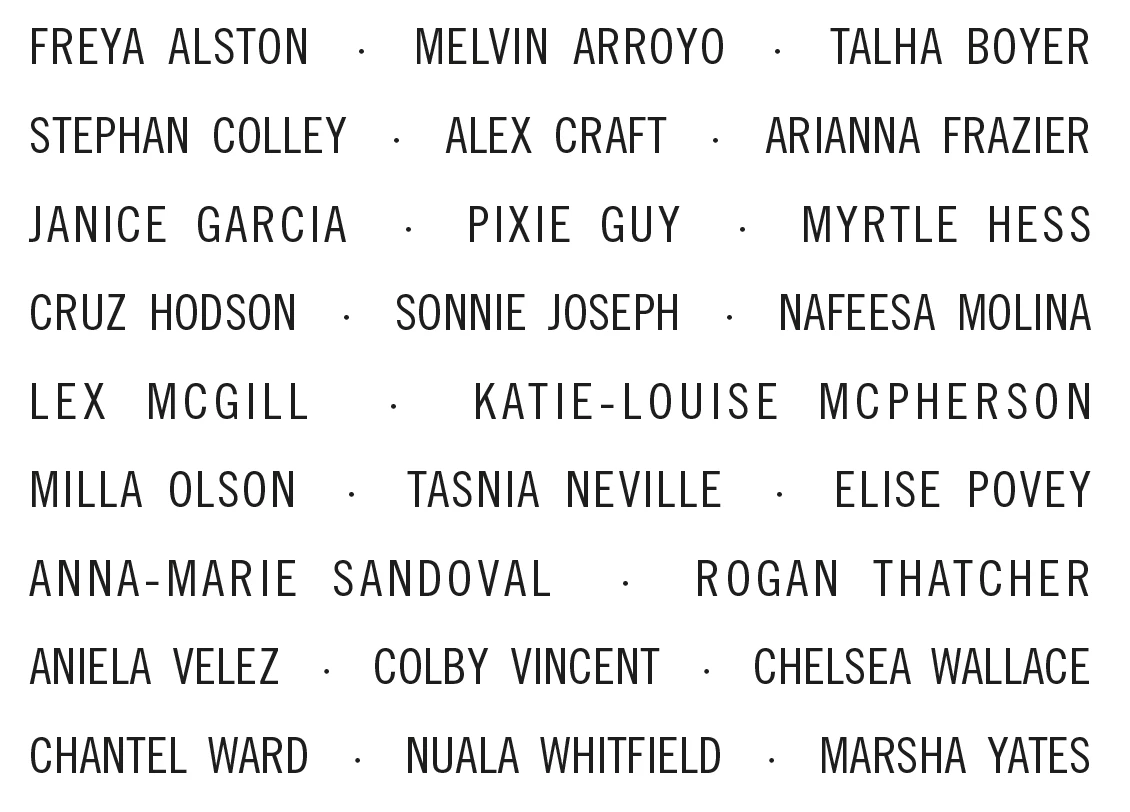
This is what a final list of names might look like. Before this the list has bullets and spacing between each name. The spaces are all non-breaking so the only place a line can break is before a bullet and space (which is a variable).
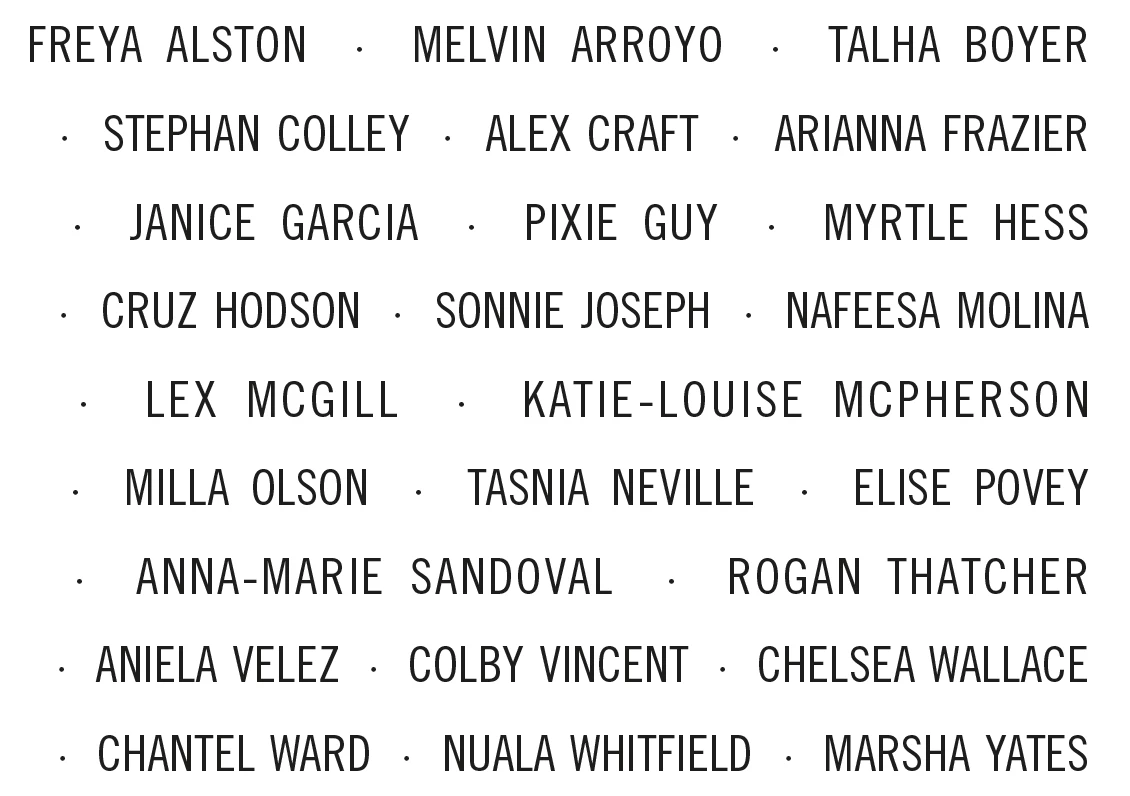
This is one paragraph.
The height is a hard limit, so I need to remove all the leading bullets to know how many lines long the list is. The list is very long, subject to editing, and I want to experiment with different type options. Some names are very long or a company or union names. Finding optimal breaks can take a lot of trial and error.
One of the biggest time sucks is removing the leading bullets whenever I try a new size or different justification options. What would help is if I could apply a character style to the first character on a line. I could make a character style that uses .1 point type and 1% horizontal scaling to effectively make the leading bullets disappear. Tweaking the paragraph style would globally adjust all lines without removing the leading bullets. I can remove them completely later. Currently I am using Keyboard Maestro to go down a line, select the next character (always a bullet variable) and apply the invisible character style.
So, does anyone know of a way to do this with only formatting instead of a script or keyboard automation?


 AdChoices