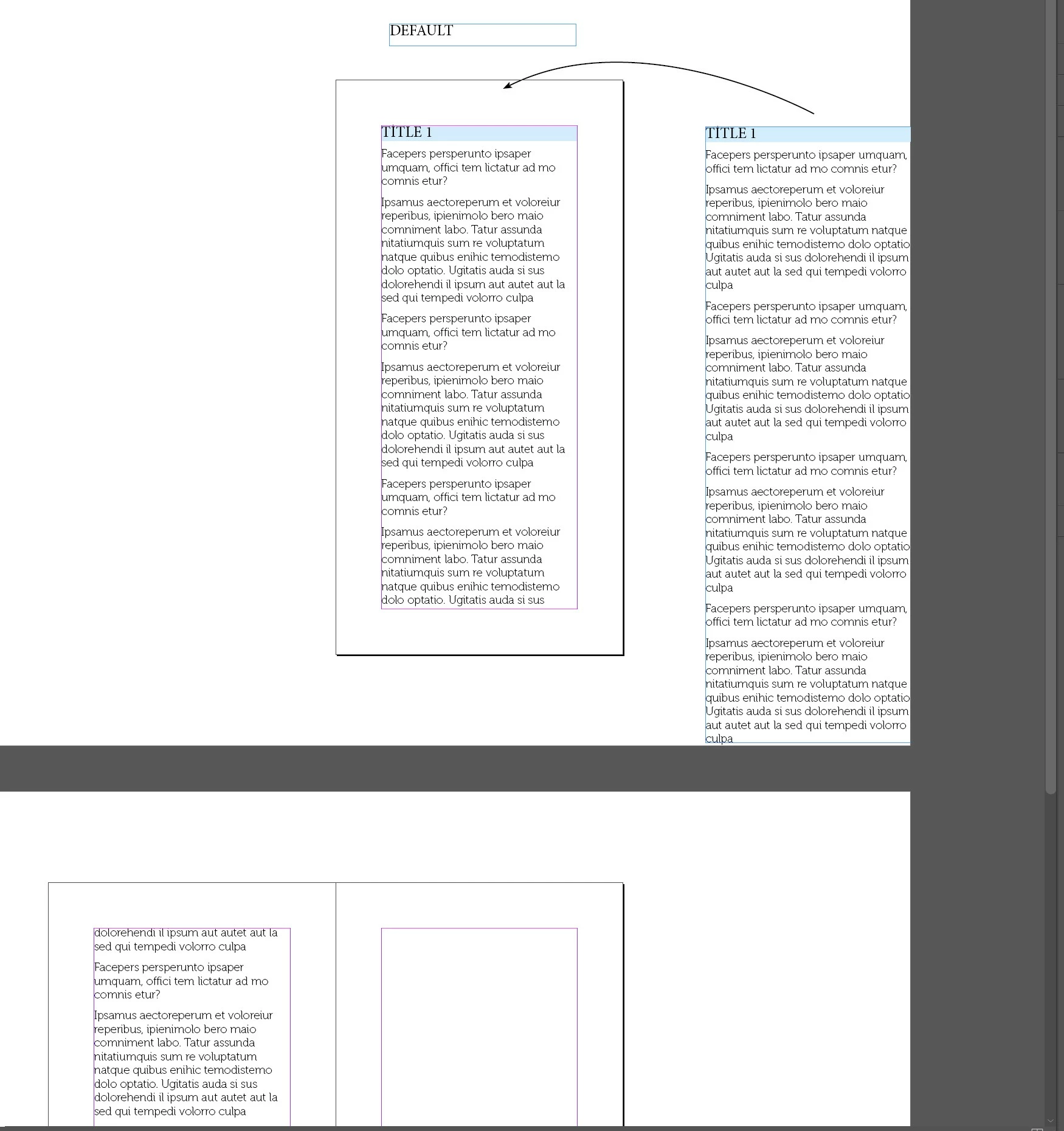
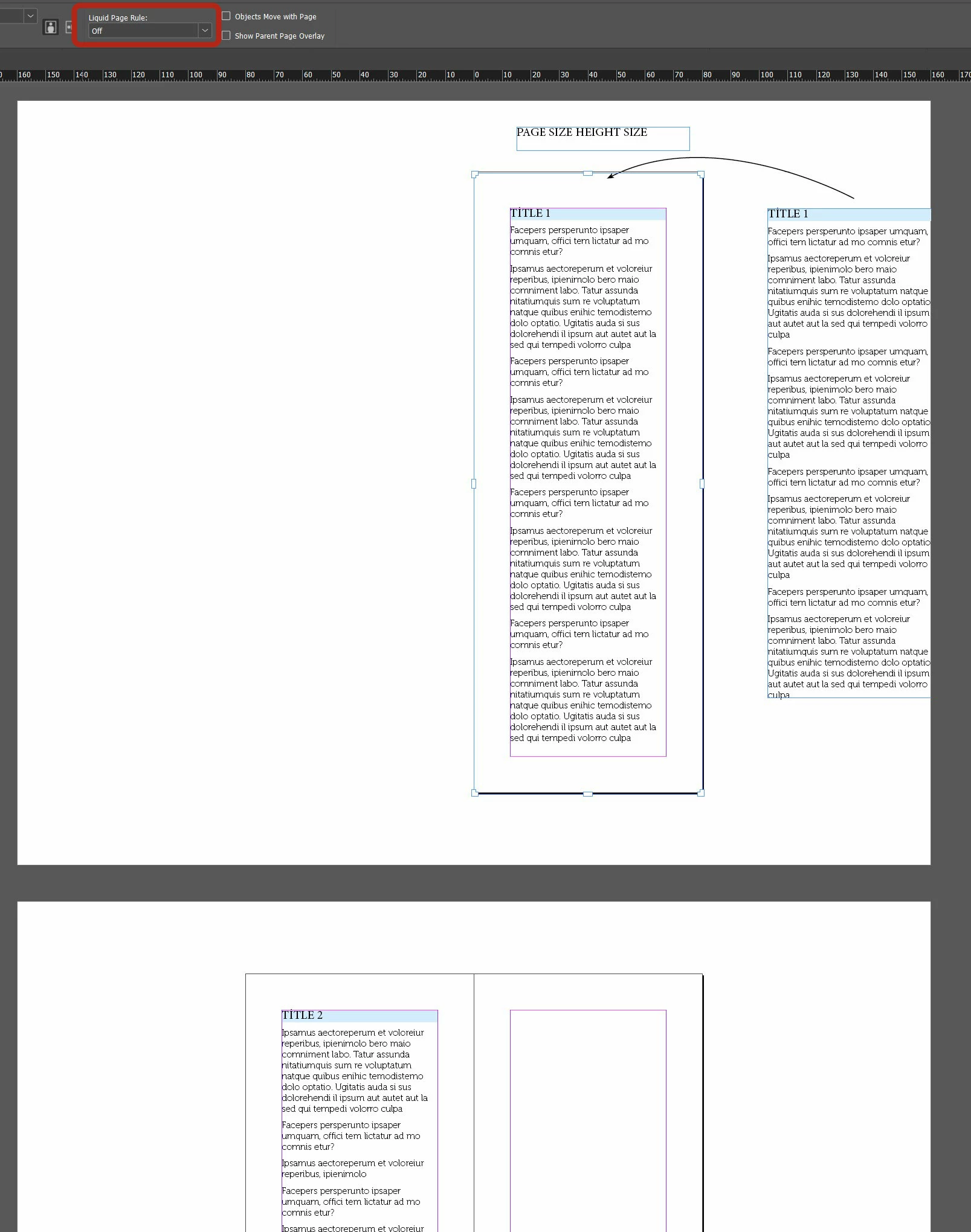
Fun thing to do. Here's a script. To use it, place the cursor in any of the TITLE 1 headings, then run it.
The idea is (1) if an article is in one frame, fit the frame to the text, then set the height of the page so that its bottom is 24 points below the text frame. You can change that value. Should probably be the bottom margin.
(2) if an article is in two or more frames, make its first frame insanely tall, to expose the whole article in one frame, then do as in (1) -- resize the frame, then resize the page.
P.
#targetengine fitPagesToArticles

// Place the cursor in any of the heading paragraphs
// the run the script

// resize() requires points
app.scriptPreferences.measurementUnit = MeasurementUnits.POINTS;

pageWidth = app.activeDocument.documentPreferences.pageWidth;

app.findTextPreferences = null;

try {
  app.findTextPreferences.appliedParagraphStyle = app.selection[0].appliedParagraphStyle;
} catch (_) {
  alert ('Place the cursor in the heading style');
  exit();
}

headings = app.activeDocument.findText();

for (i = 0; i < headings.length; i++) {

  frame = headings[i].parentTextFrames[0];
  page = frame.parentPage;

  gb = frame.geometricBounds;

  // We consider ranges from one heading to
  // the next. Therefore the last heading
  // ranges to the end of the story

  if (i === headings.length-1) {
    // The last heading: the end of the range
    // is the story's last frame
    lastFrame = frame.endTextFrame;
  } else {
    // Not the last heading: the end of the range
    // is up to the next heading
    lastFrame = headings[i+1].parentTextFrames[0];
  }

  if (frame.nextTextFrame != lastFrame) {
    // The article is in more than one text frame.
    // Force the article into one frame
    // by making its first frame very tall
    gb[2] = gb[0]+20000;
    frame.geometricBounds = gb;
  }

  // Set the bottom of the frame to the last baseline
  gb[2] = frame.lines[-1].baseline;
  frame.geometricBounds = gb;

  page.resize (CoordinateSpaces.INNER_COORDINATES,
    AnchorPoint.TOP_CENTER_ANCHOR,
    ResizeMethods.REPLACING_CURRENT_DIMENSIONS_WITH,
    [pageWidth, gb[2]+24]
  );
}




 AdChoices