mickyhulse
Known Participant
December 4, 2016
Answered

Auto-size: Grow text frame width with max-width set?

  • December 4, 2016
  • 2 replies
  • 2979 views

Hello,

My setup:

I am using a text frame auto-size for a photo caption.

The photos and captions are created via a data merge.

The caption is anchored to the bottom of the page so it grows vertically upwards depending on length of caption text.

Some captions are a few words long, while other captions are multiple lines long.

The caption text frame, currently, is set to a defined width; when the caption text meets that width, it wraps, and the text frame grows upwards.

My desired goal:

I would like to have a text frame that grows, width-wise, with the first line of the caption; if/when the caption text is long enough to wrap, I would like the text box to stop growing and allow for the text to wrap. Essentially, I would like all of the features I have specified from above, but I would like the text frame to shrink-wrap the text until it meets a specified maximum width, and then have it grow vertically from bottom (with text wrap, depending on text length).

My questions:

From what I can tell, I don't think what I want is possible without some sort of manual intervention. I would like to avoid doing manual work as there are many pages.

With that said, am I overlooking a feature?

If this functionality is not "built in", can anyone recommend a plugin or script that could help me accomplish this goal?

Thanks so much for reading my question.

This topic has been closed for replies.
Correct answer Obi-wan Kenobi

Think different!  ;-)

(^/)


Take another look in the same panel!  ;-)

2 replies

Obi-wan Kenobi
Legend
December 4, 2016

Screenshots, please! … Just to see what you mean!

(^/)

mickyhulse
Known Participant
December 4, 2016

Obi-wan Kenobi wrote:

Screenshots, please! … Just to see what you mean!

(^/)

Doi! Good point!!!!

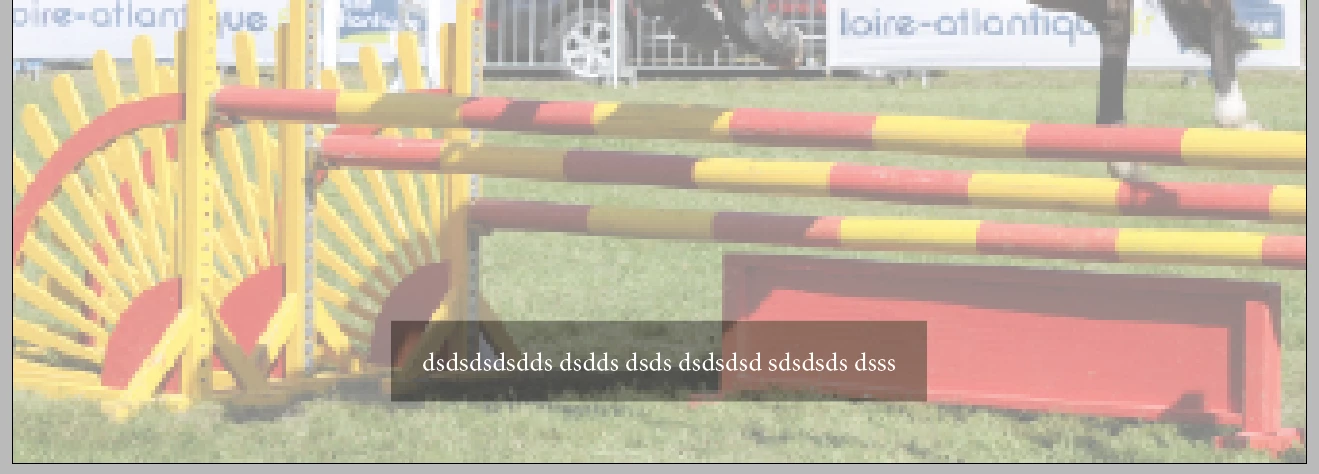
Here's a single page, with caption at bottom and only a few words (I had to set the Auto-Size to ignore line breaks for this to auto shrink and center/align to bottom of page):

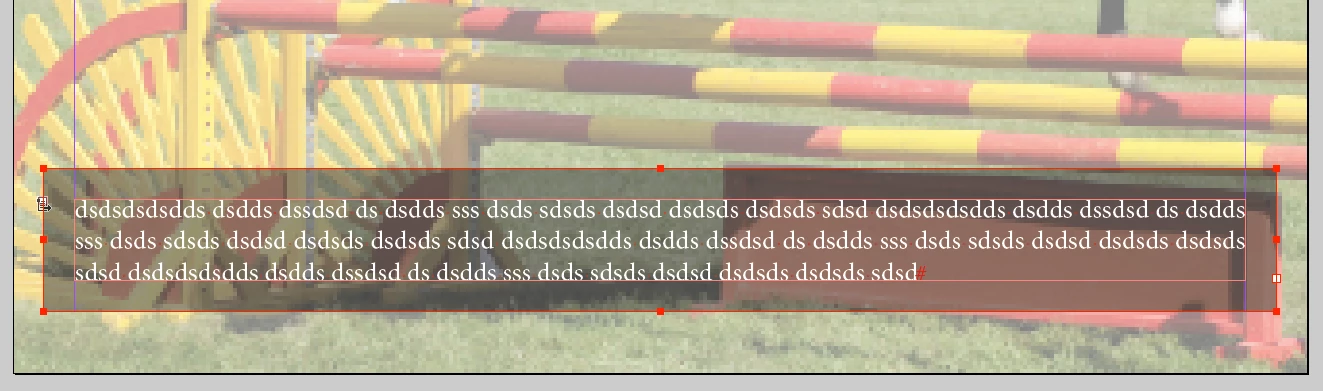
And here's what I would like to see when/if the caption grows (keep in mind, the image and caption are inserted via data merge):

Basically, it would be awesome to have a "max width" option for the auto-size feature of Indesign, because the align/anchor options are totally useful to avoiding overset text in a data merge situation:

Thanks so much for your help (Obi and Steve)! I really appreciate it!

Obi-wan Kenobi
Legend
December 4, 2016

Think different!  ;-)

(^/)

Steve Werner
Community Expert
Community Expert
December 4, 2016

When InDesign features don't match your expectations, often features can be accomplished with scripting.

You can ask in the InDesign Scripting forum:

InDesign Scripting

If you don't do scripting, there may be pre-existing scripts available, or you could pay someone to develop a script.

mickyhulse
Known Participant
December 4, 2016

Steve Werner wrote:

When InDesign features don't match your expectations, often features can be accomplished with scripting.

You can ask in the InDesign Scripting forum:

InDesign Scripting

If you don't do scripting, there may be pre-existing scripts available, or you could pay someone to develop a script.

Good suggestion! I actually do a bit of Illustrator scripting (when I have the need/spare time), so I don't mind tackling this in code. Just was hoping to find a ready-made solution. Thanks for tip though, I really appreciate it!

Obi-wan Kenobi
Legend
December 4, 2016

Bad suggestion!