
And2sky
Participant
September 5, 2023
Question

Auto Table Fill Styling Problems with merged cells

  • September 5, 2023
  • 3 replies
  • 185 views

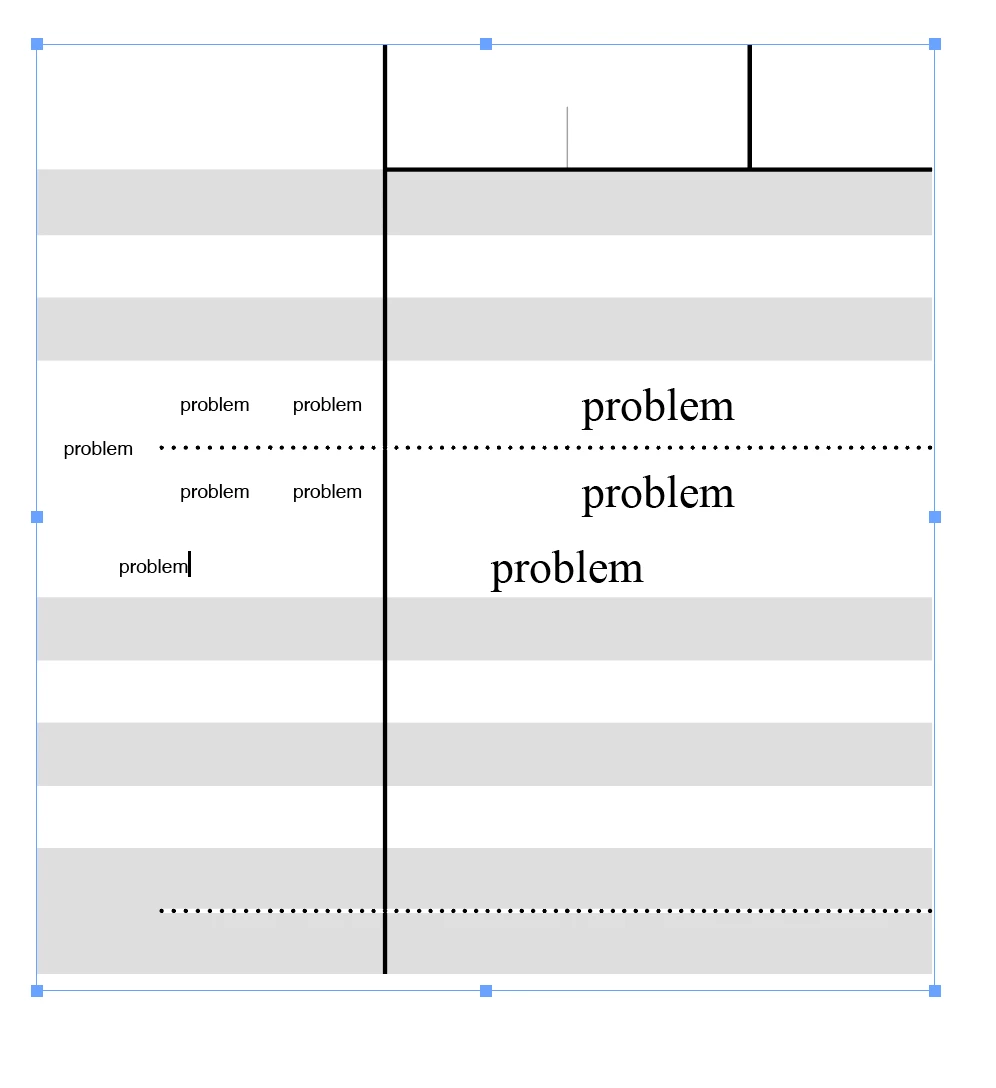
I set up autofill for the rows, but if I have data with combined rows, it messes up the whole pattern. Does anyone have any remedies for this? The table is spread out over several pages.

 

This topic has been closed for replies.

3 replies

Barb Binder
Community Expert
Community Expert
September 5, 2023

Hi @And2sky:


So you are using the words "auto-fill" to describe row shading as part of a table style?


When you merge cells, the combined cell will take on the attribute of the top left cell—that's just how it works. If that doesn't work for you, you can create a cell style and assign that as needed in your table. You can assign a shortcut to the cell style so it would be pretty quick.


~Barb

~Barb at Rocky Mountain Training
Community Expert
September 5, 2023

Hi @And2sky ,

yes, we need some clarification here. Did you place and link an Excel table?

And after placing did you merge some cells? In InDesign? In Excel?

And now you want to update the table by updating the link in the Links panel?


Regards,
Uwe Laubender
( Adobe Community Expert )

And2sky
And2skyAuthor
Participant
September 5, 2023

Basically, if I want a parent item to have two rows that are the same shade, it's going to create duplicate fill colors in unrelated items above or below it because of the way the table style auto-formats fills. I'm trying to find a way that will prevent this from happening without having to manually set the fill for every cell, defeating the purpose of using the table style. Right now, my best workaround is to put all of the doubled-up cells at the bottom of the page, and then I just have to manually fill those two, and whatever is on the next page doesn't really matter. I'm not using Excel. 

 
Barb Binder
Community Expert
Community Expert
September 5, 2023

Hi @And2sky:


I'm unclear on the question: by "I set auto-fill for the rows" are you referencing data merge, or Shift+clicking to auto-flow text or something entirely different?


~Barb

~Barb at Rocky Mountain Training