Known Participant
March 15, 2023
Answered

Auto text flow script

  • March 15, 2023
  • 4 replies
  • 1661 views

Does anyone have a script that turns off the smart text flow preference? I'd like to apply the script when the document is opened.


Thanks



This topic has been closed for replies.
Correct answer rob day

Thanks for being patient.

It's still not working after i moved it to the startup scripts folder. I'm saving it down from Visual Studio Code. Could it be something wrong there. Here is the code copied out of VSC - 


It's still not working after i moved it to the startup scripts folder.


Did you restart InDesign? Try adding an alert to test the listener, and include the targetengine line. Change to this and restart after you add it to the startup folder:


#targetengine "smartText";

app.addEventListener("afterOpen", changeSmartText);

function changeSmartText(e) {
    if (e.parent.constructor.name == "LayoutWindow") {
        e.parent.parent.textPreferences.smartTextReflow = false;
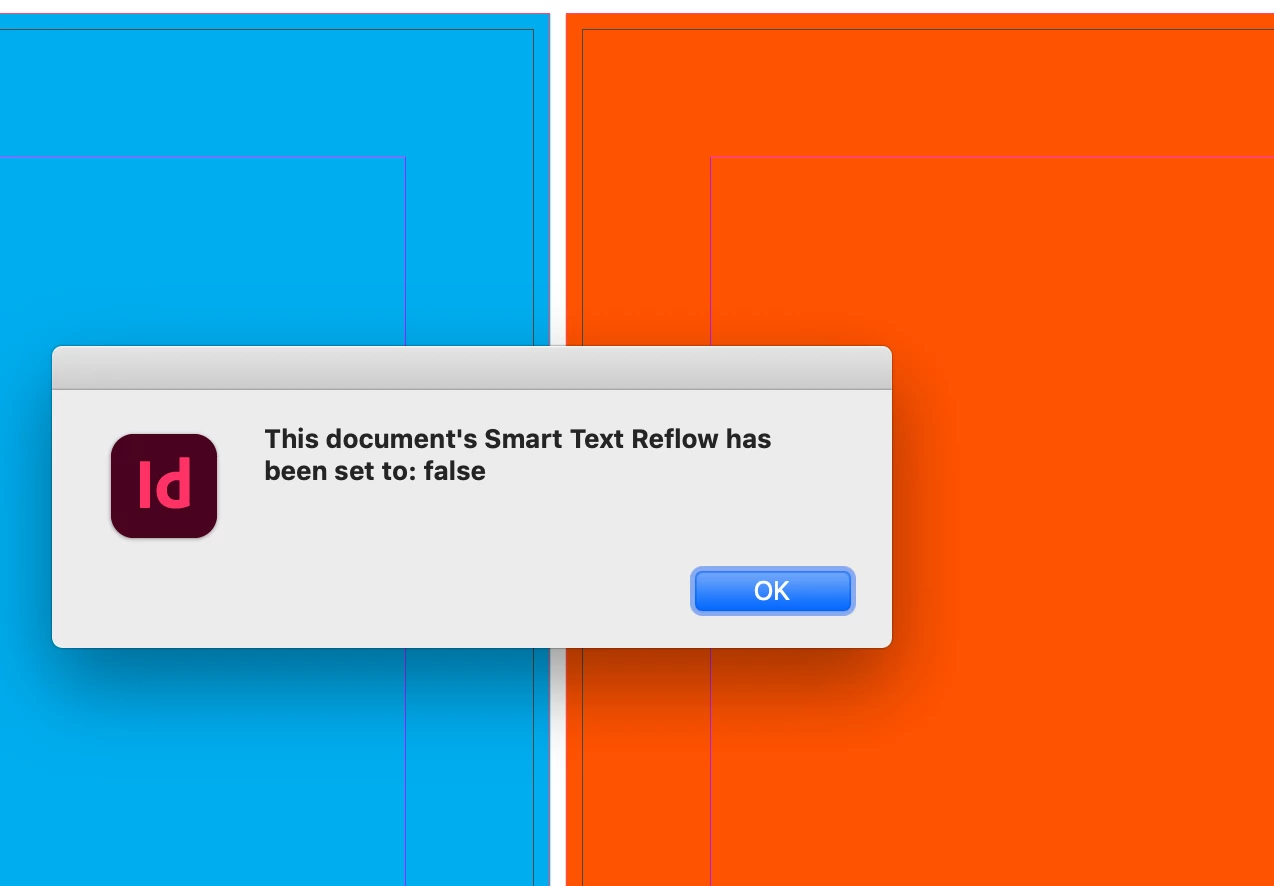
        alert("This document's Smart Text Reflow has been set to: " + e.parent.parent.textPreferences.smartTextReflow)
    }
};


I get this everytime I open a document:


4 replies

Participant
August 14, 2023

RAJKUMAR

rob day
Community Expert
Community Expert
March 15, 2023

You could run this from your scripts panel, and any document you open while ID is running would have the preference set.  Or you can put it in your startup scripts folder and it will always run on a startup:


#targetengine "smartText";

app.addEventListener("afterOpen", changeSmartText);
function changeSmartText(e) {
    if (e.parent.constructor.name == "LayoutWindow") {
        e.parent.parent.textPreferences.smartTextReflow = false;
    }
};


Davis_XIAuthor
Known Participant
March 15, 2023

Hi Rob, thanks but I can't seem to get it to work. So far I've only tried running it with a document open. Is it referencing the previous script or will it work by itself? Really sorry for asking stupid questions ☺️ 

rob day
Community Expert
Community Expert
March 15, 2023

It’s listening for an open event, so it wouldn’t affect a document that is already open.


Does it work if you close then reopen the document?

rob day
Community Expert
Community Expert
March 15, 2023

Hi @Davis_XI , do you want it to happen automatically every time any document is opened? In that case it would have to be a startup script that listens for an open event.

Davis_XIAuthor
Known Participant
March 15, 2023

Hi Rob, in a perfect world that is how it would work. I've been looking into how to create an open event.

m1b
Community Expert
Community Expert
March 15, 2023

Hi @Davis_XI, this little script should turn it off. - Mark

var doc = app.activeDocument;
doc.textPreferences.smartTextReflow = false;
alert('Smart Text Reflow = ' + doc.textPreferences.smartTextReflow);