James Gifford—NitroPress
Legend
June 26, 2024
Answered

Automatic multi-page spread adjustment

  • June 26, 2024
  • 3 replies
  • 546 views

I thought there was a setting that allowed, for example, a three-page spread to automatically adjust if a middle page was adjusted in width.


That is, typical 3-page book cover layout, adjust spine width using Page tool, RH/front cover page automatically snaps to new position.


Can't seem to find the right combination of spread settings for this...

Correct answer rob day

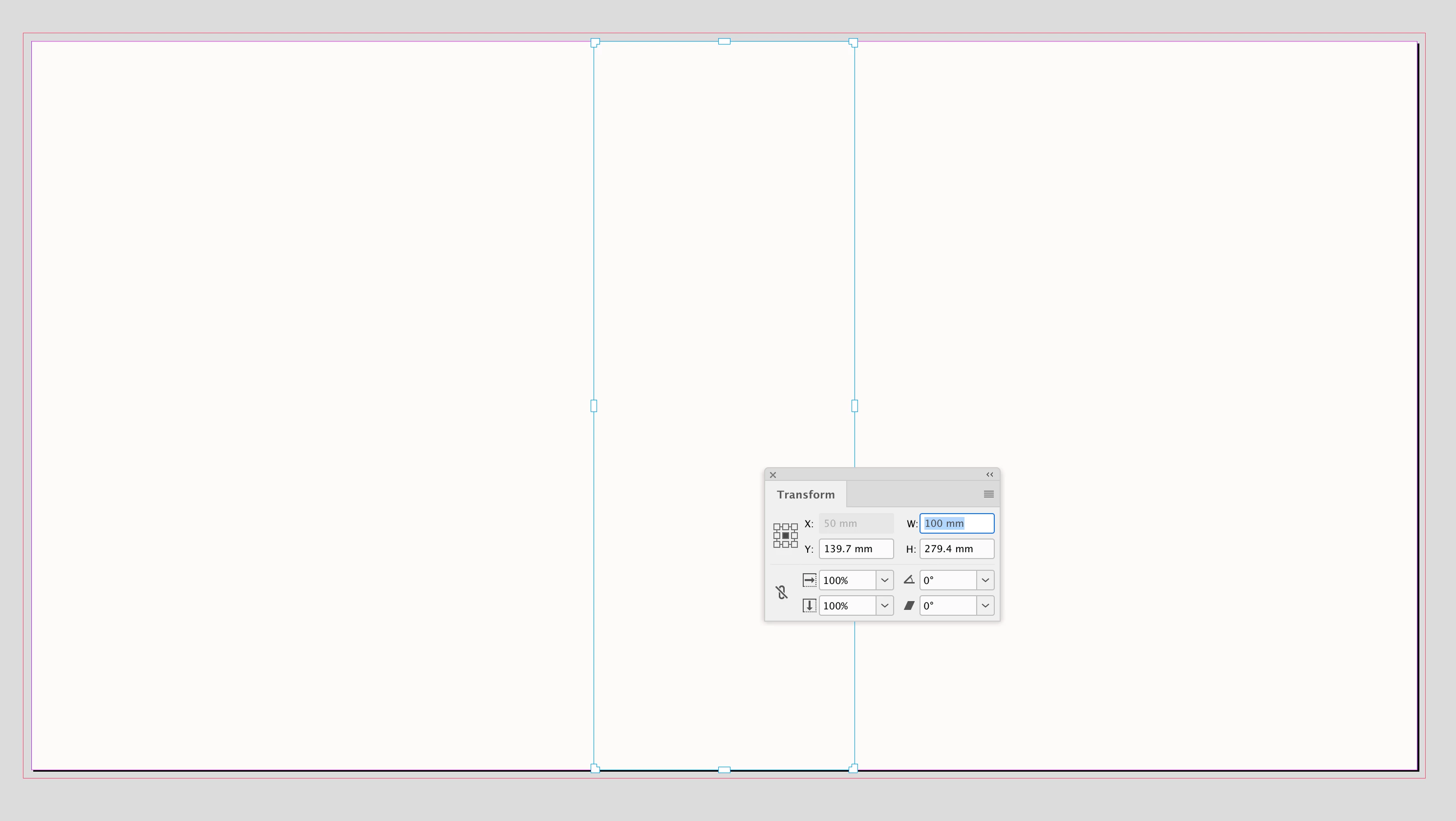
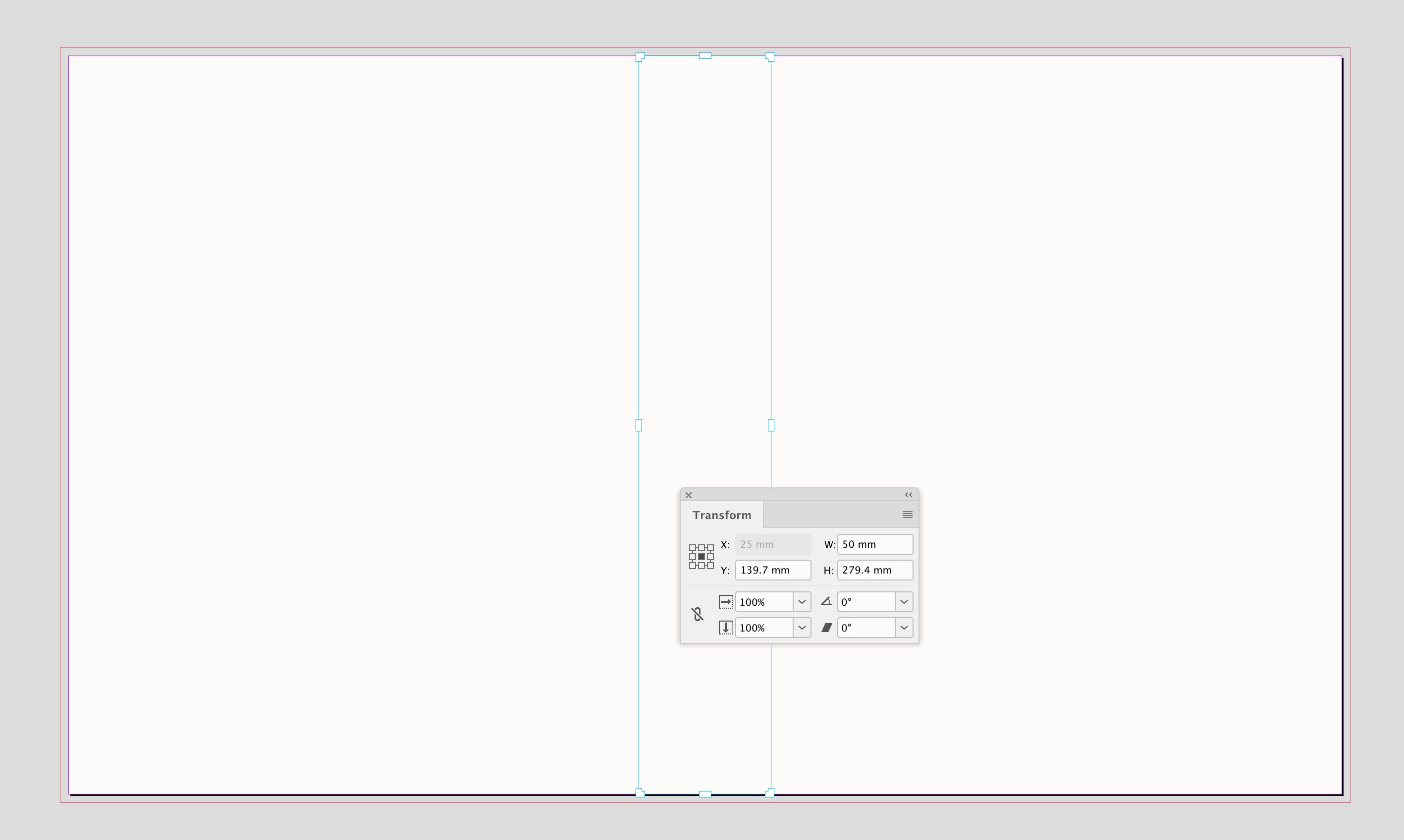
Hi James, I find it easiest to use the Transform panel—select the center page with the Pages tool, and set the Transform panel Width—but as @Barb Binder suggests holding down the Option/Alt key should work when you drag a handle:


:


That lets me resize without snap-back but does not maintain the snap-together.


Also, did you double-check your Document Setup to make sure Facing Pages is checked?

3 replies

Barb Binder
Community Expert
Community Expert
June 26, 2024

Windows, right?

  • InDesign version #?
  • Liquid Page Rule setting?
  • And are you holding Alt while dragging?
  • Have you reset prefs lately?


~Barb

~Barb at Rocky Mountain Training
Barb Binder
Community Expert
Community Expert
June 26, 2024

Are you holding the Alt/Opt key while dragging the sizing handle with the Page tool?


~Barb

~Barb at Rocky Mountain Training
James Gifford—NitroPress
Legend
June 26, 2024

That lets me resize without snap-back but does not maintain the snap-together.


This is bats. I've done three-page layouts many times and never lost that "sticky" adjustment.

rob day
Community Expert
Community Expert
June 26, 2024

Hi James, I find it easiest to use the Transform panel—select the center page with the Pages tool, and set the Transform panel Width—but as @Barb Binder suggests holding down the Option/Alt key should work when you drag a handle:


:


Barb Binder
Community Expert
Community Expert
June 26, 2024

Is this what you are looking for, James?


~Barb


~Barb at Rocky Mountain Training
James Gifford—NitroPress
Legend
June 26, 2024

Yes, but I'm not getting that automatic snap-together. Same settings I see in the Control Bar, and I either get a change with no snap, or a snap back to the starting width. I'm missing something here., and it's not meretricious.

Barb Binder
Community Expert
Community Expert
June 26, 2024

meretricious

That belatedly registered. 😂😂😂


~Barb

~Barb at Rocky Mountain Training