
Markcq
Known Participant
February 1, 2022
Answered

automatic numbering in headings with line breaks

  • February 1, 2022
  • 1 reply
  • 525 views

I have a slight issue this side while attempting to create automatic section/chapter numbers.


I have 12 documents to set up, each around 80-100 pages. I've automated a lot of the features using Paragraph-, Character-, Object-, Table-, Nested- and GREP styles. So for most part it's smooth sailing, but I don't want to do these numbers manually as mistakes could creep in, and if at some stage a section/chapter is moved I don't want to have to go and manully fix those.


This is what I want it to look like [below]. I set this up manually. Number (tab) Title... The text frame is the same width as the tab to ensure that the title will be forced to the next line.
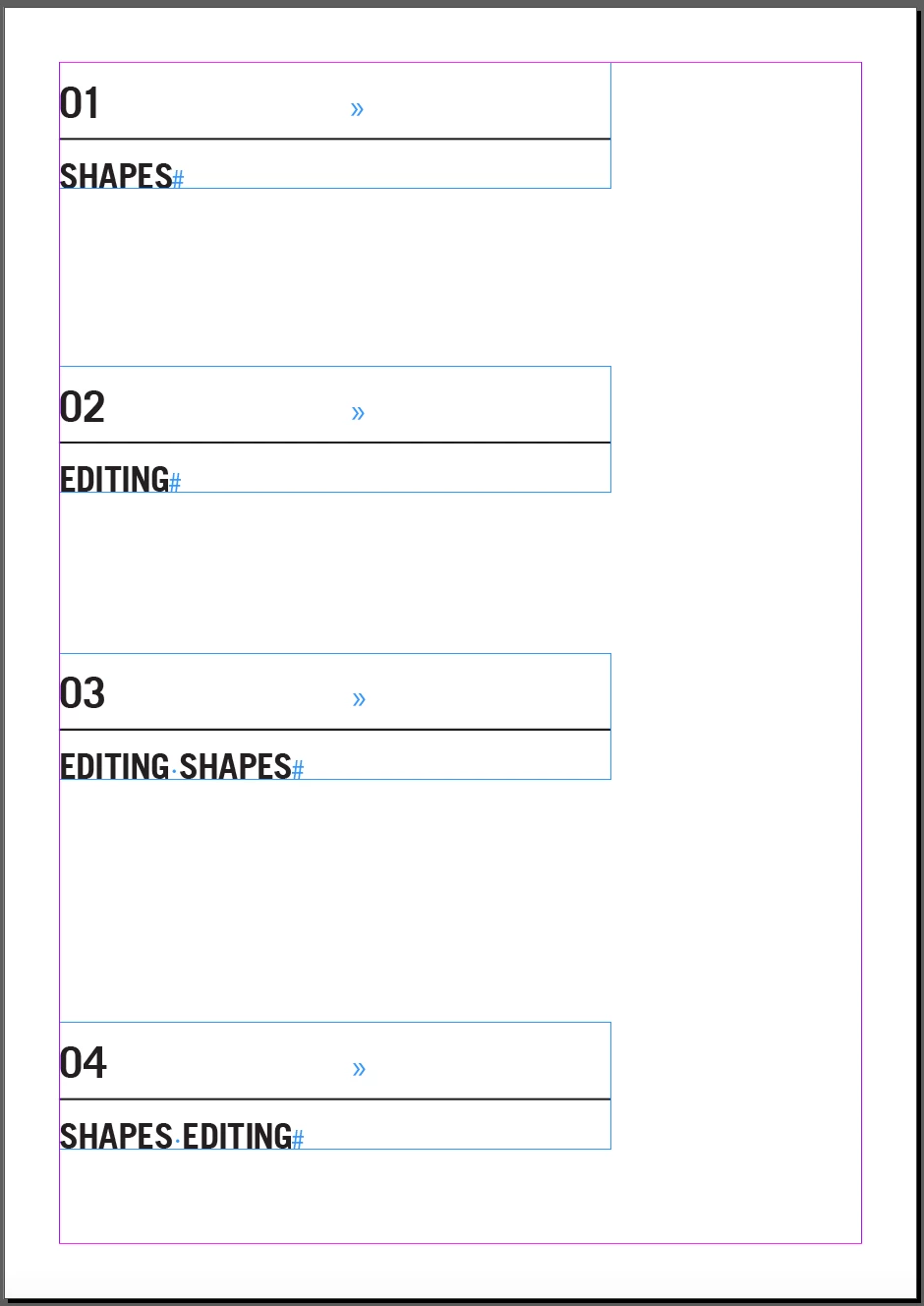


So I wanted to automate this:
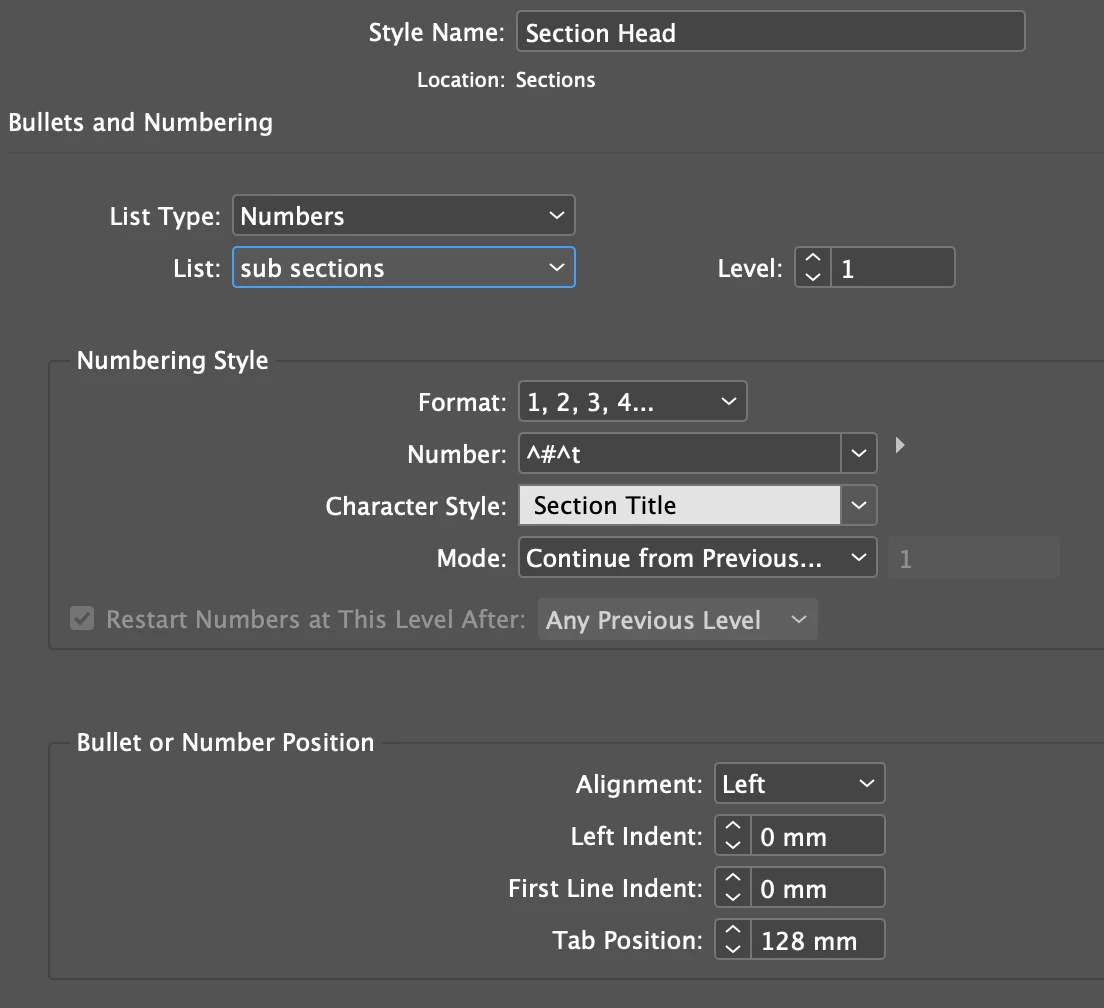
 

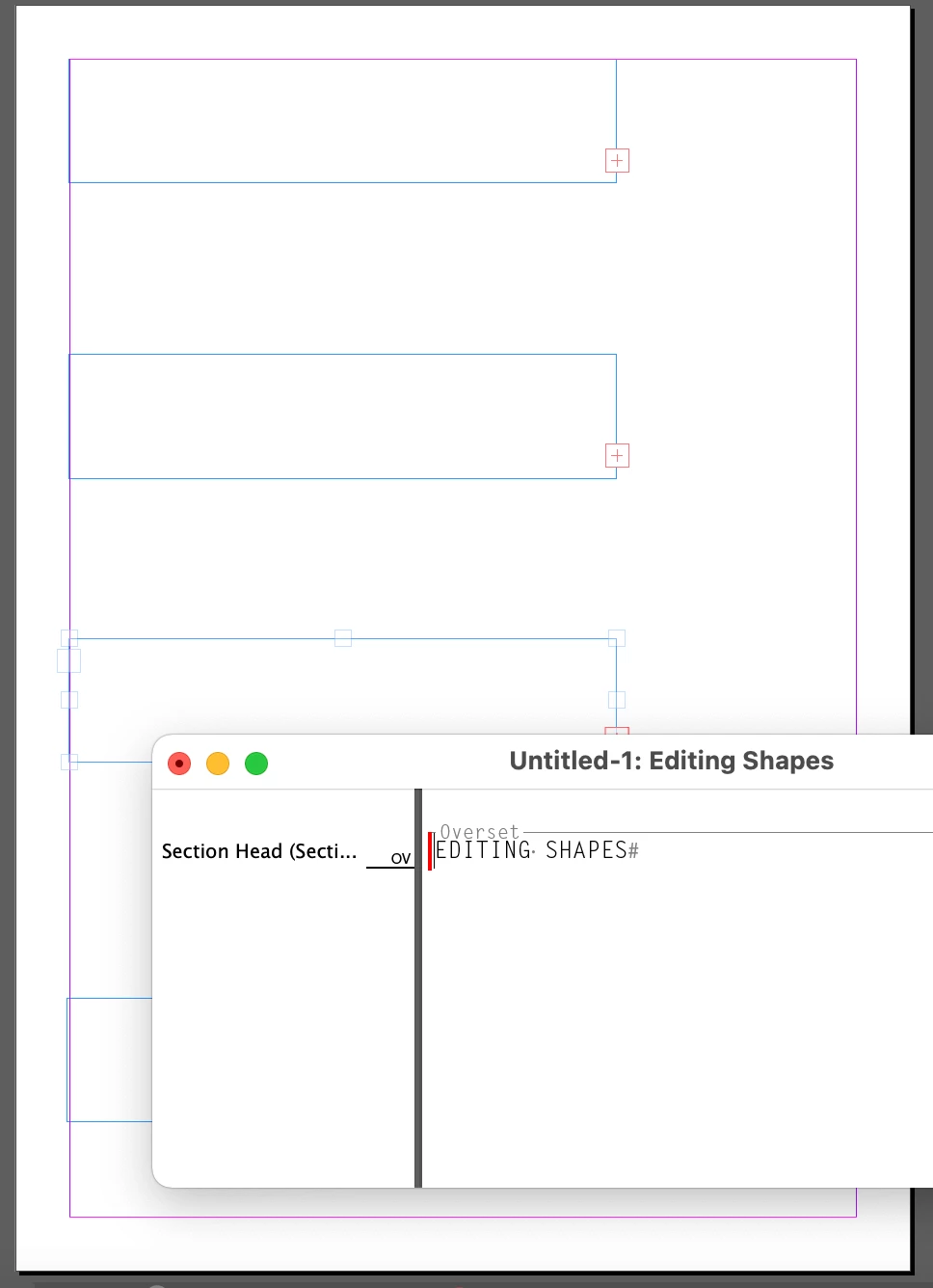
I edited the stylesheet to use numbering [above], but when I do this all the text oversets [below] and does not work the same way as usual/manual tabs.
 

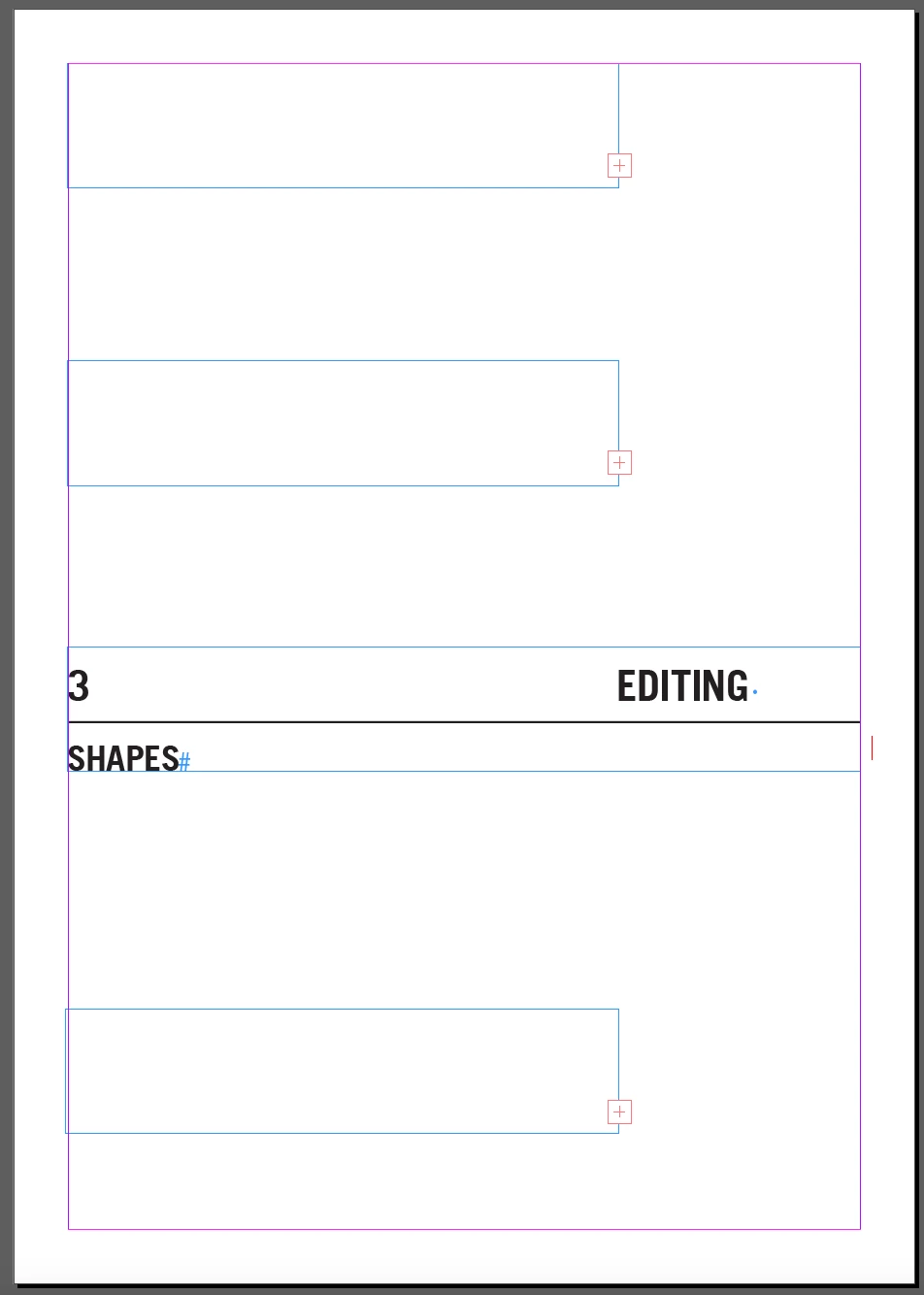
Changing the width of the text frames show that it is working, but not forcing the text to the next line as a manual tab would [below].
 

Any thoughts or ideas?

PS. These sections/chapters will each be on their own page, but for demo purposes I placed them all on one page.


This topic has been closed for replies.
Correct answer Laubender

Hi Markcq,

hm…the tab must be outside of the auto numbering scheme.

It must be a tab character that you can select when you put your cursor in the text.


You could also work with a single blank character also outside of the auto numbering.

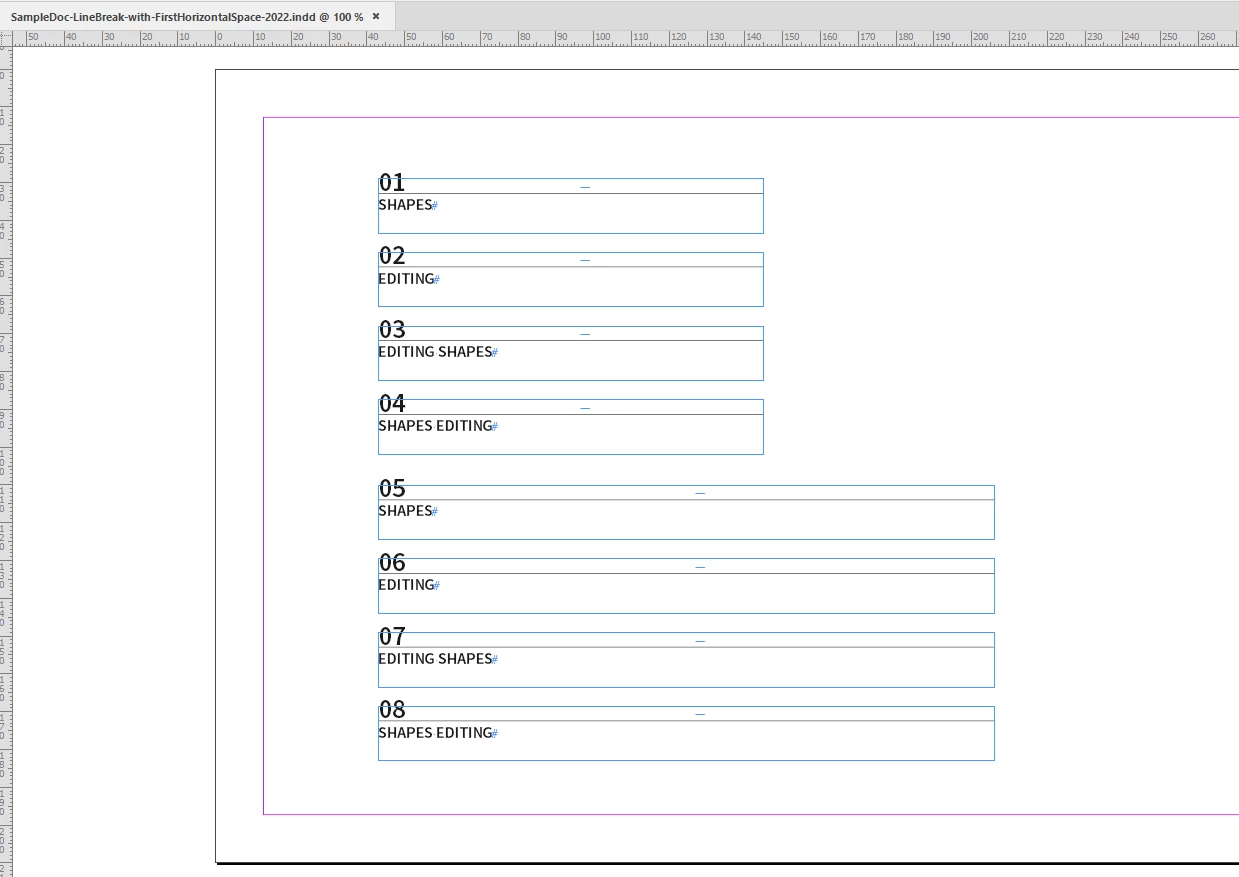
That first blank character could be grabbed by a GREP style where the applied character style would change the width enormously so that the text after the blank must break into the next line:


Download my sample document from my dropbox:

https://www.dropbox.com/s/p8qeai8fq6hxa2e/SampleDoc-LineBreak-with-FirstHorizontalSpace-2022.indd?dl=1


Regards,
Uwe Laubender

( ACP )


1 reply

LaubenderCommunity ExpertCorrect answer
Community Expert
February 7, 2022

Hi Markcq,

hm…the tab must be outside of the auto numbering scheme.

It must be a tab character that you can select when you put your cursor in the text.


You could also work with a single blank character also outside of the auto numbering.

That first blank character could be grabbed by a GREP style where the applied character style would change the width enormously so that the text after the blank must break into the next line:


Download my sample document from my dropbox:

https://www.dropbox.com/s/p8qeai8fq6hxa2e/SampleDoc-LineBreak-with-FirstHorizontalSpace-2022.indd?dl=1


Regards,
Uwe Laubender

( ACP )


Markcq
MarkcqAuthor
Known Participant
February 8, 2022

Uwe, you are a genius! that worked!


I just had to come up with a solution for the TOC, becuase I used the Tab to separate the number and the heading in the TOC, but I used your same concept to do that and created a GREP code that would target the space after the digit:

(?<=\d)\s


Thank you for this. It will save so much time.