
Automatically place pdf pages into frames in a template
Hi! I have used InDesign pretty extensively years ago in a digital prepress context but now I'm diving back in as a student and attempting to make some study guides for myself and my fellow students.
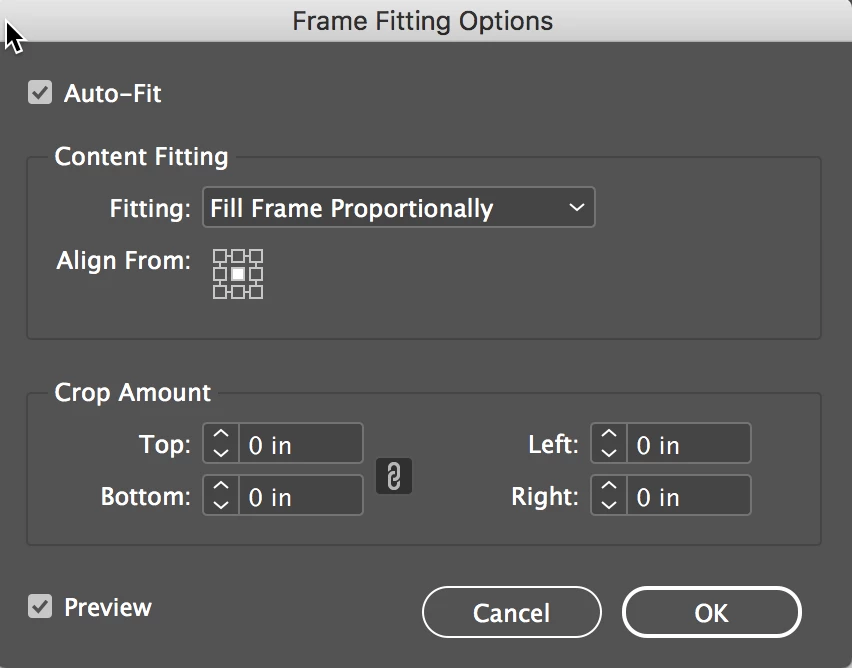
I have access to Powerpoint slides which I have exported from Powerpoint as a multi-page PDF. I have created a simple InDesign file to use as a template (attached image). I want to place the slides into the frames in the left column and utilize the space in the right column for note taking. I would like to import/place the slides PDF into my document and auto populate the frames. Auto-fitting would be an added bonus. The number of slides will vary between presentations, so if possible, I'd like InDesign to add new pages as needed.
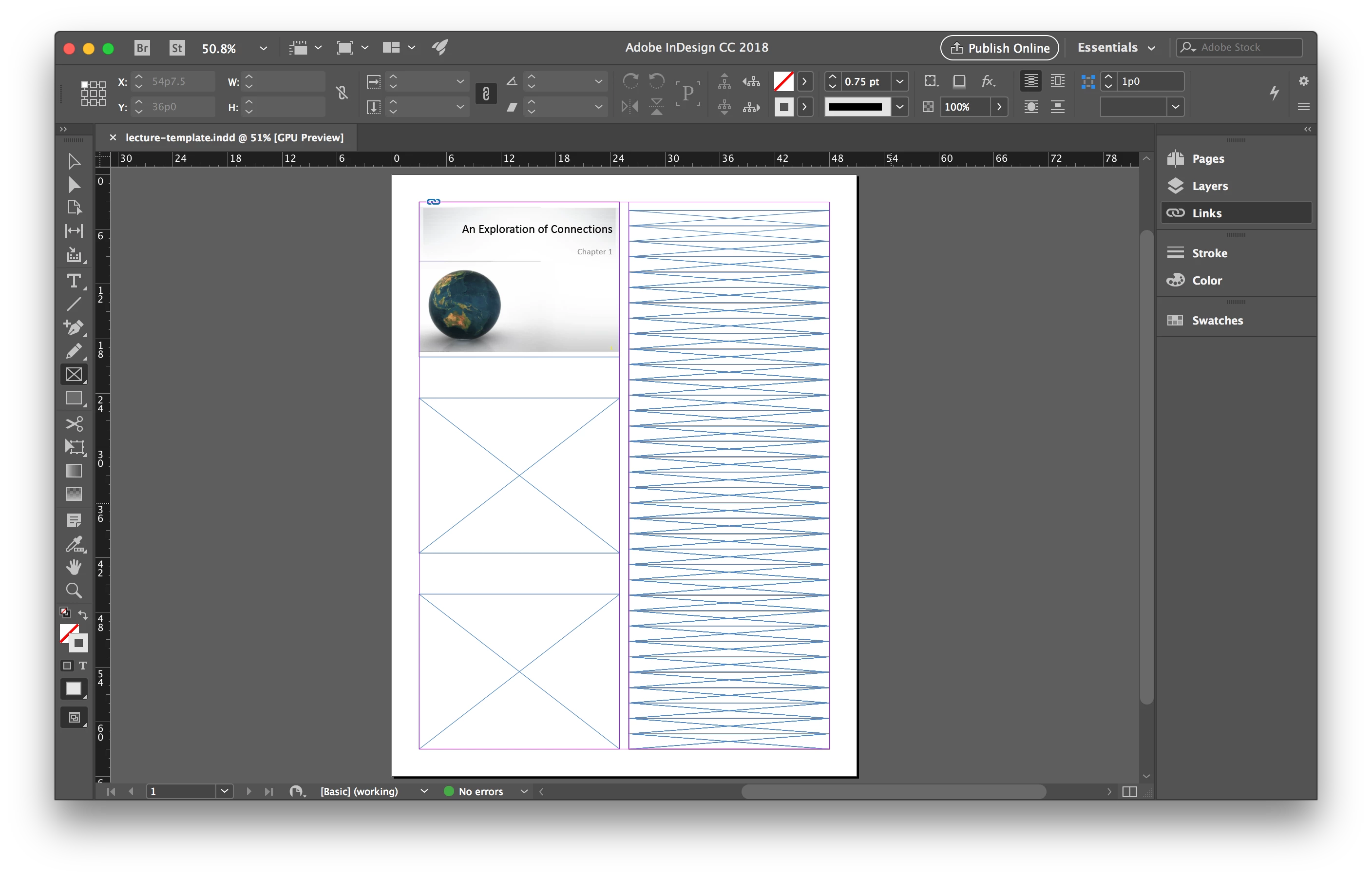
I suppose I will need to assign some type of ID to the slide frames to make this work. Any pointers, tutorials, or even existing templates I could study would be greatly appreciated. Thanks in advance!
 AdChoices