
colinrogger
Inspiring
January 31, 2023
Answered

Automatically updating graphic list of figures

  • January 31, 2023
  • 2 replies
  • 579 views

Hi,

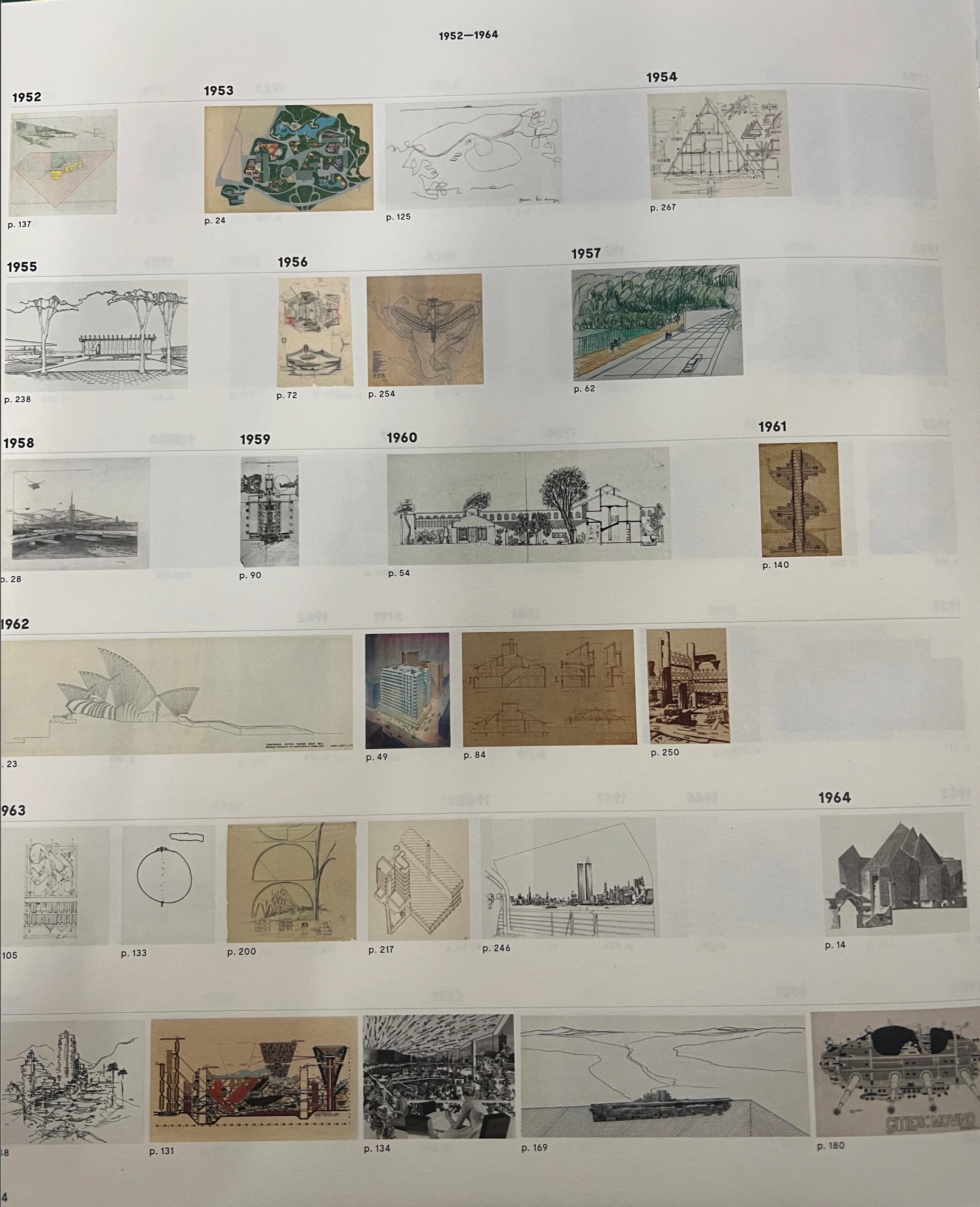
I am trying create list of figures, that uses a thumbnail image of the photo as the title, followed by the page number. I've attached a reference example image.


Essentially I am looking to create an index, in which photos (which appear earlier in the book) appear in a non-sequential page order with a caption mentioning what page they appear on. 


My current workflow was to package all the images, batch rename them sequentially in line with page numbers, arrange them and create a caption based on the file name. Only issue here, is that the page won't automatically update if the page on which the original image appears changes.


Hope that makes sense and anyone can help! Thanks
 

This topic has been closed for replies.
Correct answer Barb Binder

Instead of adding a caption with the file name, add a cross-reference to the page with the original image on it. You'll have to add each one manually, but the page numbers will update if the document reflows.

https://helpx.adobe.com/indesign/using/cross-references.html


~Barb

2 replies

Barb Binder
Community Expert
Community Expert
January 31, 2023

We are always happy to help, @colinrogger.


~Barb

~Barb at Rocky Mountain Training
Barb Binder
Community Expert
Barb BinderCommunity ExpertCorrect answer
Community Expert
January 31, 2023

Instead of adding a caption with the file name, add a cross-reference to the page with the original image on it. You'll have to add each one manually, but the page numbers will update if the document reflows.

https://helpx.adobe.com/indesign/using/cross-references.html


~Barb

~Barb at Rocky Mountain Training
colinrogger
Inspiring
January 31, 2023

Hi Barb,

thanks for your response. Was just reading up on cross references and that looks the best way to go. Thanks!

have a great day.