Participating Frequently
January 31, 2019
Question

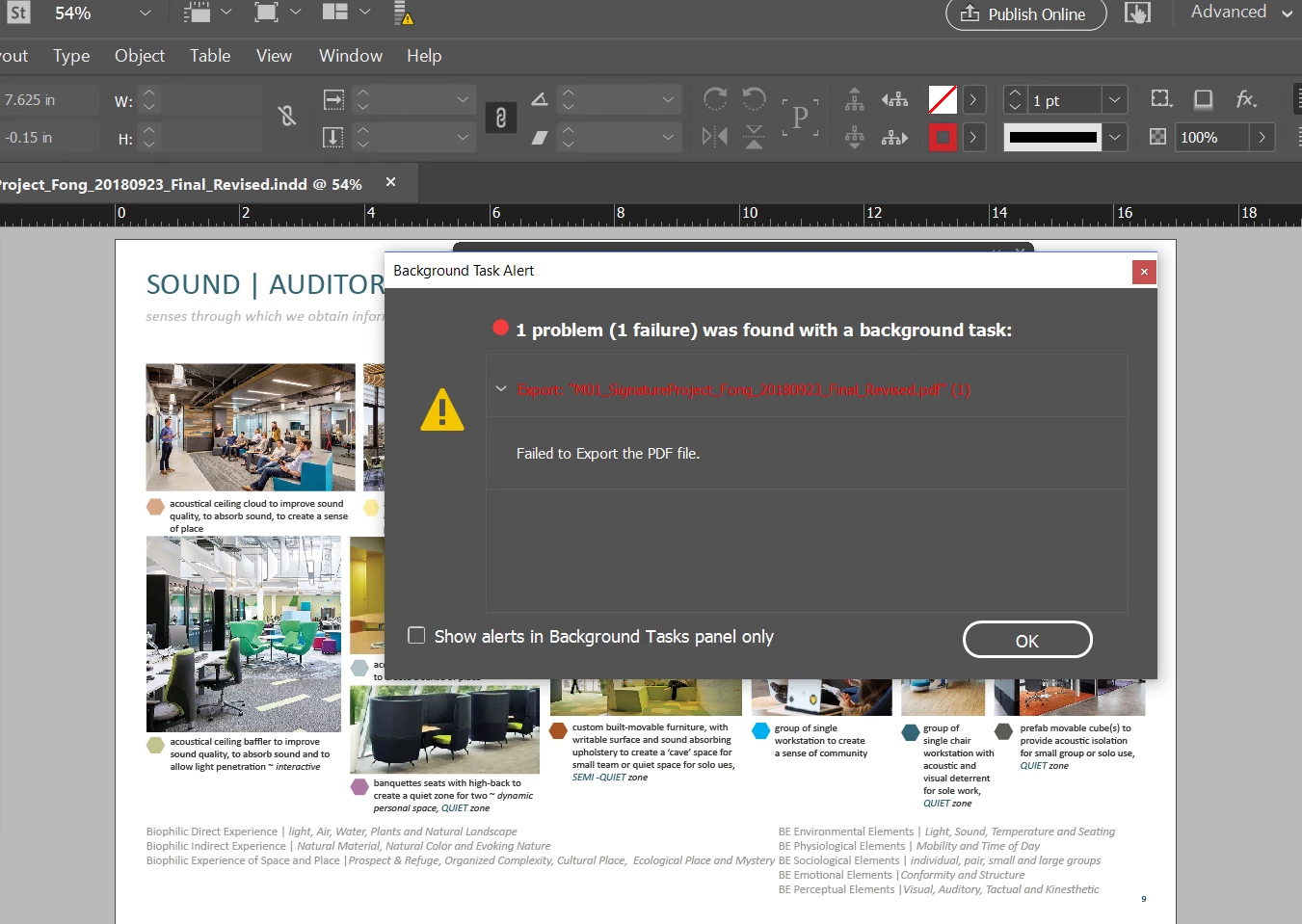
background task alert ... failed to print pdf ... help please
  • January 31, 2019
  • 1 reply
  • 2096 views

I shut-down and restarted and this keeps happening.. please help. This is an urgent deadline.

Kind regards,

Kim

    This topic has been closed for replies.

    1 reply

    winterm
    Legend
    January 31, 2019

    Things to try:

    1. If you're working on network, collect your ID doc and all linked files (package) locally on your HD, and export from here.

    2. Go back to 'old school' Foreground exporting:

    a) Create text file DisableAsyncExports.txt

    b) Place it in:

    MAC OS: /Applications/Adobe InDesign XX/Adobe InDesign XX.app/Contents/MacOS/DisableAsyncExports.txt

    Win: C:\Program Files\Adobe\Adobe InDesign XX\DisableAsyncExports.txt

    (that said, path where your ID is installed).

    c) To get things back, just remove/rename that text file.

    3. Locate the problem. Watch your exporting process. You should be able to notice on which page export halts on error (encounters some problem). Try to export that page separately. If it fails, look for the problem here. It may be bad link, bad font used, some minor corruption of the page itself, etc. Hard to tell exactly. However, almost everything can be fixed.

    bugeyesAuthor
    Participating Frequently
    January 31, 2019

    I am workng on my dell laptop... The file is on my desktop drive.

    I am not on a MAC ....

    winterm
    Legend
    January 31, 2019

    That's OK, no problem. So you can skip #1 (network), and go directly to step 2.

    Make a new file DisableAsyncExports.txt and place it in your InDesign installation folder. Try to export and watch the process as described in step 3.