Answered
background task: cannot find the error
I am trying to export my Indesign to pdf but background task says invalid png cant export. but i can't find the error, or is this a picture that I need to replace? please help
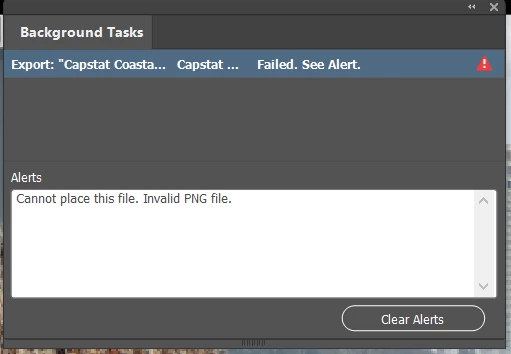

I am trying to export my Indesign to pdf but background task says invalid png cant export. but i can't find the error, or is this a picture that I need to replace? please help
When you export you see the process, maybe page 11 is proceeded. So go to page 12 and look into the link panel, open the images and check them. Maybe it is an image there, open it in Photoshop, saves as (not only save) again to rewrite the structure of the image. If it can't be opened, check why. Is it damaged, replace it with another version, is it not available try to synchronize the file from the server.
Already have an account? Login
Enter your E-mail address. We'll send you an e-mail with instructions to reset your password.


 AdChoices