

Question
Bad VECTORS pdf rasterization module across Adobe products!

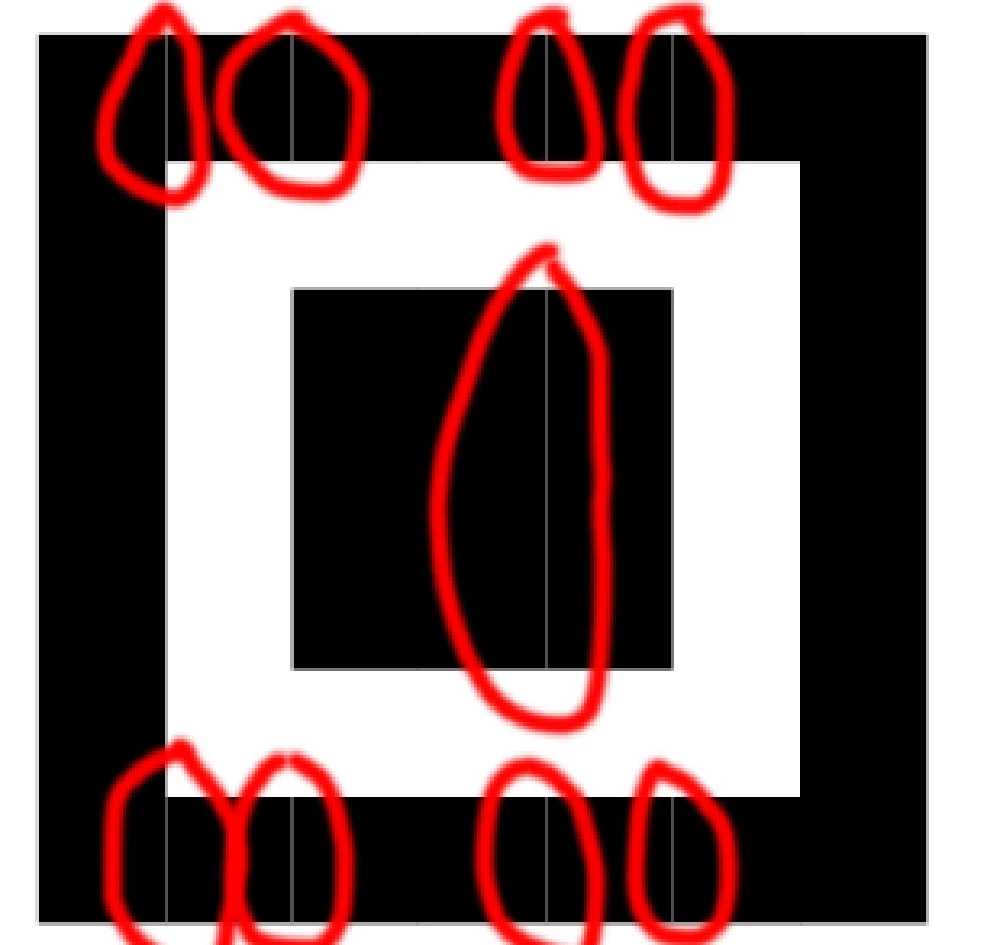 This is what the Indesign QR code looks like after exporting to jpg! already in the preview it's WRONG!
Such thin lines do for most vectors what needs to be converted to pixels with Adobe products...
Previously (before adobe cloud), at least Photroshop had DIFFERENT rasterization code that didn't make these thin lines!!!!
Now it's been wrong for years and no one is fixing it????


 AdChoices