

Best practice to move work done in Illustrator to InDesign and keep all objects live?
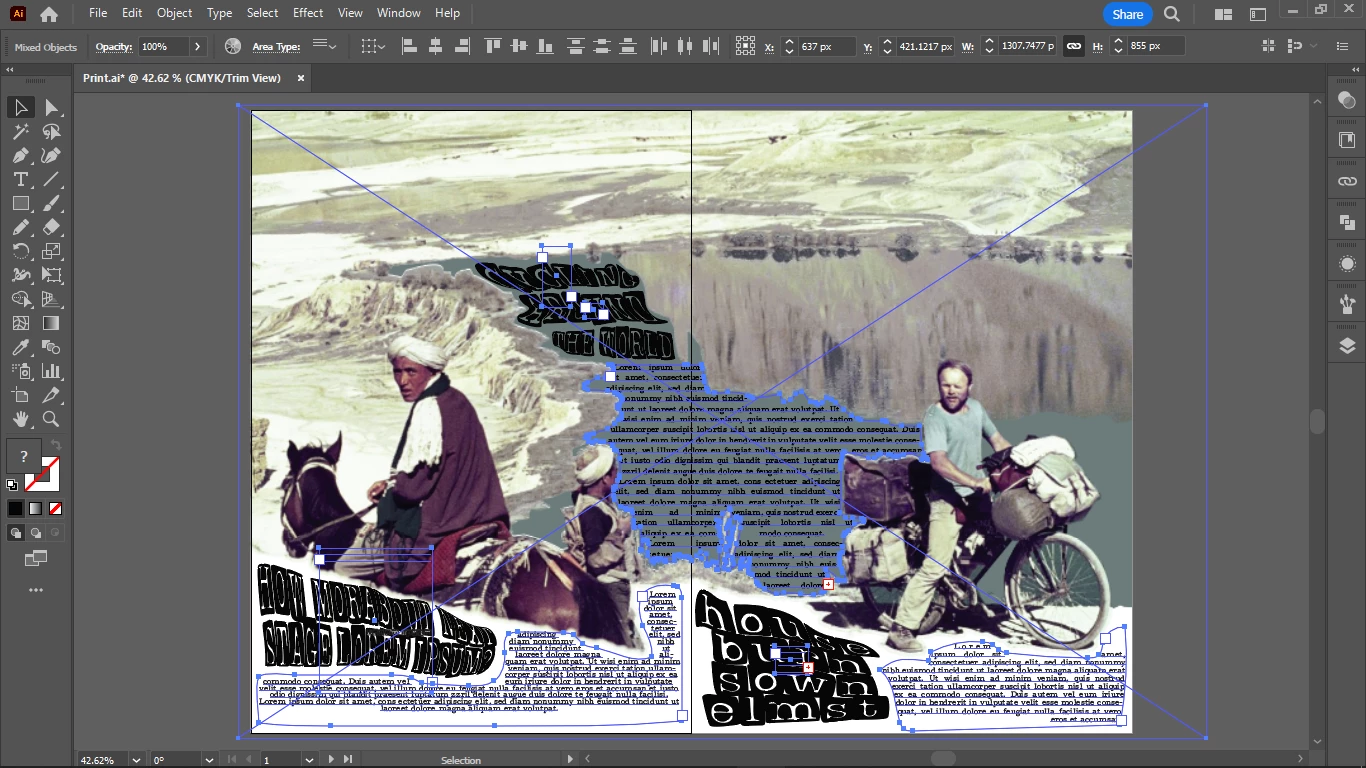
Here is an example spread made in Illustrator, I either create uniform areas by converting uniform texture into background color (closest match) or I cover certain areas with a background color (also closest match to the original texture) to create text boxes in large spreads.
So first Photoshop, then Illustrator (for the text effects like envelope distort and maybe others) and then InDesign.
Are there any best practices for the easiest way to move all text objects over as live objects into InDesign?
So basically I am making space for text in large image spreads, using the space availabe, or making space if necessary but so that it will integrate into the image.
Now I have to move this whole creation into InDesign, and I am looking for easy ways to do it.
Because I might do some blend mode effects in InDesign, and I need the live frames also for interactive e-book exports.
 AdChoices