
Best way for creating small size indesign file
I am making a portfolio of work and I have had issues in the past with the way the file should be set up to prevent it from being massive in size. I was wondering if anyone had any tips on the correct way of assembling an indesign document with lots of images/files without overloading on the size.
My document will be upwards of 30 pages with lots of linked images and pdfs that in themselves already have lots of information and layers from illustrator. I have duplicated and placed these links in a separate folder to prevent embedding them from slowing down the program.
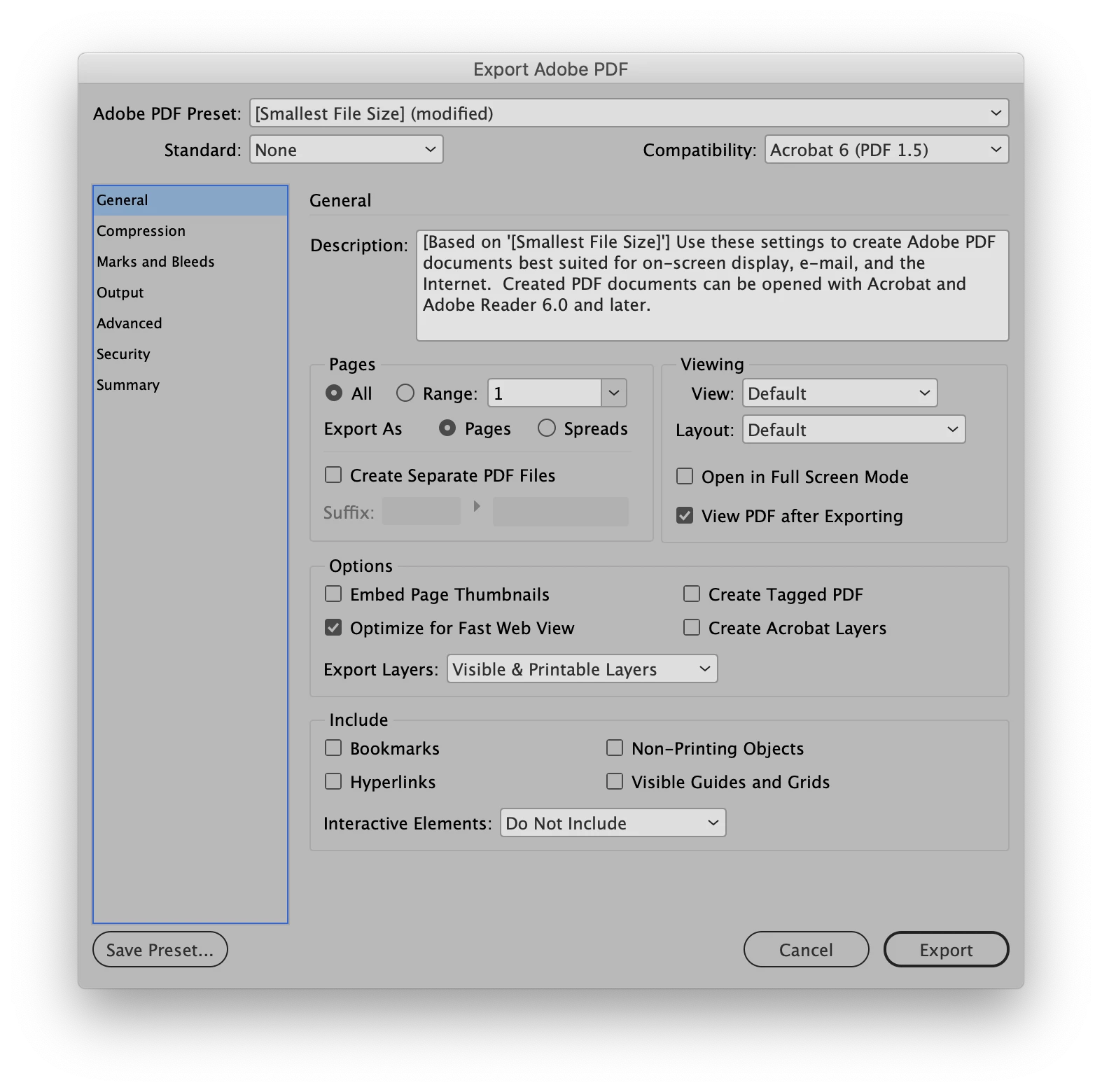
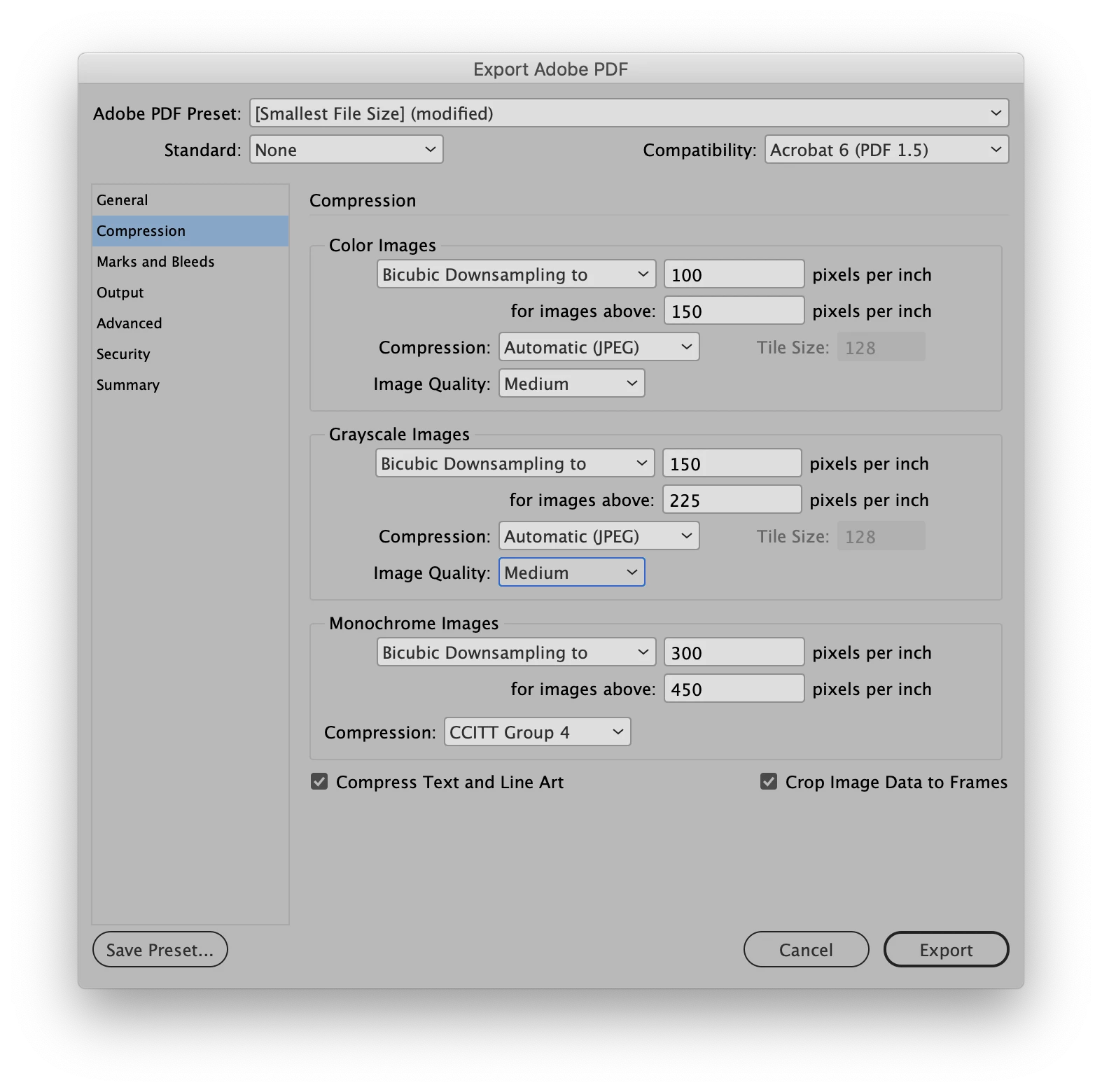
Ill be sending this file via email so i want it to be 15-30 mb but still have pretty good quality as its showcasing my work.
In the past this file has been like 700-800 mb!! and reducing it in acrobat only gets it down to 200 mb which is still huge. What can i do in the early stages to make it pretty small??
 AdChoices