dzgnr89
Inspiring
December 26, 2017
Question

Better exports options for rich black colour

  • December 26, 2017
  • 2 replies
  • 2221 views

I have been using [Black] for all my black colour work in Indesign. My colour prints are usually printed on 12" x 18" paper in shops using Konica minolta machines.

My blacks never come out to be perfectly dark black.

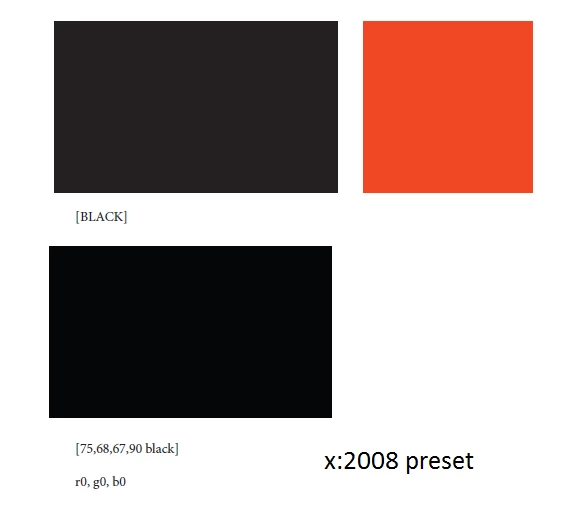
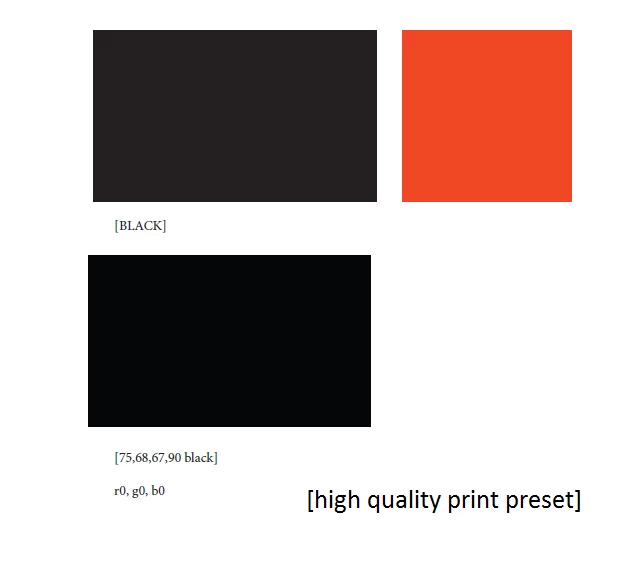
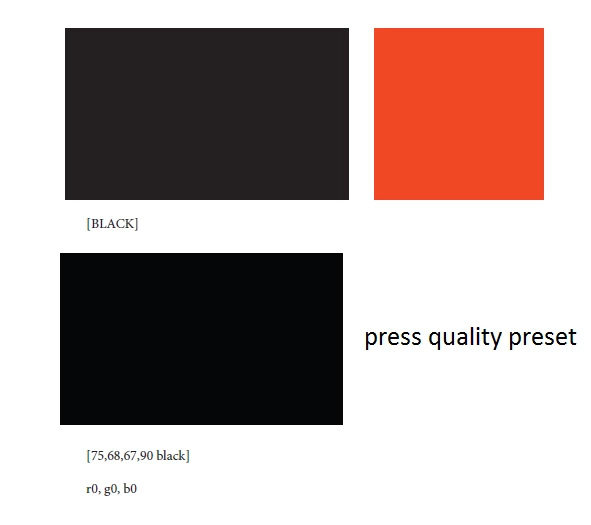
What setting should I use for pdf exports? I am sharing screenshots of different export settings.
    This topic has been closed for replies.

    2 replies

    rob day
    Community Expert
    Community Expert
    December 26, 2017

    Where are you sampling the 75|68|67|90 value? Are you exporting and checking in AcrobatPro, or are you actually making a swatch with those values in InDesign as your rich black swatch? It looks like a conversion from RGB 0|0|0 to US SWOP Coated.

    dzgnr89
    dzgnr89Author
    Inspiring
    December 27, 2017

    https://forums.adobe.com/people/rob+day  wrote

    Where are you sampling the 75|68|67|90 value? Are you exporting and checking in AcrobatPro, or are you actually making a swatch with those values in InDesign as your rich black swatch? It looks like a conversion from RGB 0|0|0 to US SWOP Coated.

    Yes, I export a pdf file and check it in Adobe acrobat pro (XI version). I also checked it in Adobe reader XI and still get the same results.

    I did not perform any conversion from RGB 0|0|0 to US SWOP Coated. How did that happen?

    What is the difference between the settings “Include tagged source profiles” and “include all rgb and tagged source CMYK PROFILES” ?

    rob day
    Community Expert
    Community Expert
    December 27, 2017

    Yes, I export a pdf file and check it in Adobe acrobat pro (XI version). I also checked it in Adobe reader XI and still get the same results.

    If you export using the default PDF/X-4 preset, your document's native CMYK colors and swatches (including default [Black]) will export unchanged.

    To check the actual document values you have to use AcrobatPro—Reader doesn't have any print production tools.

    Open AcrobatPro's Output Preview to check output values. When you export a PDF/X-4 the Simulation Profile dropdown should default to the document's Output Intent. Here i'm showing the latest AcrobatProDC where my document's CMYK profile was Coated GRACol 2013:

    For offset and many toner based printers you have to add some percentage of CMY to black in order to get the device's blackest black. So typically you would use the default [Black] for small text sizes, and create a rich black swatch (something like 65|50|50|100) for large areas of coverage.

    What is the difference between the settings “Include tagged source profiles” and “include all rgb and tagged source CMYK PROFILES” ?

    When you choose Include Tagged Source Profiles only placed objects with embedded profiles export with their profiles included. Objects with no embedded profile and any InDesign native colors and swatches export with no profile. Native CMYK colors and swatches would export as DeviceCMYK. Unless there is some intervention by the printer, DeviceCMYK colors should output with their values unchanged.

    Include all RGB and TaggedSource CMYK Profiles exports all RGB objects and colors with an RGB profile. If a placed RGB object has no profile, the InDesign document's RGB profile is assigned to the object. Placed CMYK objects with an embedded profile that conflicts with the ID document's assigned profile will export with their profiles embedded, while document CMYK colors export with no profile (DeviceCMYK).

    Derek Cross
    Community Expert
    Community Expert
    December 26, 2017

    Text is generally best left in black only. The PDF preset for printing from RGB originals is usually High Quality Print which allows the printer's software to undertake the conversion to CMYK.