Participant
December 12, 2017
Answered

Black Edges on placed Ai and PSD transparency files

  • December 12, 2017
  • 4 replies
  • 3158 views

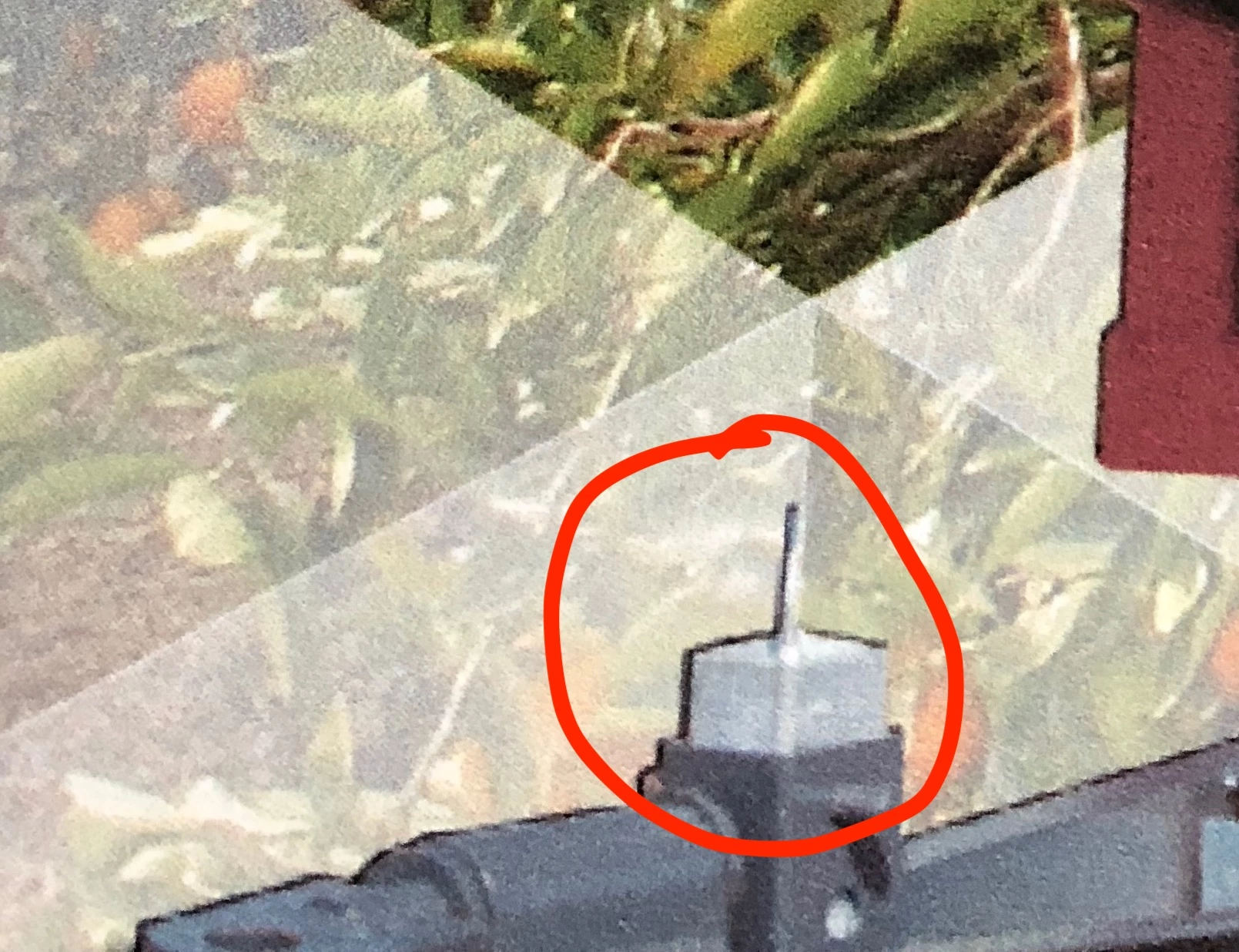
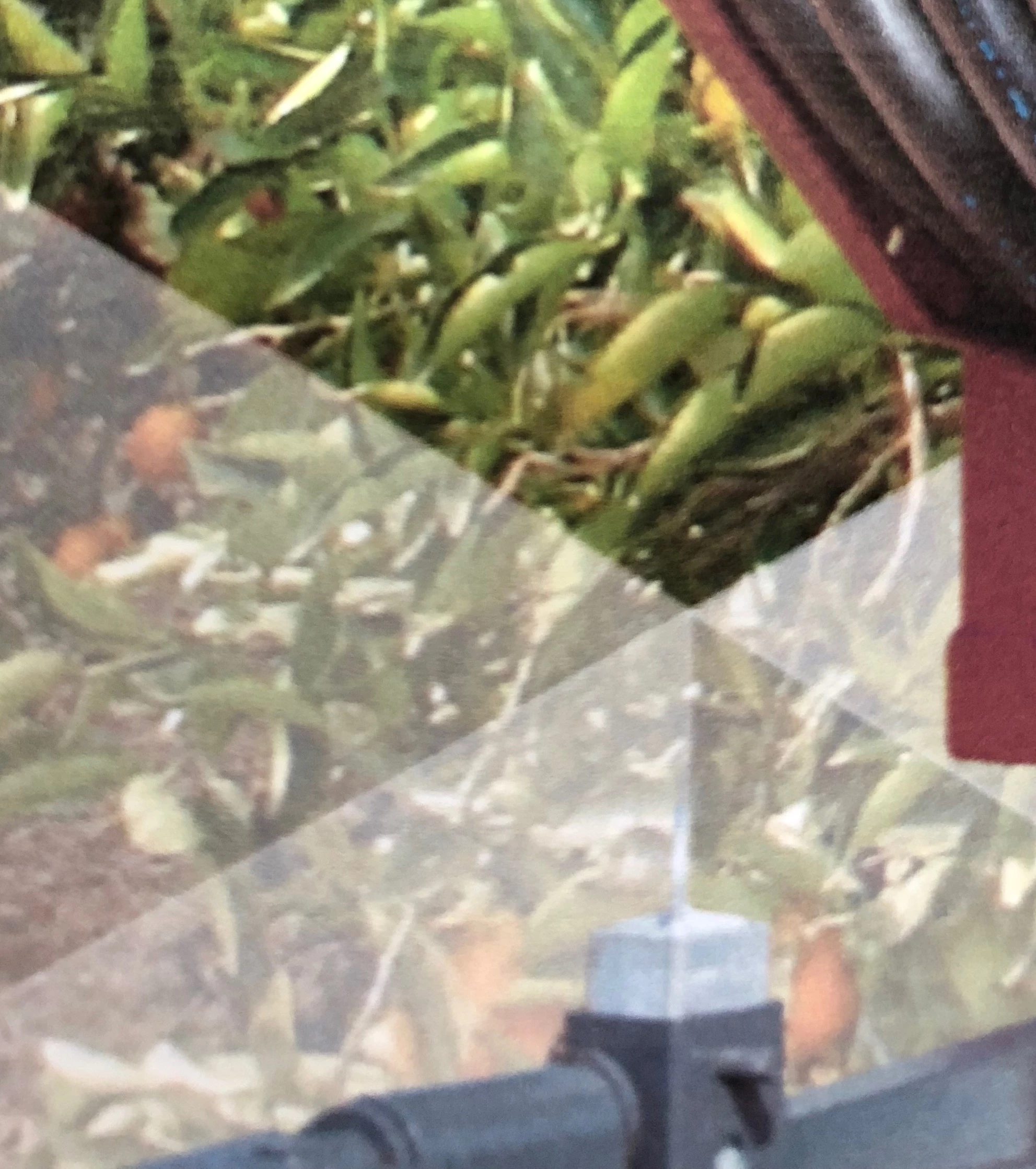
I keep having this problem with placed Ai or PSD that have a transparency. The photos show prints of the same file placed inside Illustrator and InDesign, the one with the black edge is from ID. It's is also possible to see the edges on screen.

Any ideas of how to handle it,besides flatten the file?

Thks!
    This topic has been closed for replies.
    Correct answer Laubender

    The other solution was:

    Use TIFF file format instead of PSD.

    Regards,
    Uwe

    4 replies

    Dov Isaacs
    Legend
    December 13, 2017

    This is a known problem in InDesign, Illustrator, and even Acrobat. It occurs when there is live transparency in an image and  the image in question is being significantly downsampled. Contrary to what was originally marked as the “correct answer,” this has nothing to do with whether the image is in TIFF, PNG, PSD, or even PDF format. (I personally entered the bug report internally within Adobe for all three products on behalf of a major US publisher!)

    The bug is in the process of being fixed and hopefully you will see the fix in a forthcoming 2018 release of these products.

    The workaround, as inconvenient and ugly as it is, is to downsample the image in Photoshop to the desired target resolution before saving the image and placing into InDesign (or Illustrator). This does run counter to our normal advice in terms of when and where in the workflow you should do resampling, but this is the only way to get around the problem and maintain live transparency in the image until the bug fix is released.

    We are sorry for the inconvenience and look forward to the release of the fix.

              - Dov

    - Dov Isaacs, former Adobe Principal Scientist (April 30, 1990 - May 30, 2021)
    Community Expert
    December 13, 2017

    Hi Dov,

    thank you very much for answering!

    You say the workaround is "to downsample the image in Photoshop to the desired target resolution before saving the image and placing into InDesign (or Illustrator)". What would that target resolution be? Personally I avoid downsampling of images while exporting to PDF if possible.

    Hm… Wouldn't it be better to do no downsampling at all?

    Not before placing, not at export to PDF, not at any stage in the workflow process before a RIP does the rasterizing of color separated plate images?

    Regards,
    Uwe

    Dov Isaacs
    Legend
    December 13, 2017

    You are absolutely right. If this bug wasn't there, I would never advise you to do such downsampling, at least when saving out of Photoshop.

    And it is absolutely true that the more times image resampling is done, the more lossiness there is. Ideally, you would never resample between the time the image is created and the time it is rendered either on the screen or by a RIP/DFE. But this is highly unrealistic for publications in which large number of raster images are used simply because of the size of the resultant PDF files.

    Practically speaking, the typical compromise of downsampling all images above 450dpi to 300dpi when exporting from InDesign or saving from Illustrator causes minimal quality loss.

              - Dov

    - Dov Isaacs, former Adobe Principal Scientist (April 30, 1990 - May 30, 2021)
    sgobinAuthor
    Participant
    December 12, 2017

    For my workflow I will go with TIFF. Since it's a very old glitch I think we can call it a feature until adobe check for it.

    Thanks for the answers!

    BobLevine
    Community Expert
    Community Expert
    December 12, 2017

    I haven’t seen it in many, many years.

    I think that was CS3. Haven’t seen it since.

    Community Expert
    December 12, 2017

    Hi,

    that problem "rings a bell"…

    Seen that about 9 years ago.

    Here a link to a German blog post by Gerald Singelmann:

    Schwarzer Rand auf PSDs | InDesign FAQ

    The solution back then was to flatten transparency at output.
    E.g. export to PDF/X-1a.

    I'm absolutely not sure, if this is your problem.

    Regards,
    Uwe

    LaubenderCommunity ExpertCorrect answer
    Community Expert
    December 12, 2017

    The other solution was:

    Use TIFF file format instead of PSD.

    Regards,
    Uwe

    BobLevine
    Community Expert
    Community Expert
    December 12, 2017
    hammer0909
    Community Expert
    Community Expert
    December 12, 2017

    Are you viewing the image at high quality display? View > Display Performance > High Quality Display. Also, check to see if you have any effects applied by opening the Effects panel in InDesign with the graphic selected.