Known Participant
March 9, 2025
Answered

Bleed check

  • March 9, 2025
  • 2 replies
  • 857 views

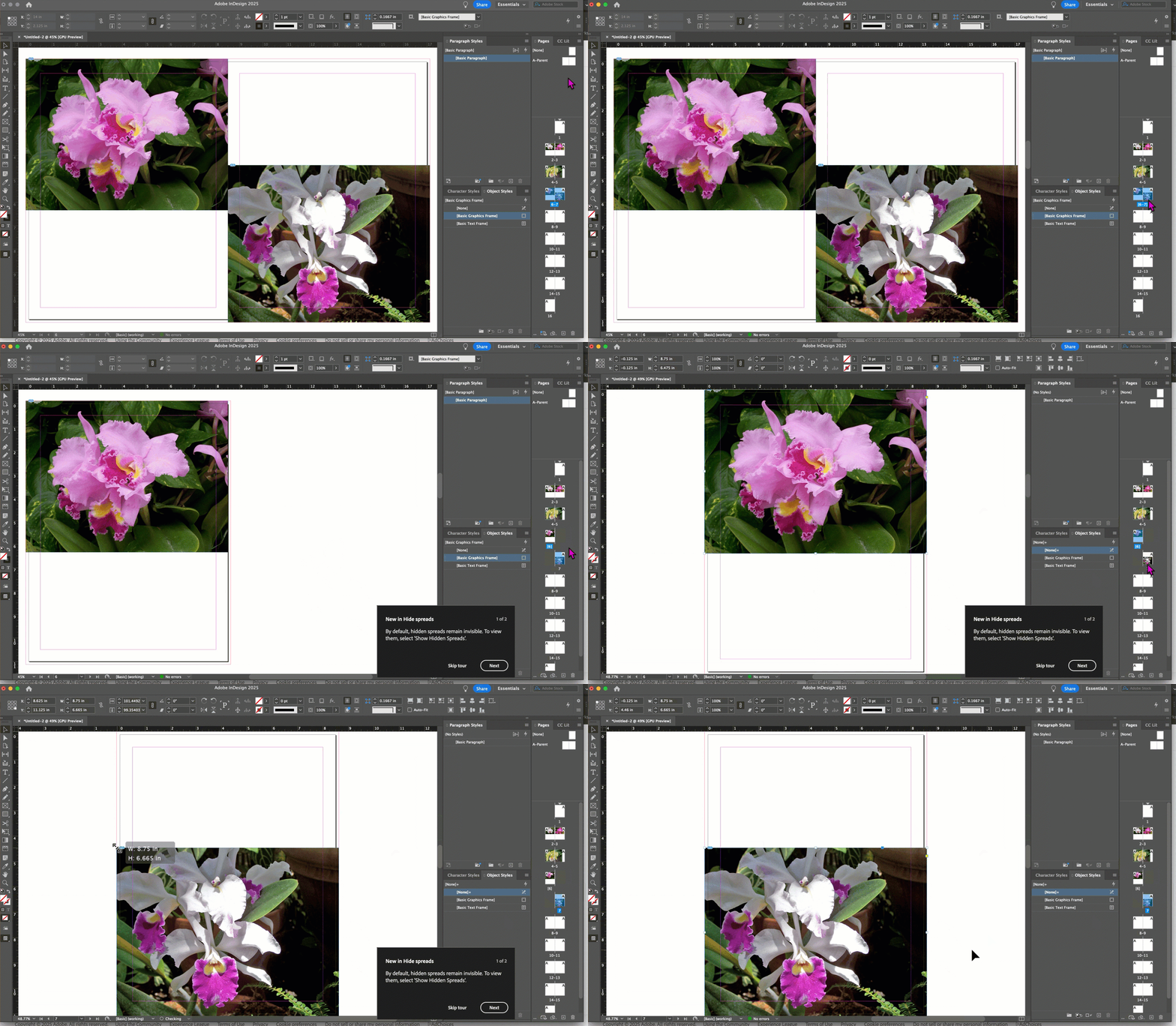
Hi, newbie here. Please would you mind letting me know if I have set bleed correctly - see first screenshot attached. I dragged the black background to the red line  Am I meant to drag it past that line though? And for the white page on the left, do I to drag the white background out to the red line too? On all my white pages, I don’t have any images sitting close to the page edge so not sure if I need to? I also attach the bleed settings in Document Setup. I set slug to zero as I don’t have any extra info for the printer. I hugely appreciate your help.

Correct answer Dave Creamer of IDEAS

Here is how to handle bleed on a magazine-type layout. This assumes you are supplying a print-quality PDF to the printer. 

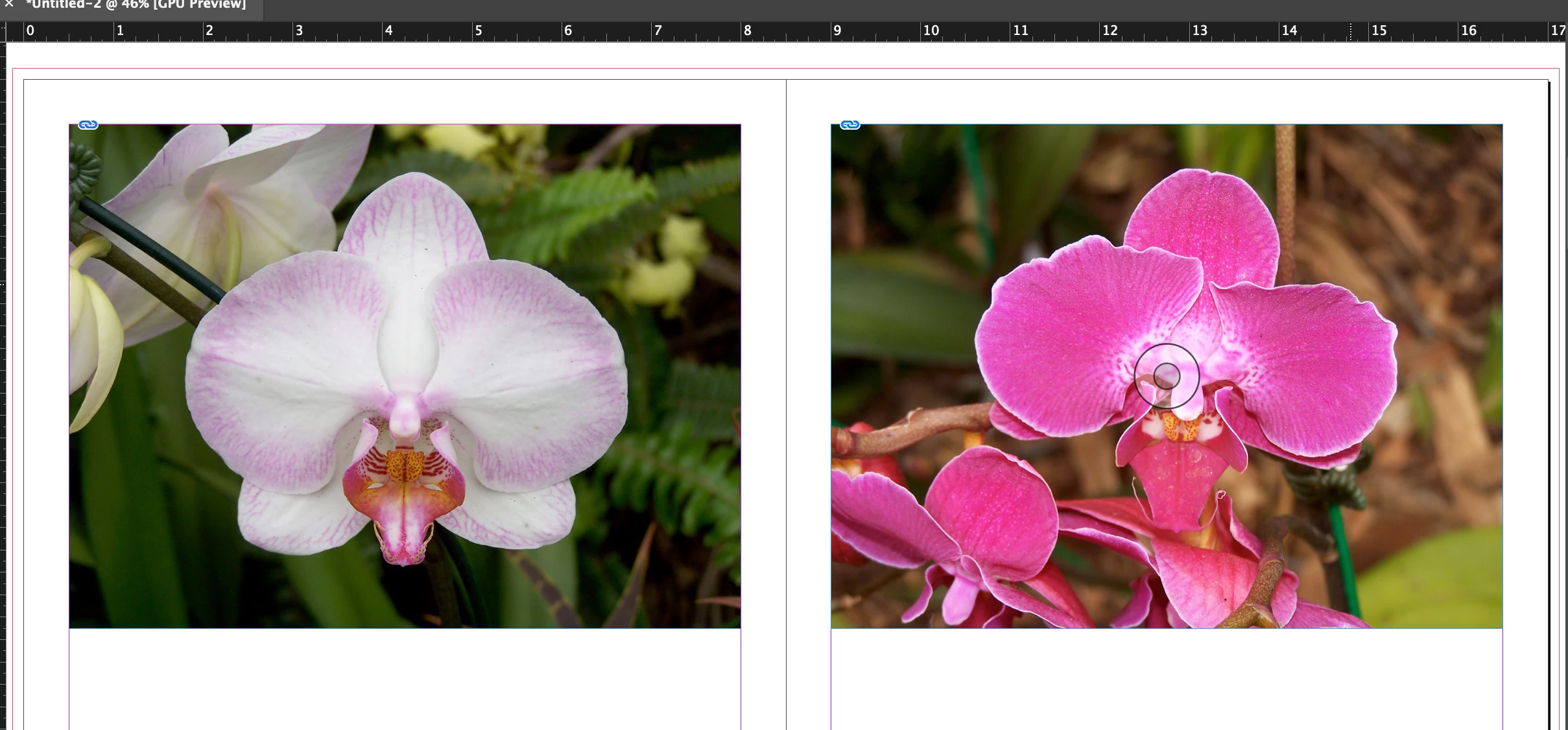
If nothing touches the edges of the page, you don't need to do anything:

If a single image or background jumps the spread, you don't need to do anything:

If an image ends at the inside page edge--either on a single page or both pages (as shown here), you need to split the spread and adjust the inside bleed:

(I cheated and simply stretched the image out, but it should be enlarged and cropped.)

You do not have to put the spread back together.


A couple of other tips:

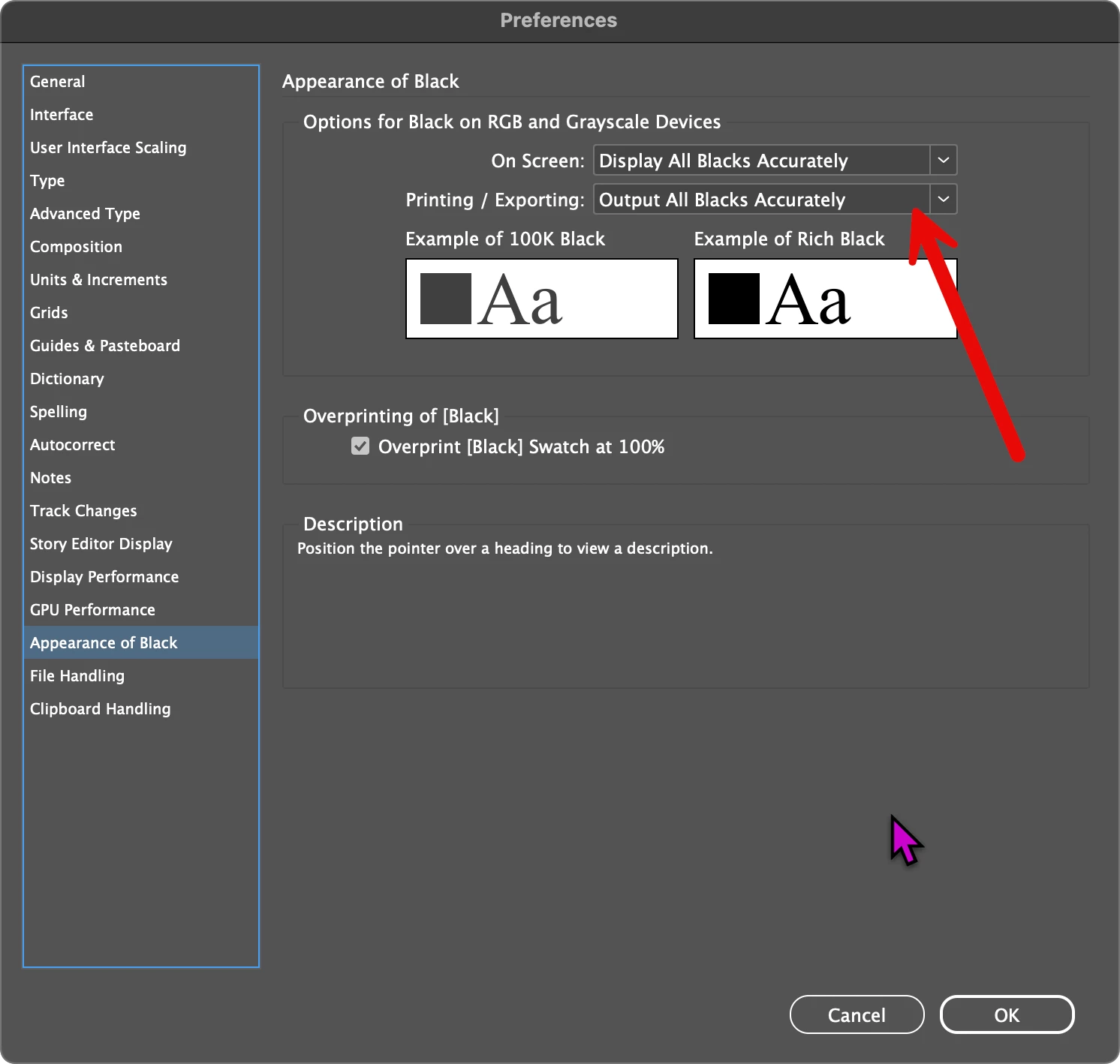
Change your preferences to show black accurately. 

Large black areas, such as your black background or very large type, should be a 4/C black (not to be confused with Registration color). Color combos are like cake recipes--everyone has a different recipe. I use 100K, 40C, 40M, 40Y for mine. 


To add to @Robert at ID-Tasker advice, your total pages need to be divisible by 4, not necessarily 16. Depending on the printing method, it might need to be divisible by 4, 8, or 16 (however, not that all divisible by 4). Ask your printer.


2 replies

Dave Creamer of IDEAS
Community Expert
Dave Creamer of IDEASCommunity ExpertCorrect answer
Community Expert
March 9, 2025

Here is how to handle bleed on a magazine-type layout. This assumes you are supplying a print-quality PDF to the printer. 

If nothing touches the edges of the page, you don't need to do anything:

If a single image or background jumps the spread, you don't need to do anything:

If an image ends at the inside page edge--either on a single page or both pages (as shown here), you need to split the spread and adjust the inside bleed:

(I cheated and simply stretched the image out, but it should be enlarged and cropped.)

You do not have to put the spread back together.


A couple of other tips:

Change your preferences to show black accurately. 

Large black areas, such as your black background or very large type, should be a 4/C black (not to be confused with Registration color). Color combos are like cake recipes--everyone has a different recipe. I use 100K, 40C, 40M, 40Y for mine. 


To add to @Robert at ID-Tasker advice, your total pages need to be divisible by 4, not necessarily 16. Depending on the printing method, it might need to be divisible by 4, 8, or 16 (however, not that all divisible by 4). Ask your printer.


David Creamer: Community Expert (ACI and ACE 1995-2023)
Robert at ID-Tasker
Legend
March 9, 2025

@Dave Creamer of IDEAS 


My point about 16 pages was, that it most likely won't need inside bleed.


And instead of splitting pages to different spreads - pages can be just moved away from each other - so the document will look more "natural". 


Dave Creamer of IDEAS
Community Expert
Community Expert
March 9, 2025

A perfect-bound document usually needs more than 16 pages. That's a question for this particular printer. For example, one of my printers had a minimum page count of 64 pages plus covers (68 total) for perfect-bound magazines. Below that, it was saddle stitch. 


David Creamer: Community Expert (ACI and ACE 1995-2023)
Robert at ID-Tasker
Legend
March 9, 2025

Black is OK. 


Left - have you placed a Rectangle with the same size as the page? But there is no need - left page is OK.


Settings are OK as well. 


How your document will be printed? 


ali_4619Author
Known Participant
March 9, 2025

Thanks so much. I didn't put a rectangle on the left page. I'm getting it commercially printed, perfect bound - is that what you mean?

Robert at ID-Tasker
Legend
March 9, 2025

All great - as long as you'll have ONLY 16 pages.


If you'll have more - then you'll have to talk to the printing people about the inside bleed - if it's needed or not...