
Answered
"Bleed" guide outline around text boxes and objects
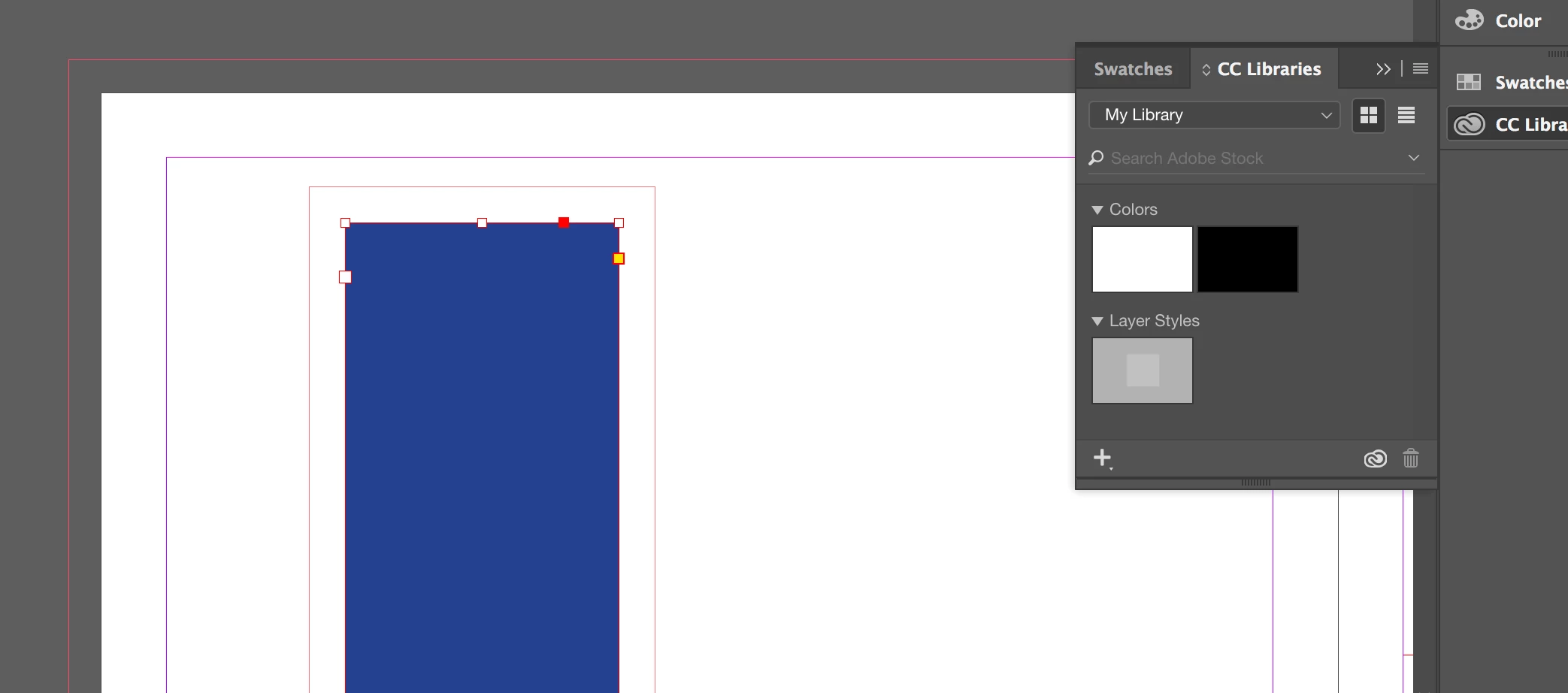
Somewhat new to InDesign. Have used it before and don't know what I did to change the settings on the object borders, but every object I select has both a border that shows the true dimensions, and also has this superfluous border around the outside. For example, this blue rectangle has the red border that shows the perimeter of the shape from which you and click and drag to make the shape larger or smaller. However, further outside, you can see another read outline that is as if it were like a bleed if the blue rectangle were an actual file itself. Anybody know what to do to fix this? Your help is greatly appreciated!!!
 AdChoices