
Participant
June 4, 2025
Question

Bleed in centre of spread

  • June 4, 2025
  • 5 replies
  • 423 views

Hiya! 

I'm making a little booklet, magazine thing. 

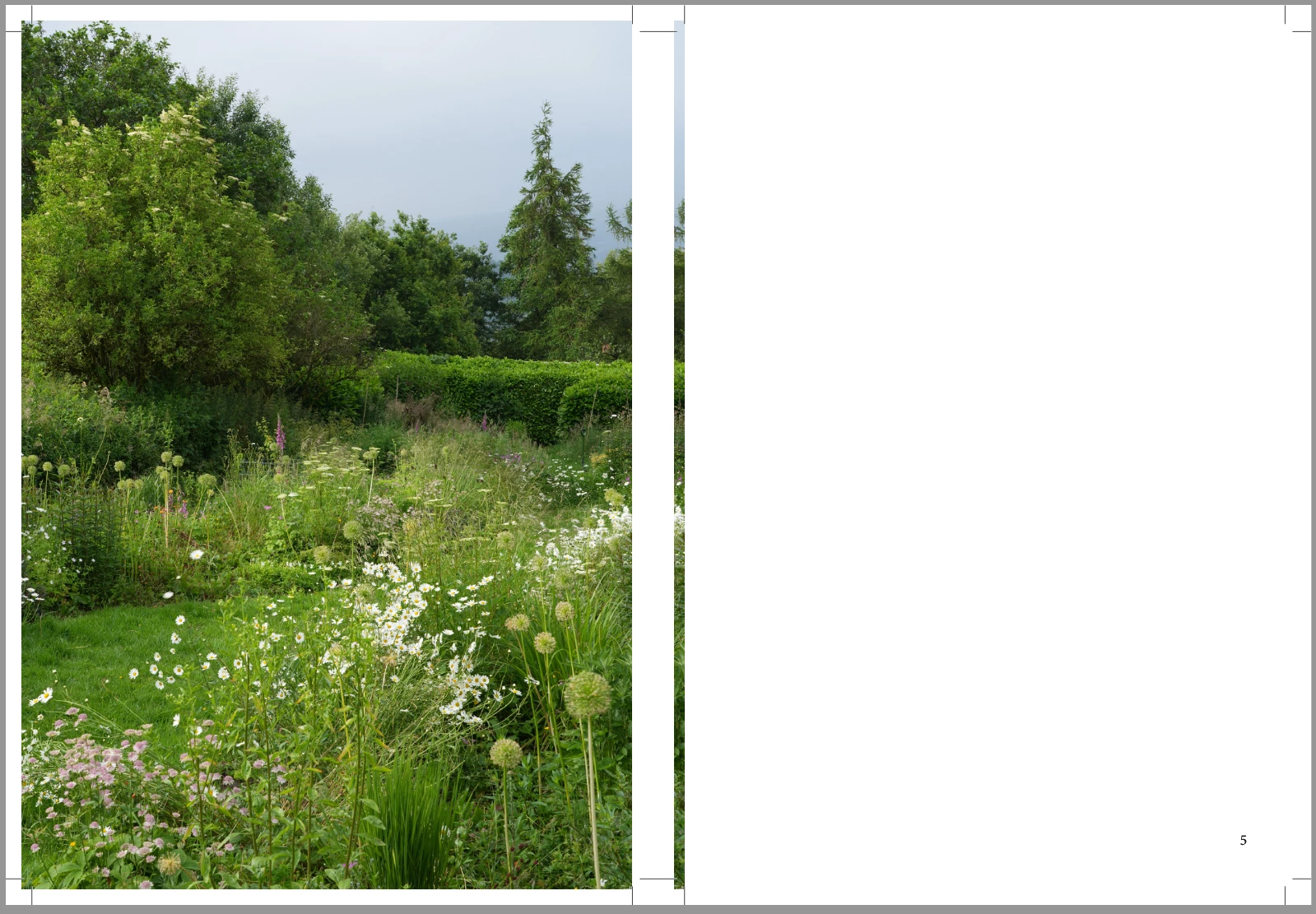
I think I've generally set up the bleed OK, but on the double page spread, the image doesn't show on the inside bleed, and instead that bit appears on the bleed on the other page, which is a blank text page. I think I understand why it's happening, the bleeds are crossing over. But I'm not sure how to fix it. 
 

5 replies

Dave Creamer of IDEAS
Community Expert
Community Expert
June 4, 2025

See my reply here:

https://community.adobe.com/t5/indesign-discussions/bleed-check/m-p/15199810

(Scroll down to the actual reply to watch the animation better.)


David Creamer: Community Expert (ACI and ACE 1995-2023)
rob day
Community Expert
Community Expert
June 4, 2025

I'm making a little booklet, magazine thing.


Hi @JackJJW ,  Most magazine bindings are folded and gathered—the inside edge is not trimmed, it’s folded. There is no need for an inside bleed even with perfect binding. I agree with @Eugene Tyson , ask the printer if they need a bleed and care whether is comes from the opposite page


Mike Witherell
Community Expert
Community Expert
June 4, 2025

Hi Jack,

You might try selecting your pages. Then click the Pages panel menu button and turn off Allow Selected Spread to Shuffle. Next, drag each right hand page further to the right until you see a straight vertical line and release. The pages will still be left and right but they will stand apart.

Mike Witherell
Community Expert
June 4, 2025

This is normal. The printers take care of this at imposition.


Talk to your print provider and find out what setup they need and if it's acceptable. 

Willi Adelberger
Community Expert
Community Expert
June 4, 2025

If you have a normal binding, you can ignore the middle bleeed. Only in case of wire-O-binding you should take care on the problem. Look here, how I would solve it: https://youtu.be/YSehVZV3pOI

JackJJWAuthor
Participant
June 4, 2025

Thank you, I will watch that video now. It is going to be printed with perfect bound, I'd just like to avoid having a potential white line visible on the inside.