
Participant
May 11, 2021
Answered

Blue Rectangle Upon Creating Hyperlink

  • May 11, 2021
  • 1 reply
  • 738 views

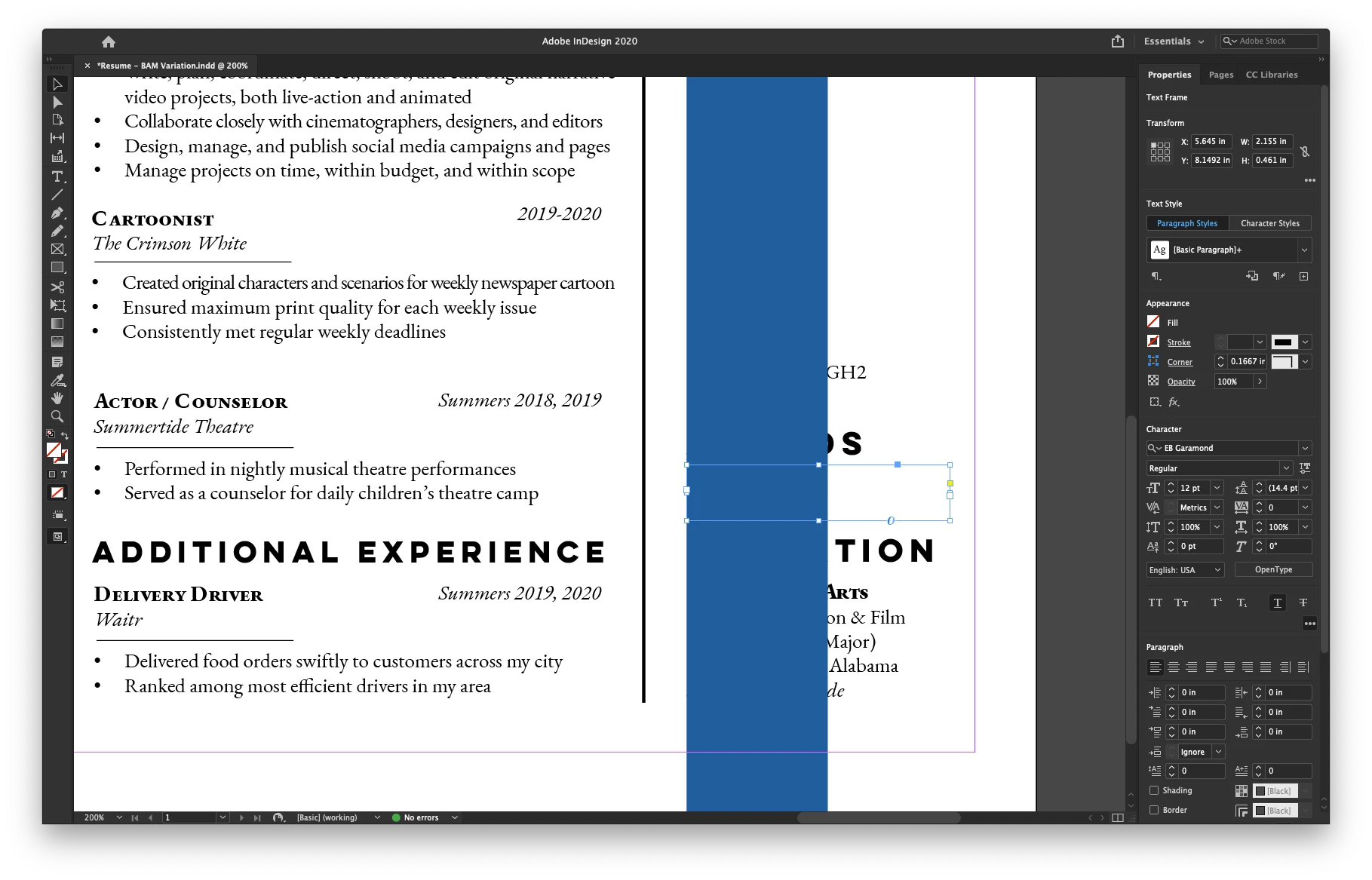
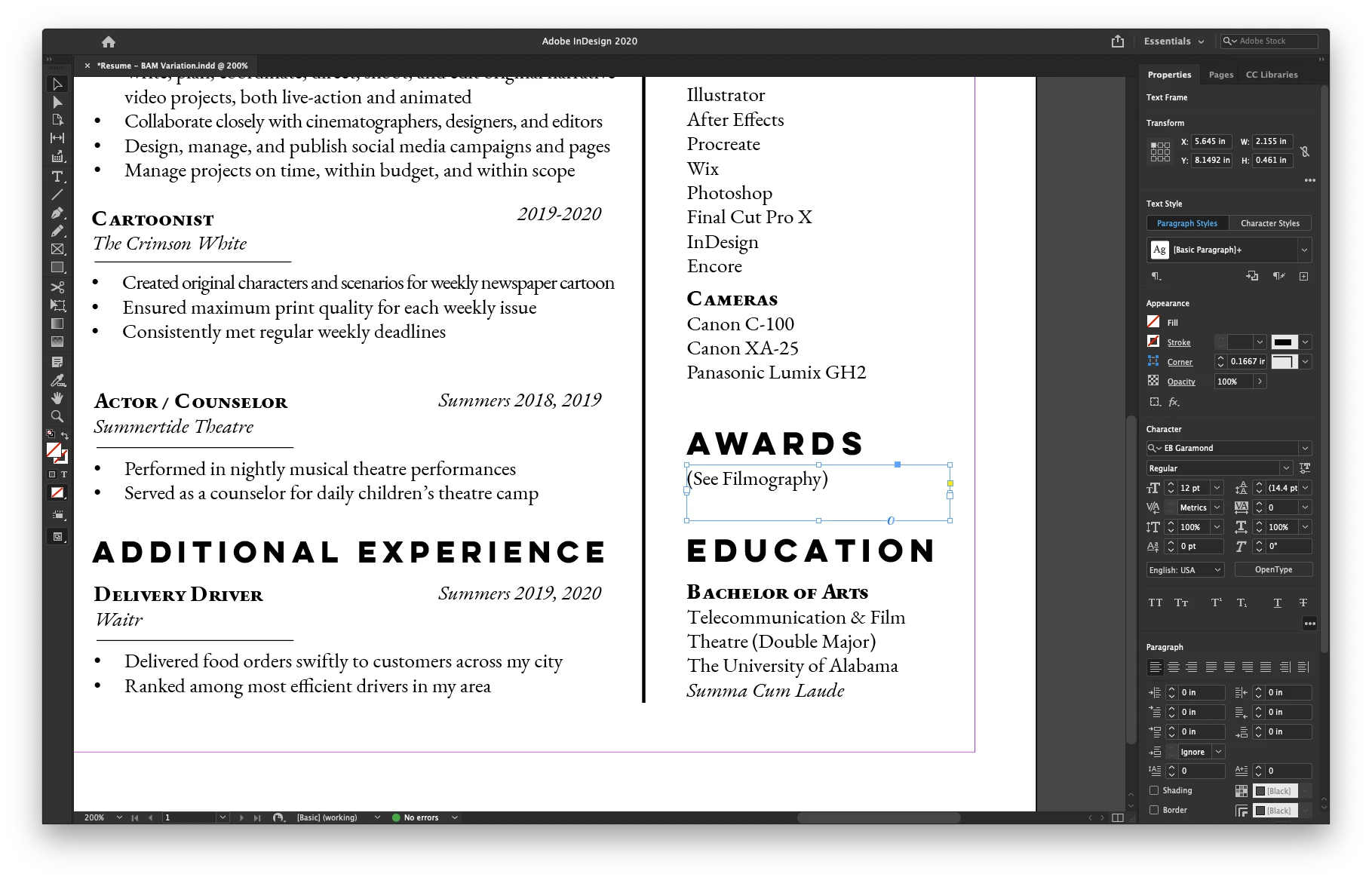
I'm attempting to create a hyperlink in this InDesign document, but whenever I do, it's creating this big blue rectangle across my document (see screenshot). When I change the hyperlink style to "None" or "Same Style," the link becomes nonfunctional. Anybody know this one?
This topic has been closed for replies.
Correct answer Laubender

Hi defaultp0b5wcefh3t5,

are you using InDesign 2020 (version 15.1.3) ?


Your issue looks like a well known bug that was fixed with InDesign 2021 version 16.0:

"A vertical blue line appears while applying Underline to a text with a specific Variable Font."

Source: https://helpx.adobe.com/indesign/kb/fixed-issues.html


Two options to get this right:

[1] Update to 16.2.1.102.

[2] Change your text design:

Either do not use underline for indicating a hyperlink or use a different font.


Regards,
Uwe Laubender

( ACP )

1 reply

LaubenderCommunity ExpertCorrect answer
Community Expert
May 11, 2021

Hi defaultp0b5wcefh3t5,

are you using InDesign 2020 (version 15.1.3) ?


Your issue looks like a well known bug that was fixed with InDesign 2021 version 16.0:

"A vertical blue line appears while applying Underline to a text with a specific Variable Font."

Source: https://helpx.adobe.com/indesign/kb/fixed-issues.html


Two options to get this right:

[1] Update to 16.2.1.102.

[2] Change your text design:

Either do not use underline for indicating a hyperlink or use a different font.


Regards,
Uwe Laubender

( ACP )

Diane Burns
Inspiring
May 11, 2021

To add to Uwe's reply, you should not lose the hyperlink function by changing the character style applied. Assume you are changing this under the "Character Style" section of the Hyperlink dialog? Well, in any event, you can just change the definition of the Character Style "Hyperlink" to be something other than underline.