This topic has been closed for replies.
Correct answer Barb Binder

Plug-in version CC 2017 is not an option. I have downloaded the Creative Cloud versions. I thought that was the correct version for my Creative Cloud Indesign. Any idea on how to get the right plug-in version?
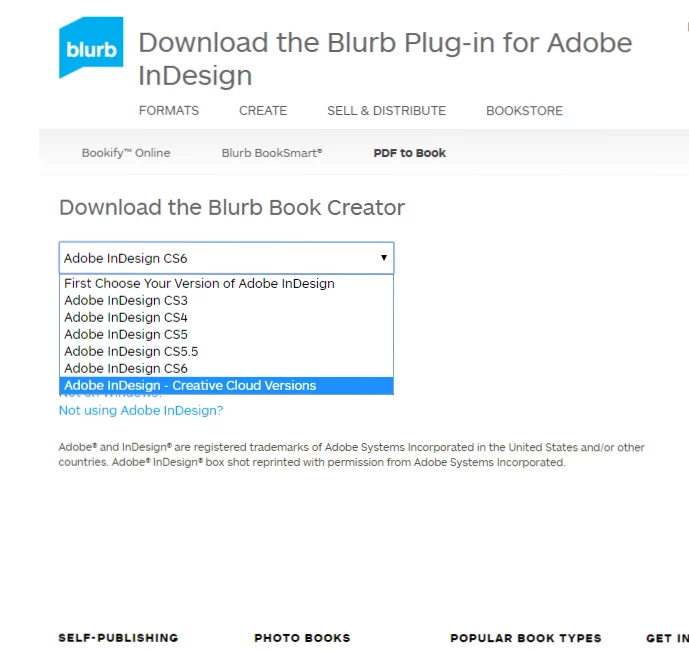

Any idea on how to get the right plug-in version?

Yes. Contact their support: https://support.blurb.com/hc/en-usHelp Center
Searching their site for "InDesign plug-in fails to install" returned 50 results. You may find these helpful, as well.

Help Center

1 reply

Barb Binder
Community Expert
Community Expert
February 11, 2017

InDesign CC is not the same version as InDesign CC 2017. I wonder if that is the issue?

From https://support.blurb.com/hc/en-us/articles/212771823?_ga=1.52950753.875836733.1486825421

Here is the link to contact Blurb support: Help Center

~Barb at Rocky Mountain Training
Hege Ødegård
Participant
February 11, 2017

Thank you, that may be the issue. Which version do I have? And which  plug-in version do I choose?

Barb Binder
Community Expert
Community Expert
February 11, 2017

Looking at your screen shot, you have Adobe InDesign CC 2017 installed, and you are trying to install a plug-in for Adobe InDesign CC.

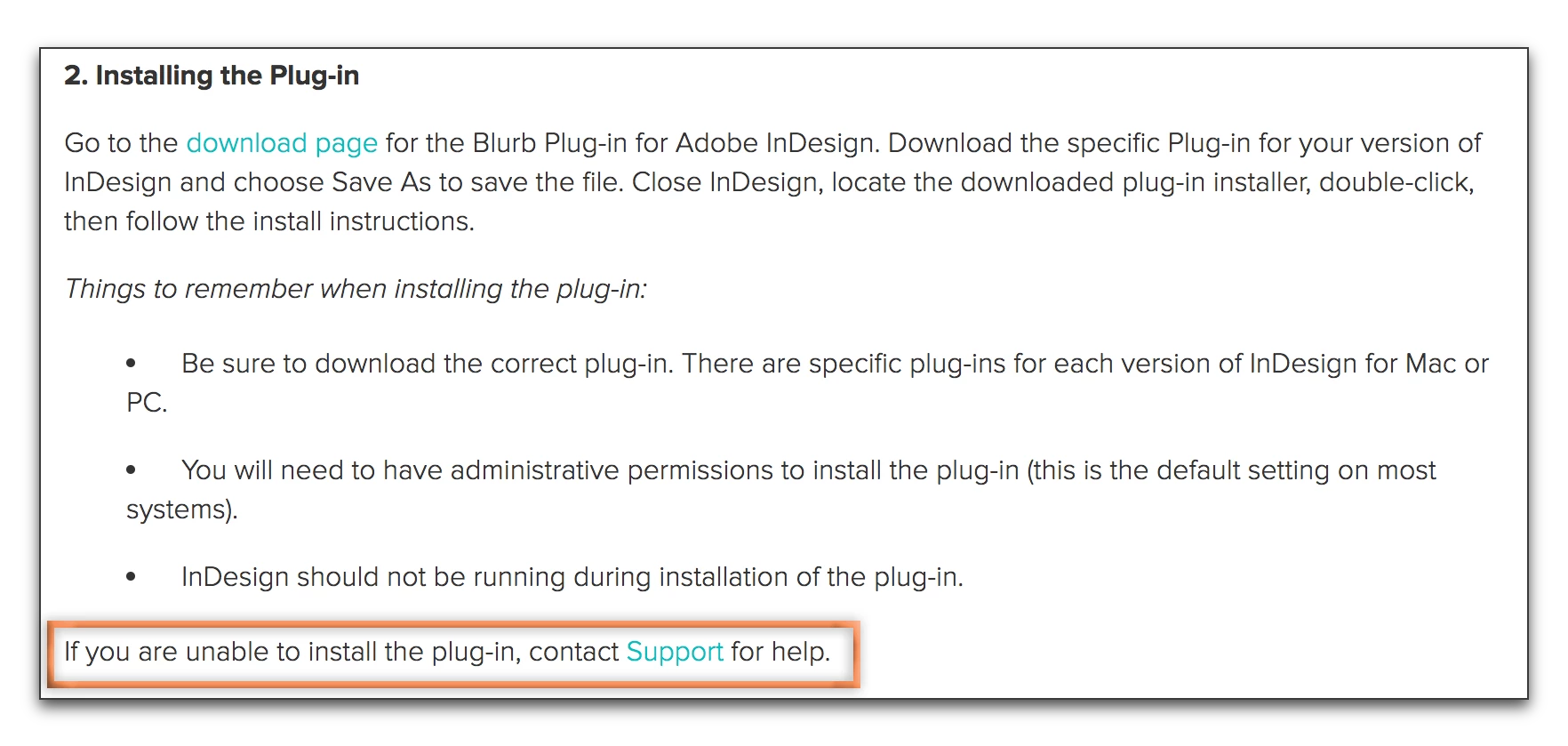
The first bullet on my screen shot from Blurb Adobe® InDesign® Plug-in – Help Center states to "be sure to download the correct plug-in". For you, that would be for CC 2017.

~Barb at Rocky Mountain Training