


Inspiring
July 3, 2019
Question

Blurry text on InDesign 2019 on Windows 10 System

  • July 3, 2019
  • 2 replies
  • 9227 views

Why is my text pixelated until I start typing? It's brutally hard on the eyes.

Here is what it looks like before I start typing in a text box:
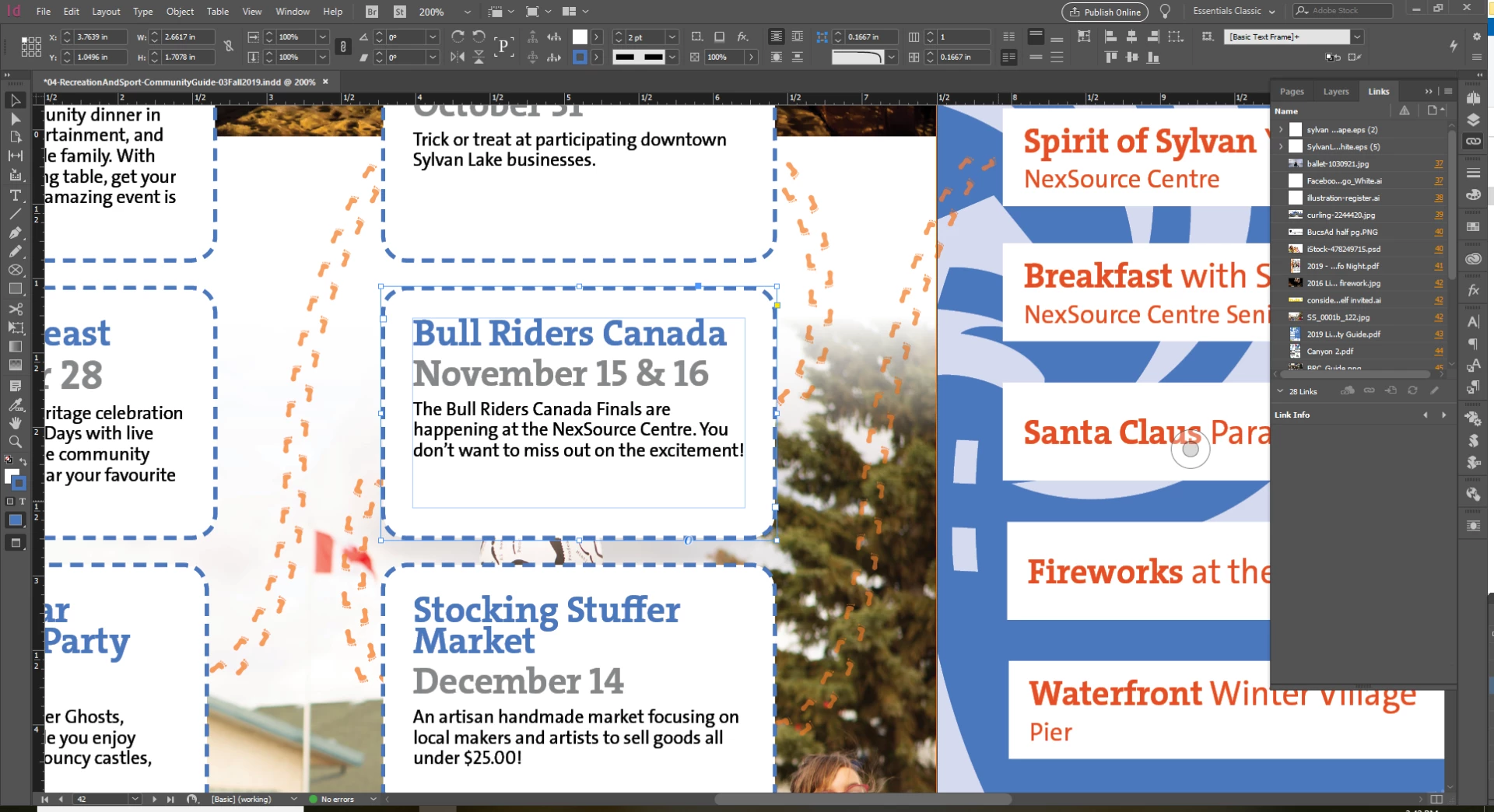
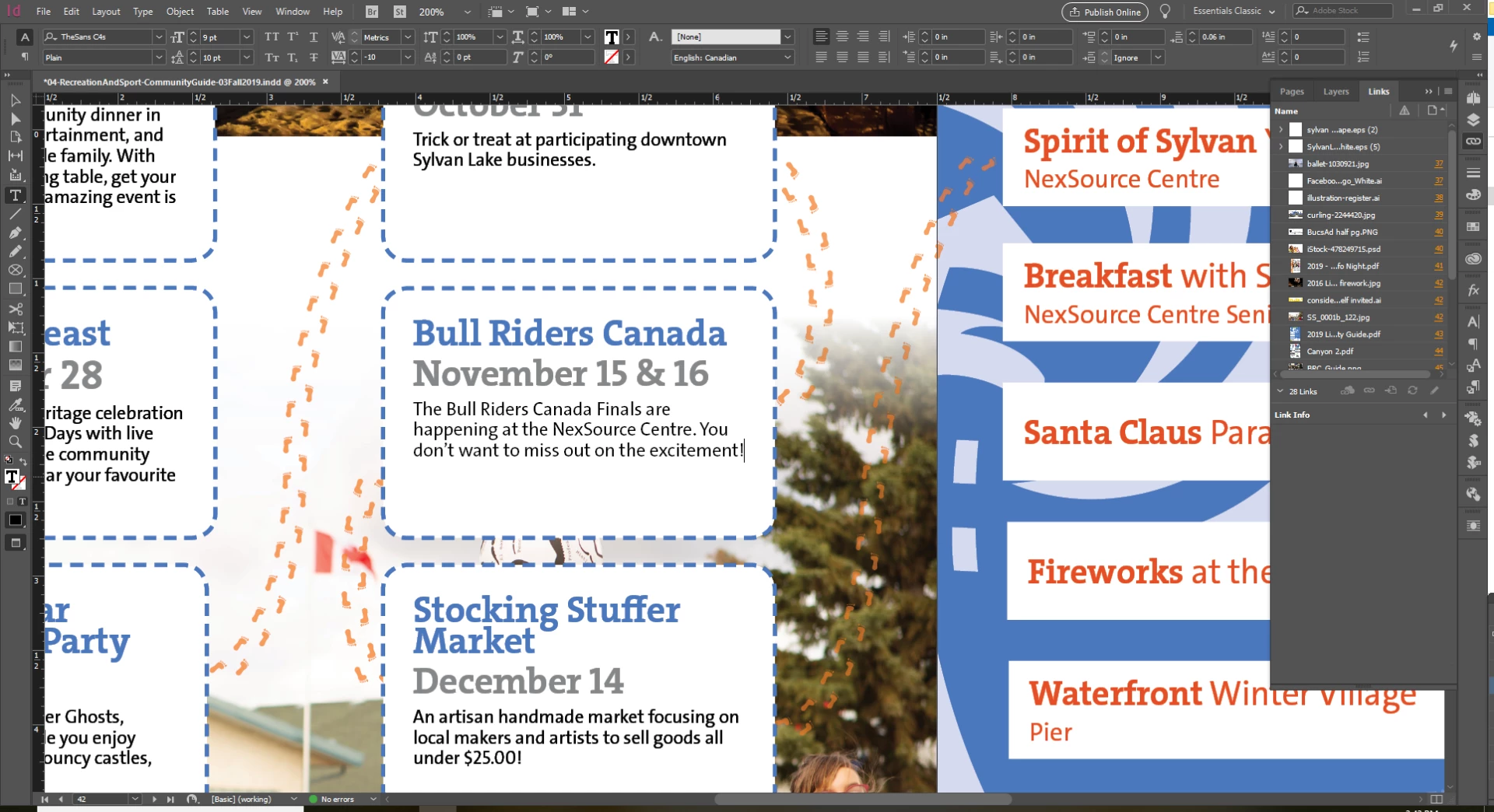
Here is what it looks like when I start to edit/type in the text box:
My display settings are to anti alias:
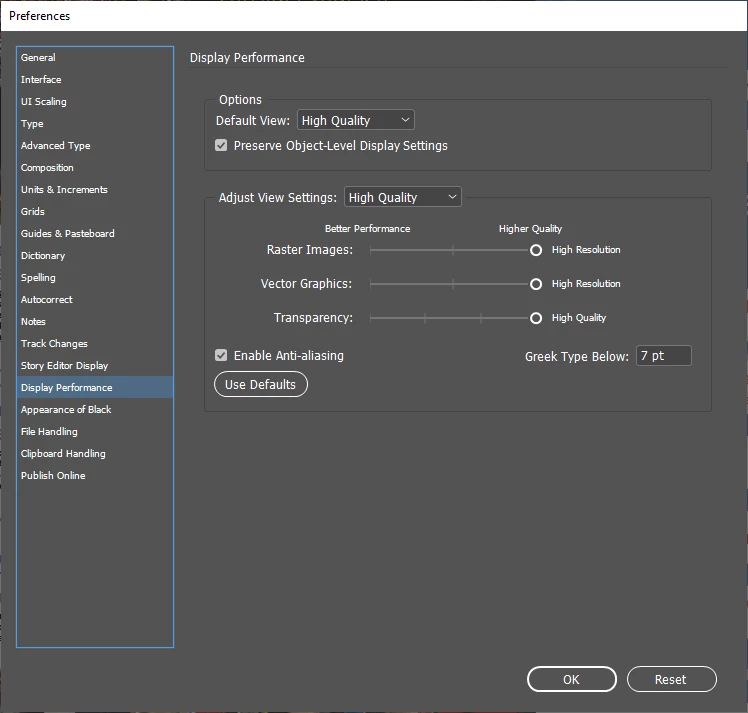
Changing it to Fast display does nothing. I'd like to be able to read my screen clearly. This seems like something that should have a really easy fix.

Thank you InDesign gurus for reading!

{Renamed by MOD}

This topic has been closed for replies.

2 replies

Participant
May 10, 2020

Hi, I am having the same issue. I am working on an updated windows 10 PC and Adobe Indesign 2020. Here is a video of what happens when I delete all of the graphics and two png files from my document: https://photos.app.goo.gl/pemn4jALQbkbqPoC7 It doesn't show how bad the bold fat blurred text is in the video but shows the difference when I delete the files. If I change my display settings to have the transparency off it will work. Can someone help? I have done the windows troubleshooting from another forum and it did nothing.


July 28, 2020

Hi,

In other words, until now there's no clear solution to this issue?

Steve Werner
Community Expert
Community Expert
July 3, 2019

Except for your Greek Below setting (no reason it should not be 0!), your settings are the same as mine.

I see no difference in how the type looks when I switch between the Selection and the Type tool.

However, I'm using a Mac with macOS 10.14.5, and InDesign CC 2019.

What InDesign version and operating system are you using (it appears to be Windows, but what version)?

I'm wondering if it could be a graphic card issue.

Steve Werner
Community Expert
Community Expert
July 3, 2019

Here's what mine looks like with the Selection tool:

And with the Type tool:

Inspiring
July 4, 2019

InDesign Version:

My system information:

My graphics card:

I've had Nvidia help me to make sure I'm running the latest graphics driver for the Quadro P2000.