JonathanArias
Legend
January 8, 2019
Answered

book panel question

  • January 8, 2019
  • 1 reply
  • 265 views

hi,

This is the first time i use the book panel. and i am not sure how you fix this.

I have 4 documents i created

  1. cover
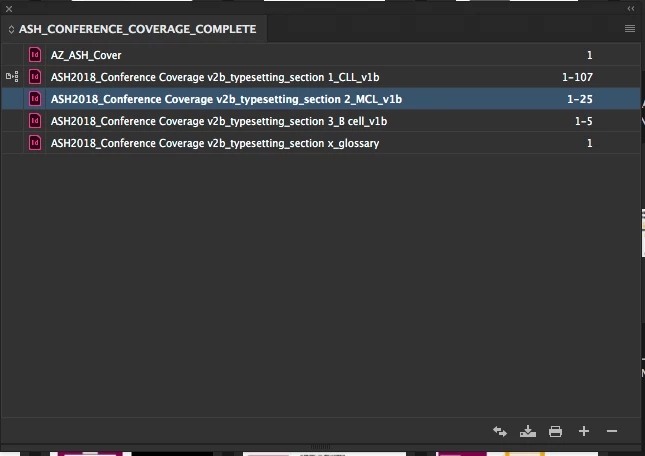
  2. section 1 (107 pages)
  3. section 2 (25 pages)
  4. section 3 ( 5 pages)
  5. glossary ( 1 page)

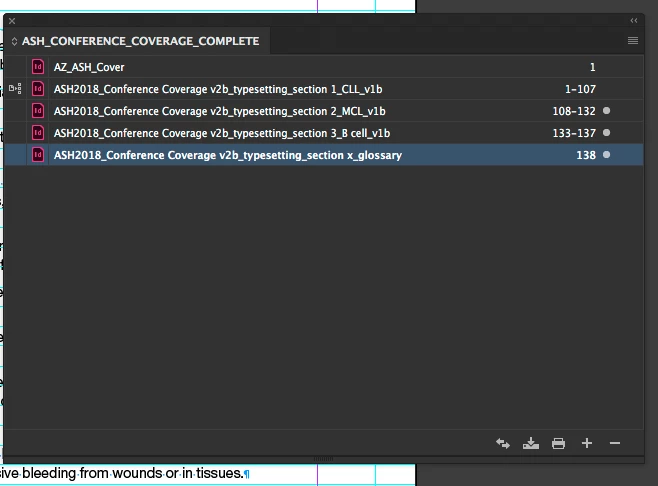
i created a book, i see the panel, and added my sections. and it looks like the below. Why are the page number not picking up one after the other? what am i missing?
    This topic has been closed for replies.
    Correct answer JonathanArias

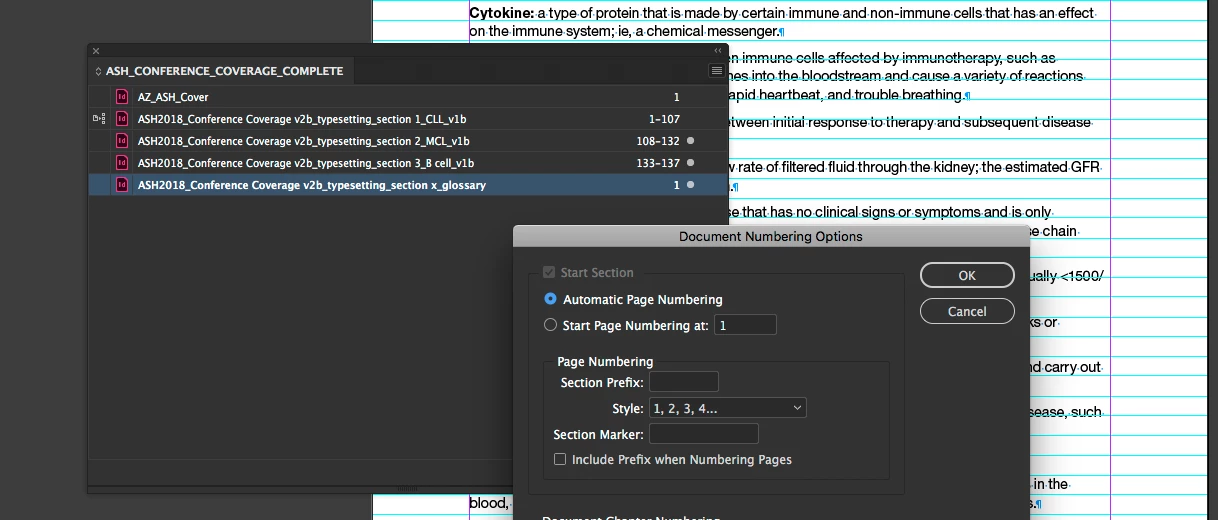
    i think i answer my own question, i went to "document numbering options for each file and selected "automatic page numbering"

    1 reply

    JonathanArias
    JonathanAriasAuthorCorrect answer
    Legend
    January 8, 2019

    i think i answer my own question, i went to "document numbering options for each file and selected "automatic page numbering"