Participant
April 5, 2025
Answered

Booklet has wrong page order

  • April 5, 2025
  • 3 replies
  • 364 views

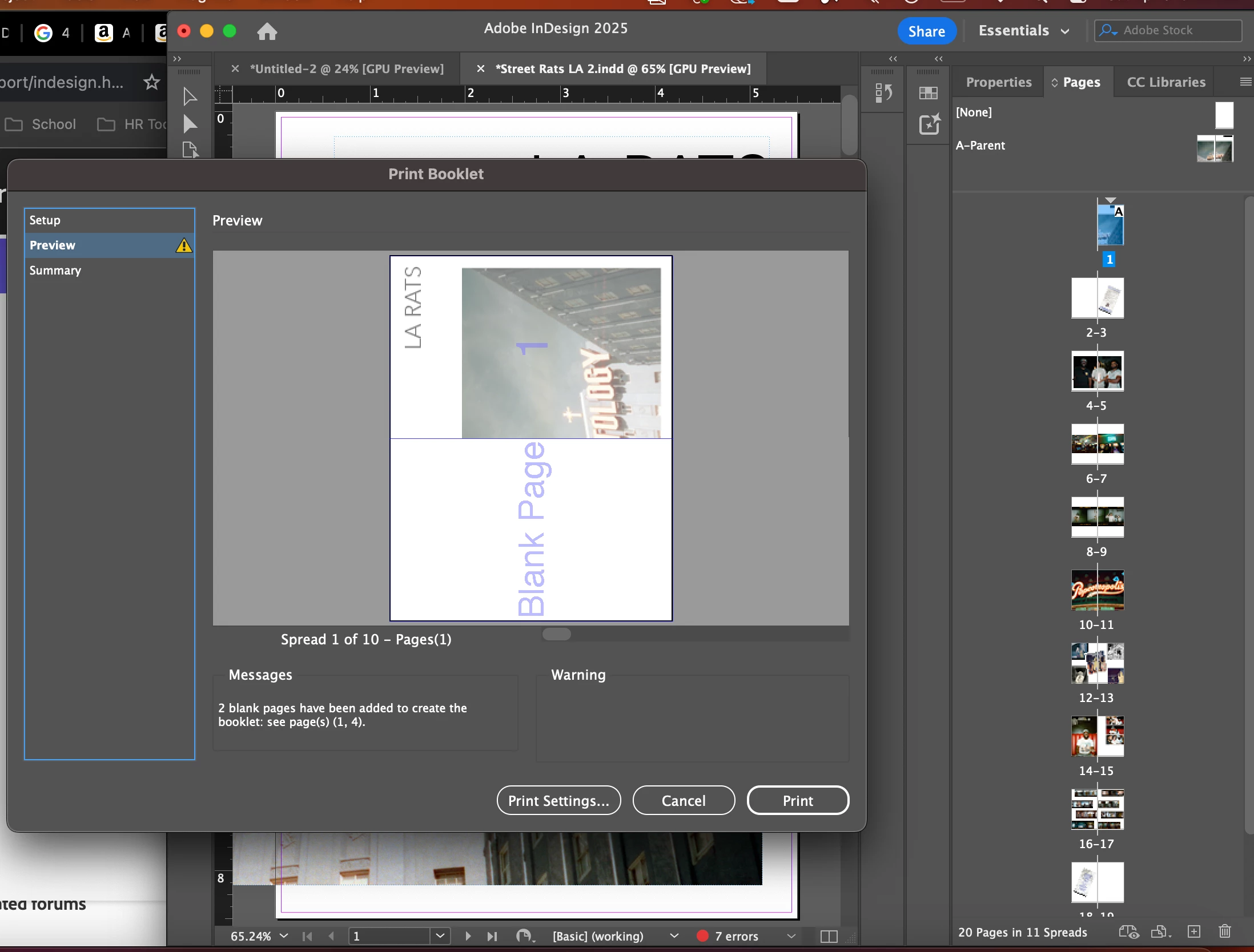
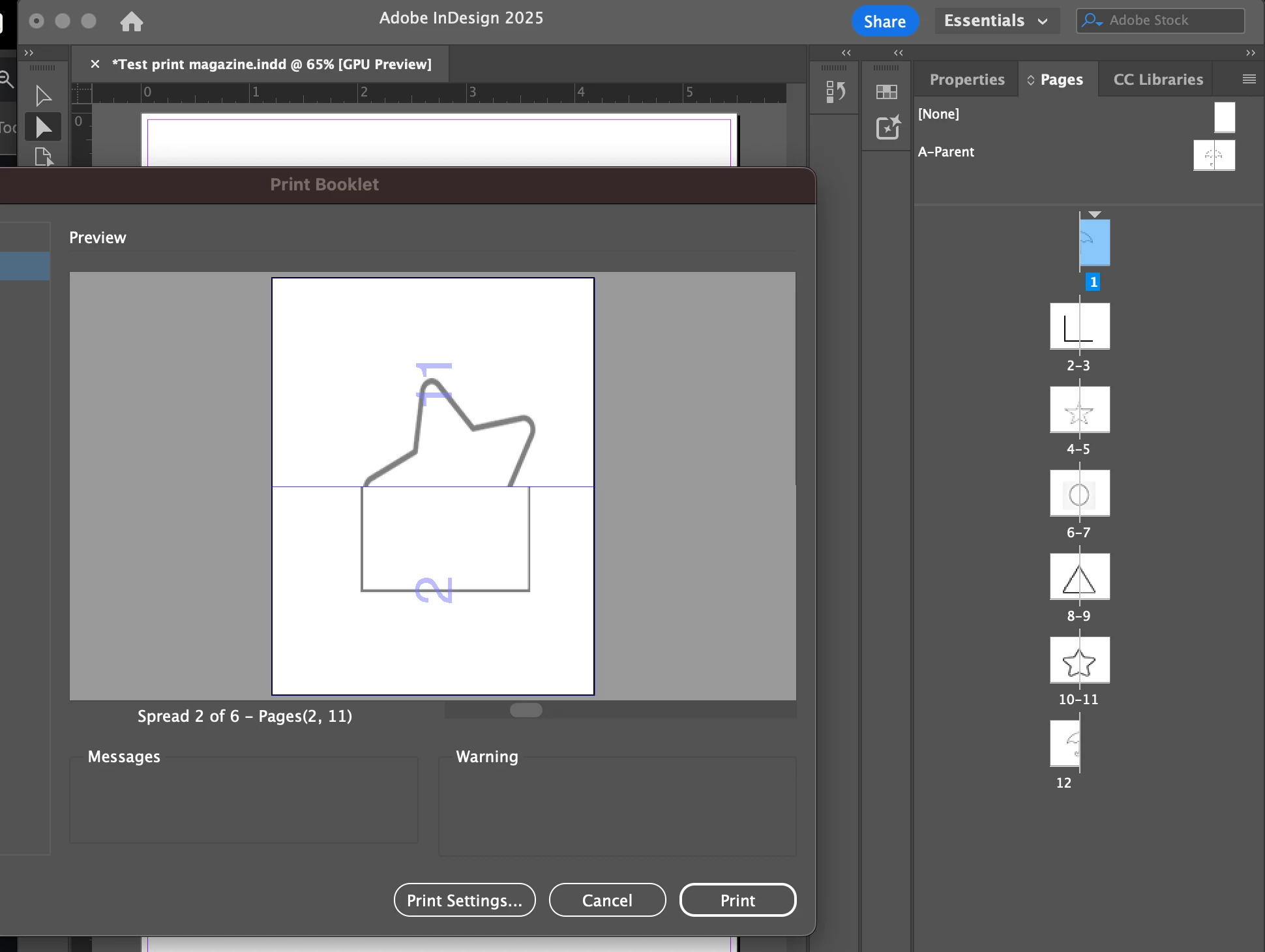
Hello I haven't used indesign before I am making a photo book using letter page in half. I know that it has to have multiples of 4, but for some reason it either makes the cover page and back cover page disappear or it just orders everything incorrectl I even tried it on a test book. 

Correct answer Brad @ Roaring Mouse

What helps immensely with booklet printing is to set a Print Preset for your booklet page size. There, you can set all your options ahead of time (including the Print Blank Pages option). Then when you go to Print Booklet, you select that Print Preset. Here is an example for my own printer (which is Postscript-based so the available options for your own printer will be different.

This is assuming in your situation that you are not printing bleeds or printer's marks.

If you are printing to a non-Postscript printer, a better quality might be achieved by saving the Booklet as a PDF, but that's not as easy as it should be (especially on a Mac), but only a couple of extra steps which we can go into later.

 

3 replies

Dave Creamer of IDEAS
Community Expert
Community Expert
April 7, 2025

What are your signature settings in Print Booklet?


David Creamer: Community Expert (ACI and ACE 1995-2023)
Brad @ Roaring Mouse
Community Expert
Brad @ Roaring MouseCommunity ExpertCorrect answer
Community Expert
April 7, 2025

What helps immensely with booklet printing is to set a Print Preset for your booklet page size. There, you can set all your options ahead of time (including the Print Blank Pages option). Then when you go to Print Booklet, you select that Print Preset. Here is an example for my own printer (which is Postscript-based so the available options for your own printer will be different.

This is assuming in your situation that you are not printing bleeds or printer's marks.

If you are printing to a non-Postscript printer, a better quality might be achieved by saving the Booklet as a PDF, but that's not as easy as it should be (especially on a Mac), but only a couple of extra steps which we can go into later.
 

Peter Spier
Community Expert
Community Expert
April 5, 2025

The photo withthe shapes seems correct. Since we can't see all the thumbnails for the first file it's hard to say.

I see, though, that you have included blank pages in the layout to bring the page count to 20, but Indesign has also added two blank pages so I suspect the problem in the first case is that you didn't check the box to include blank pages, so InDesing ignored the ones in the layout andd added two ne ones to the end.