

[ Branched ] Baseline grid is not showing in InDesign CC
I am a newbie and I am having the same exact issue. I followed these instructions and it did not fix the issue. Changing the threshold % doesn't seem to do anything at all. Background where I normally see base-line grid is just solid grey. I know this must be a setting issue because it is only happening in 1 specific document.
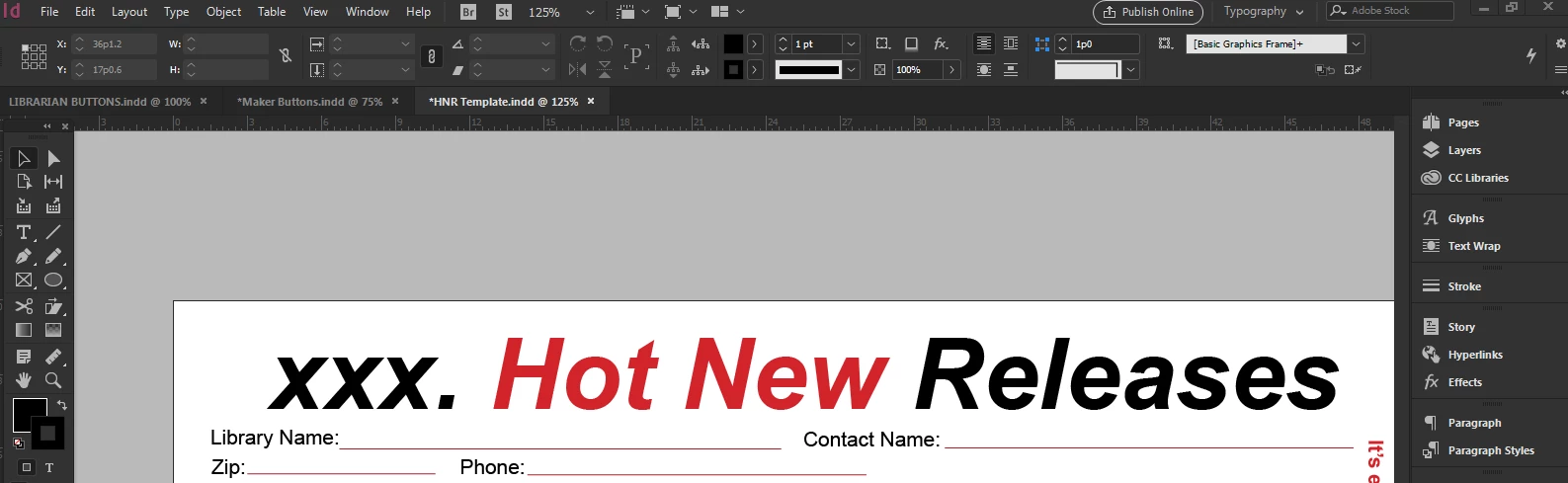
(BTW this isn't anything inappropriate, the XXX is a blank space meant for the abbreviation of the month.)
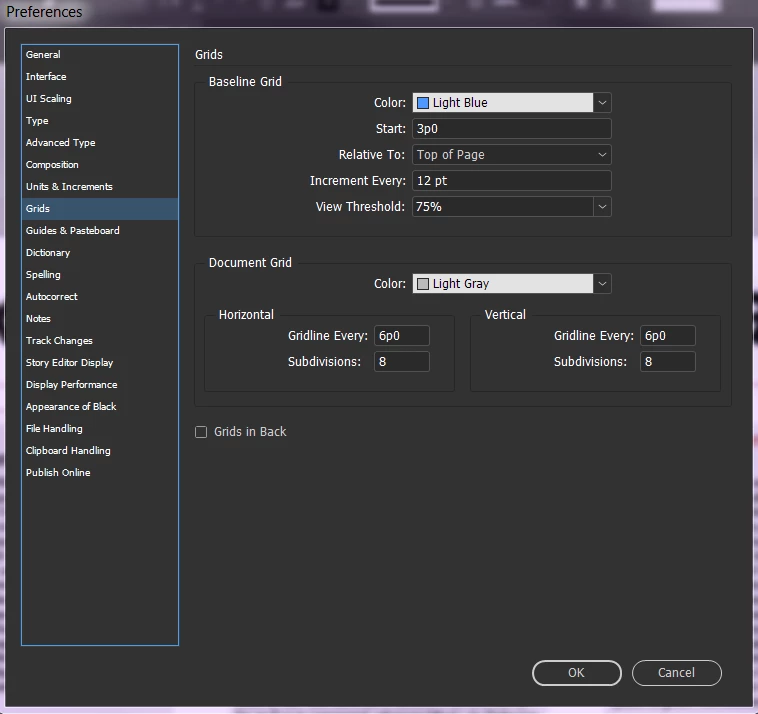
I realize giving advice to someone who is new to the program or self-taught can be frustrating, but if someone could please help I would greatly appreciate it. I have tried everything I know to do and I am doing research on the issue but I have come up dry.
[ Branched from previous discussion ]
[ Info added and re-marked as question, by moderator ]
 AdChoices