
[BRANCHED] InDesign CC2018 - Spell check not working.
"As is often the case, the answer is simple. I find a lot of people jump to things like entering code in the terminal and the like. I had the problem and someone posted that You simply have to be in preview mode. "w" (when your cursor is not typing text, otherwise escape then w) will bring it up. Presto, dynamic spell check is working."
NOT ANSWERED!
That has nothing to do with the Spell Check actually working, that is merely changing the display to show or not show misspelled words.
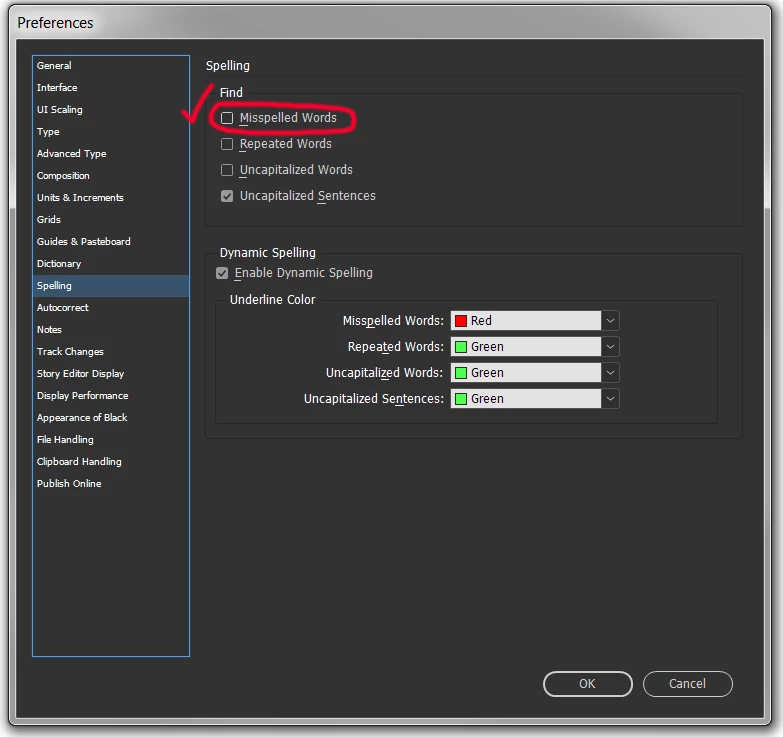
In my recently installed/updated version of InDesign CC 2018 (13.1 x64) the spell check does not work: when nothing is selected on a page with a number of text boxes with erroneous text (e.g. "afgsafdgv fdsvs fasdfsav", or filled with Lorem Ipsum placeholder text) >> I click Edit >> Spelling >> Check Spelling (or Ctrl I) and apparently nothing is misspelled. Come on Adobe even Quark Express (sic) had a spell check that worked - for that matter so did Wordstar back in the 80's. Please fix immediately to save all our time.
 AdChoices