


Known Participant
April 16, 2026
Question

Broken cross-references when mapping styles to tags in InDesign

  • April 16, 2026
  • 1 reply
  • 22 views

When I use the Tags panel in InDesign file to map Styles to Tags, all cross-references turn red with a dropdown error message: “Referenced paragraph or text anchor is missing.”

I have tried to save the InDesign file as IDML and reopen - with similar result as above.

The InDesign file needs to be exported as XML with error-free cross-references for translation.

Please see the attached InDesign file with the cross-reference issue.

Thank you in advance for your help.
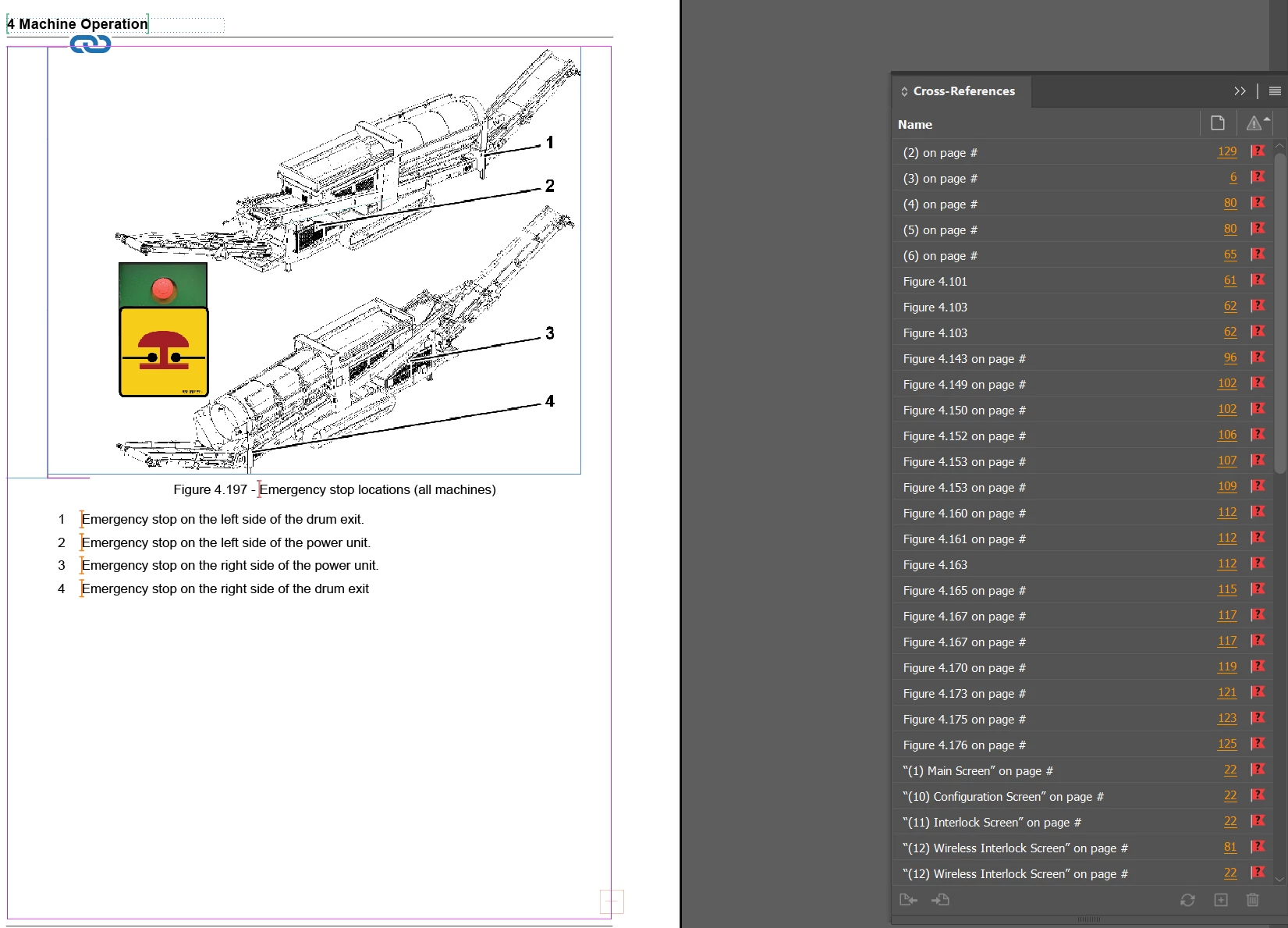
 

InDesign file with cross-references that are broken after tagging styles to tags


1 reply

Mike Witherell
Community Expert
Community Expert
April 16, 2026

Have a look at it in Story Editor window (Cmd/Ctrl+Y) and see if you can see any embedded characters near the links. To decipher the meaning of white-space metacharacters, consult this reference: “Adobe InDesign 2026 onscreen characters” available here:

https://trainingonsite.com/useful-resources/adobe-indesign/indesign-2026-resources.html

Mike Witherell
Ariz0101Author
Known Participant
April 16, 2026

Thanks Mike for responding. 

In Story Editor I see the following:


When I attempt to delete the embdedded characters above,  no deletion occurs.

Some context for you - The cross-references need to be resolved when exporting InDesign as XML  is error-free. When I receive the translated version of XML from my vendor, I can import it into InDesign file  and convert to PDF, where the cross-references work.

Ariz0101Author
Known Participant
April 16, 2026

Yes, I got it. The key is “ embedded characters near the links”.


I relinked-  that removed the embedded characters. When I mapped the Styles to Tags, they did not turn red and were no longer broken. 


Thanks for your help.
