
Known Participant
September 30, 2021
Question

BUG: Draw multiple lines, preview not matching the output

  • September 30, 2021
  • 4 replies
  • 166 views

Hi

I want to draw multiple lines in InDesign as guides for writing notes by hand.


With the line tool active, I dragged a line and used [ArrowUp] to make multiple instances.

This works fine with the first 7 lines. For every other line, there is no preview while still pressing the mouse button. This is the maximum I achieved:
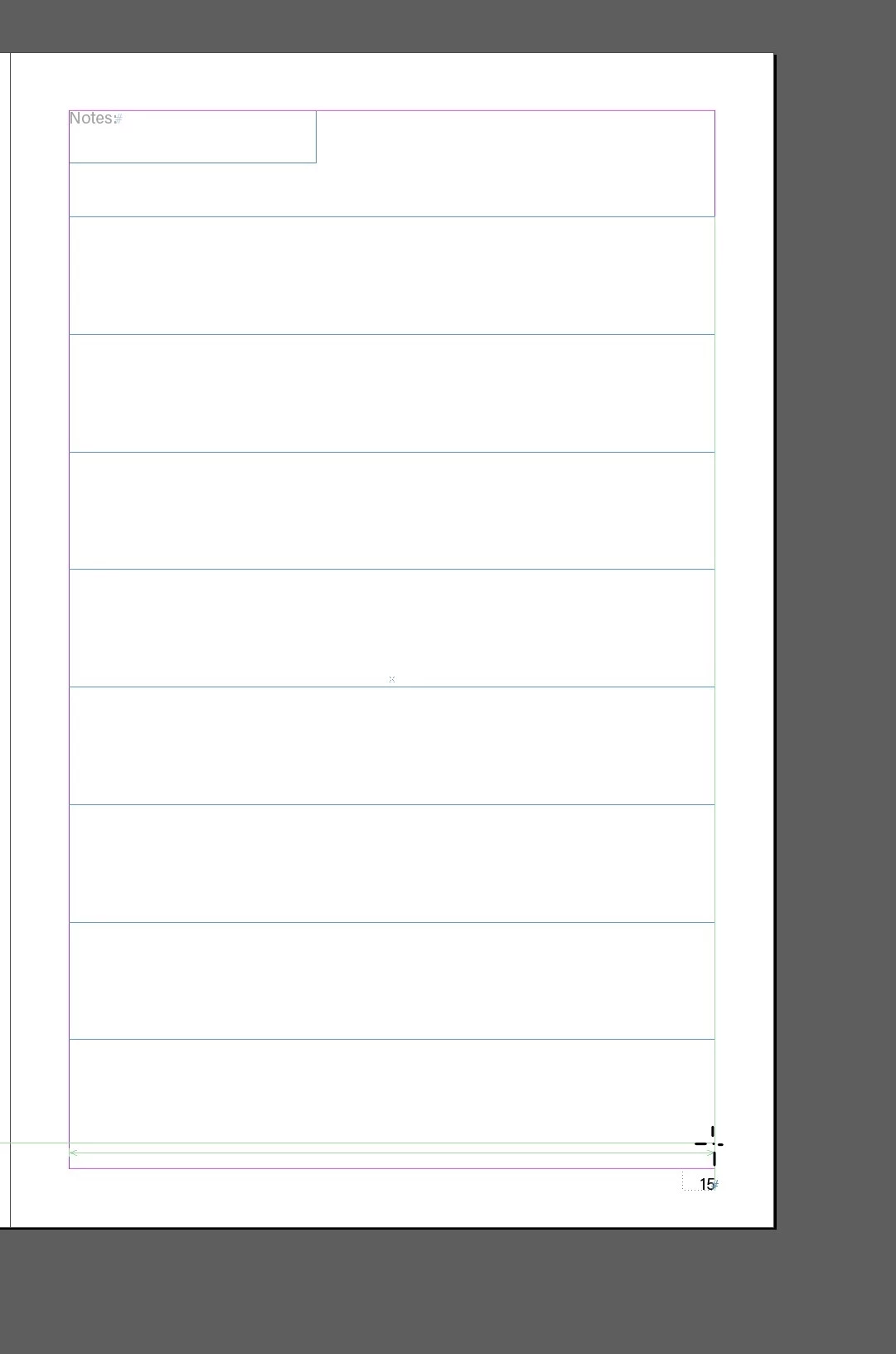
 

Pressing the [ArrowUp] on my keyboard a few more times does not display more lines in the preview.
However, when I release the mouse button, the lines will appear, but all skewed:
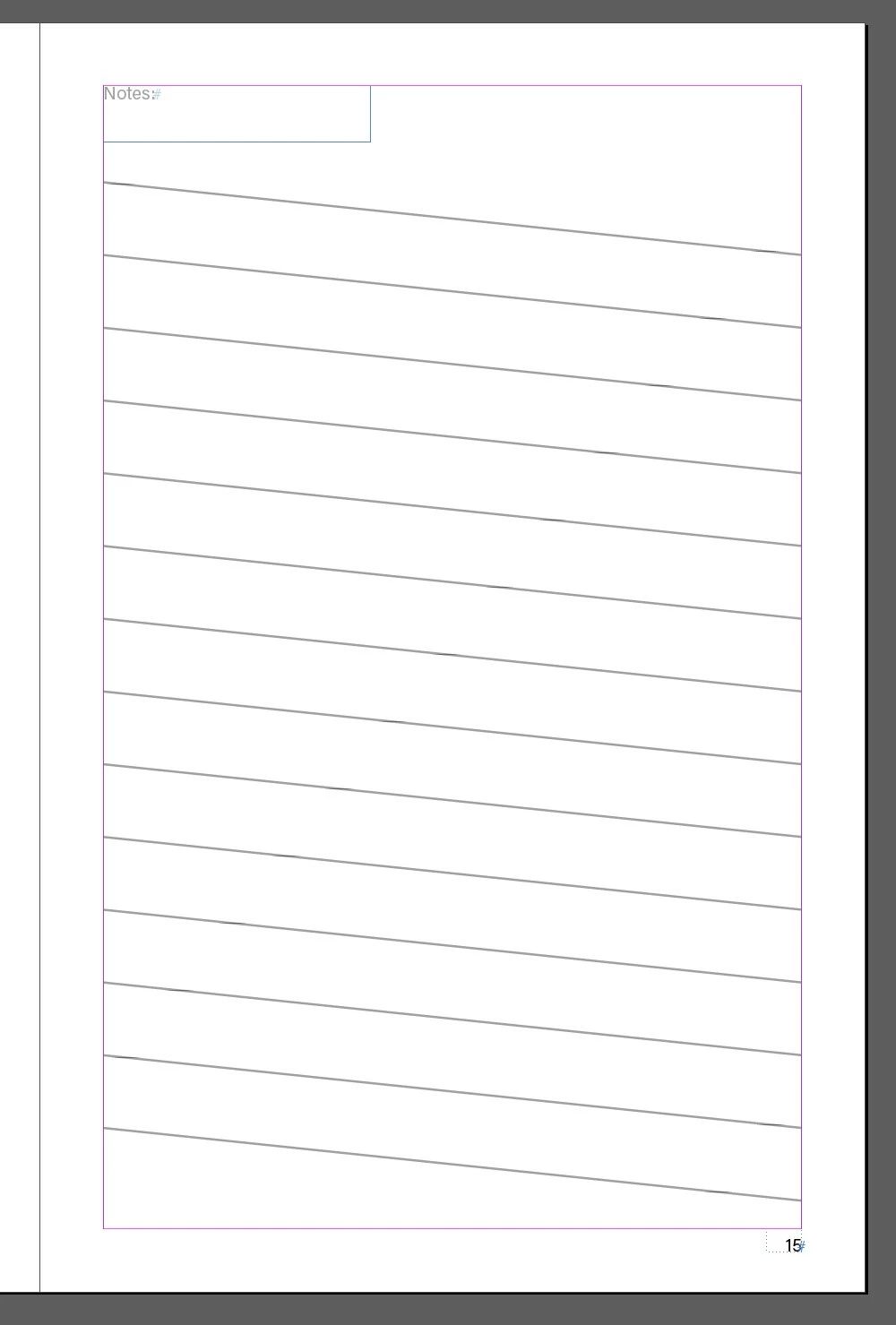


I strongly believe that this is not how inDesign is supposed to work, therefore calling it a bug.

This topic has been closed for replies.

4 replies

Ashutosh_Mishra
Inspiring
October 3, 2021

Hi there,


Sorry to hear about your experience. Would you mind sharing version of the OS & InDesign? Do you see this behavior with a specific file or all? We'd appreciate if you could share a small video of your workflow for better understanding.

Looking forward to your response.


Regards,

Ashutosh

Community Expert
September 30, 2021

The gap between the lines is determined by the Column guides (for some reason)

In the Layout>Margins and reduce column margins and reduce the gutter width

You should be able to add more lines.


Joel Cherney
Community Expert
Community Expert
September 30, 2021

I really like Rob's solution, but I'm wondering if this is actually a reportable bug. (If it is, I think the place to post it is over at indesign.uservoice.com.) Does it happen in any file that you try it in?  Have you tried resetting your prefs? I was able to draw 40+ lines this way without experiencing the limitation or skewing that you found. 

rob day
Community Expert
Community Expert
September 30, 2021

Edit>Step and Repeat might be easier. Draw your line at the top of the page and make sure it has the needed Stroke weight and Color applied: