



Bug, Glitch or perfectly normal behaviour - strange overrides in Tables
Friend of mine just sent me a file with a strange problem.
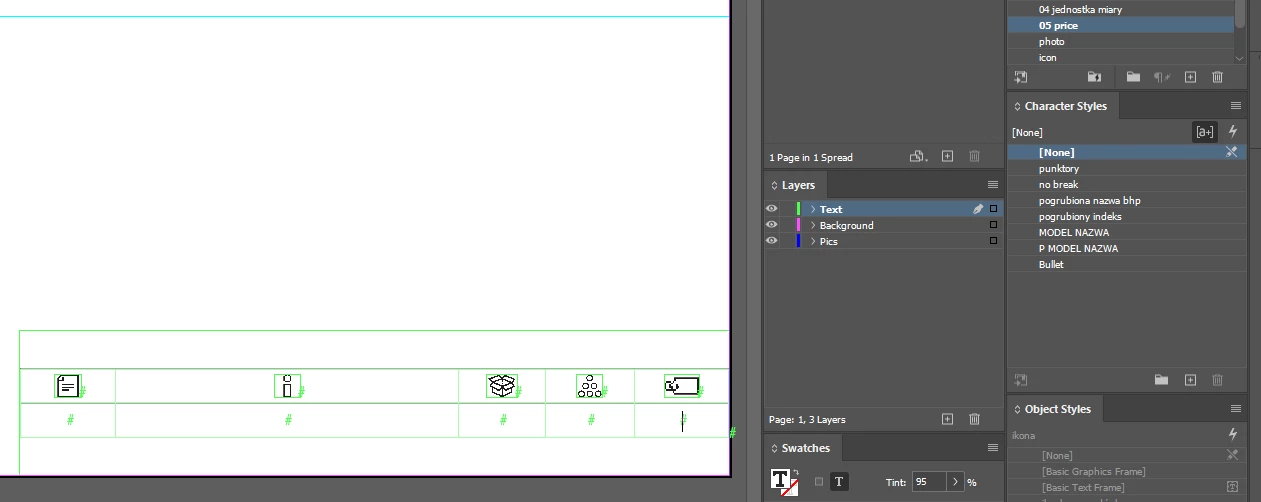
Here is a Table - with Char & Para Styles applied to contents of the cells - text cursor is in the last cell:
Now, hitting TAB - produces this - override from nowhere:
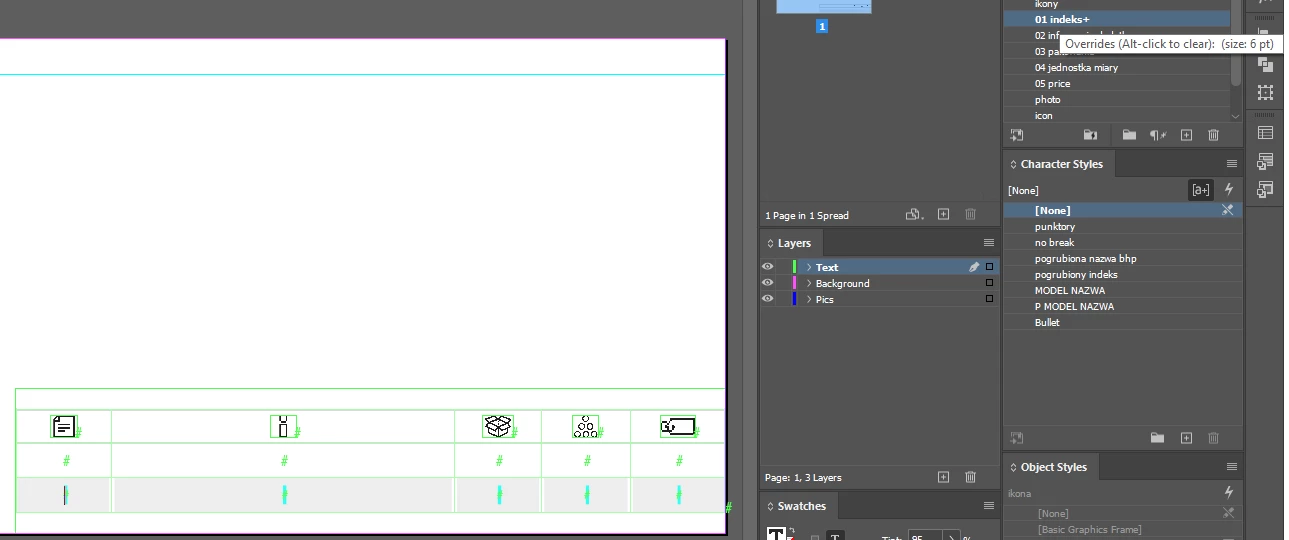
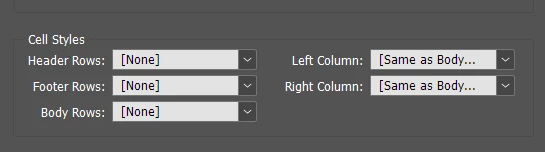
Table Style definition:
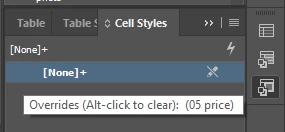
Cell Style isn't a problem either - even when it shows override:
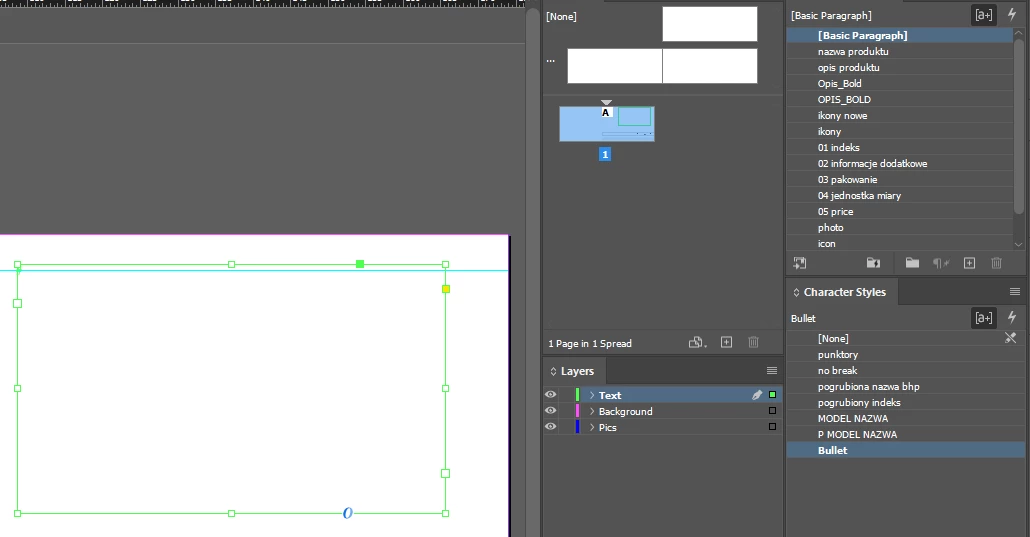
The culprit - when one of the CharStyles is being active/selected BEFORE hitting TAB - even when all cells in a Table have [None] CharStyle applied - DEFINITION of this active/selected CharStyle is still applied to the cells in the newly created row - like when you create a new/blank TextFrame with some styles active / preselected:
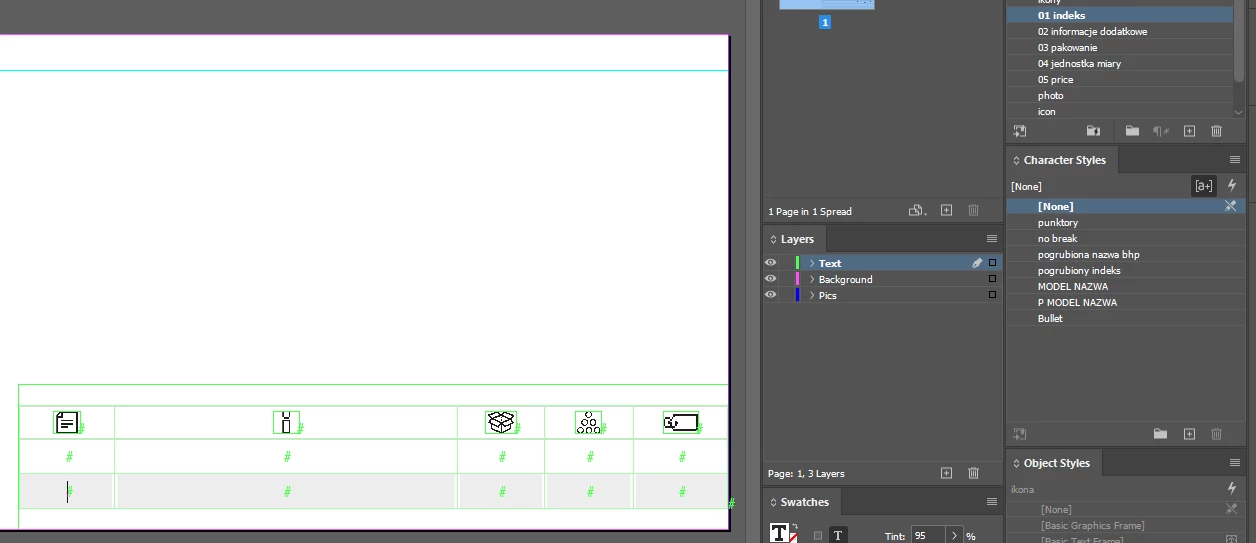
So after selecting [None] as an active CharStyle - pressing TAB in the last cell - no more overrides:
Hopefully this will save someone precious time searching for gremlins.
Unless it's an old news - then please remove this post.
 AdChoices