Participant
March 9, 2021
Answered

Bullet BETWEEN text help

  • March 9, 2021
  • 1 reply
  • 415 views

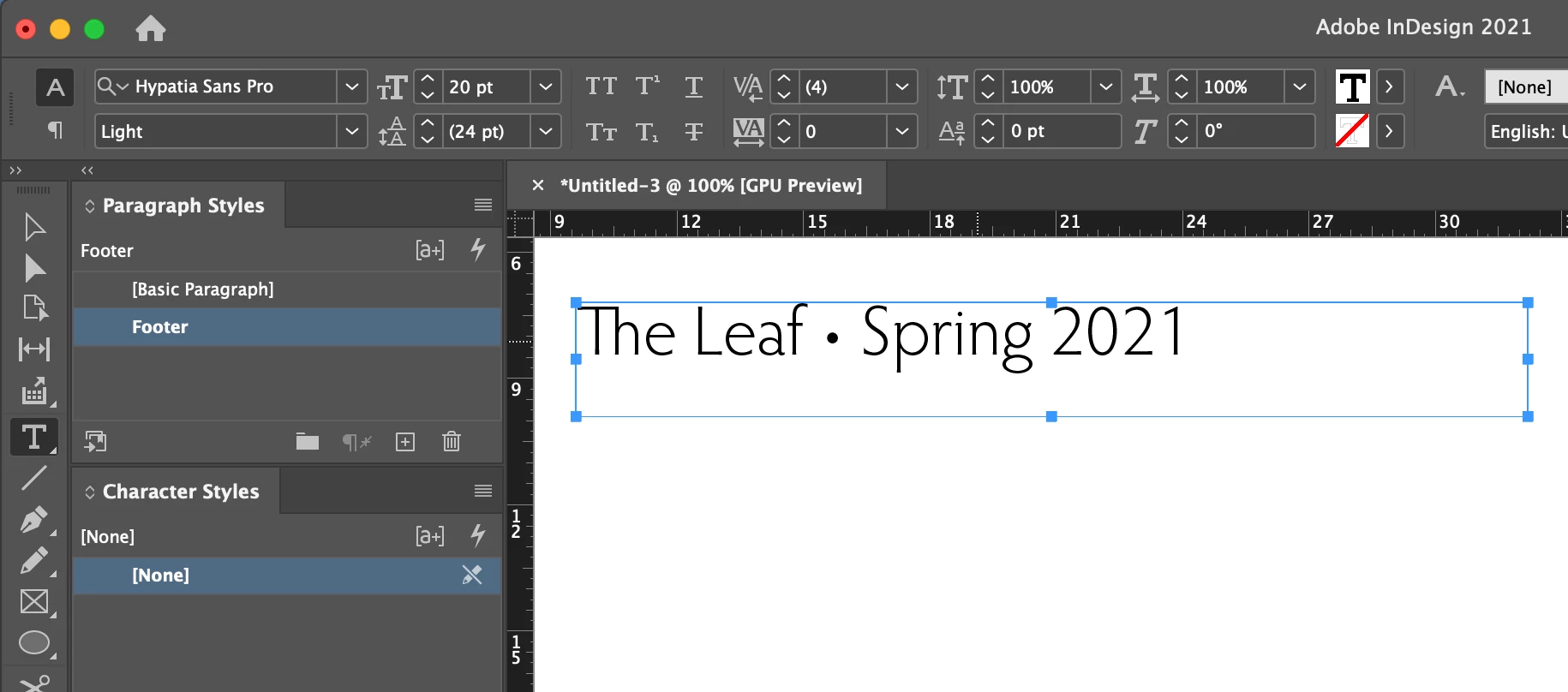
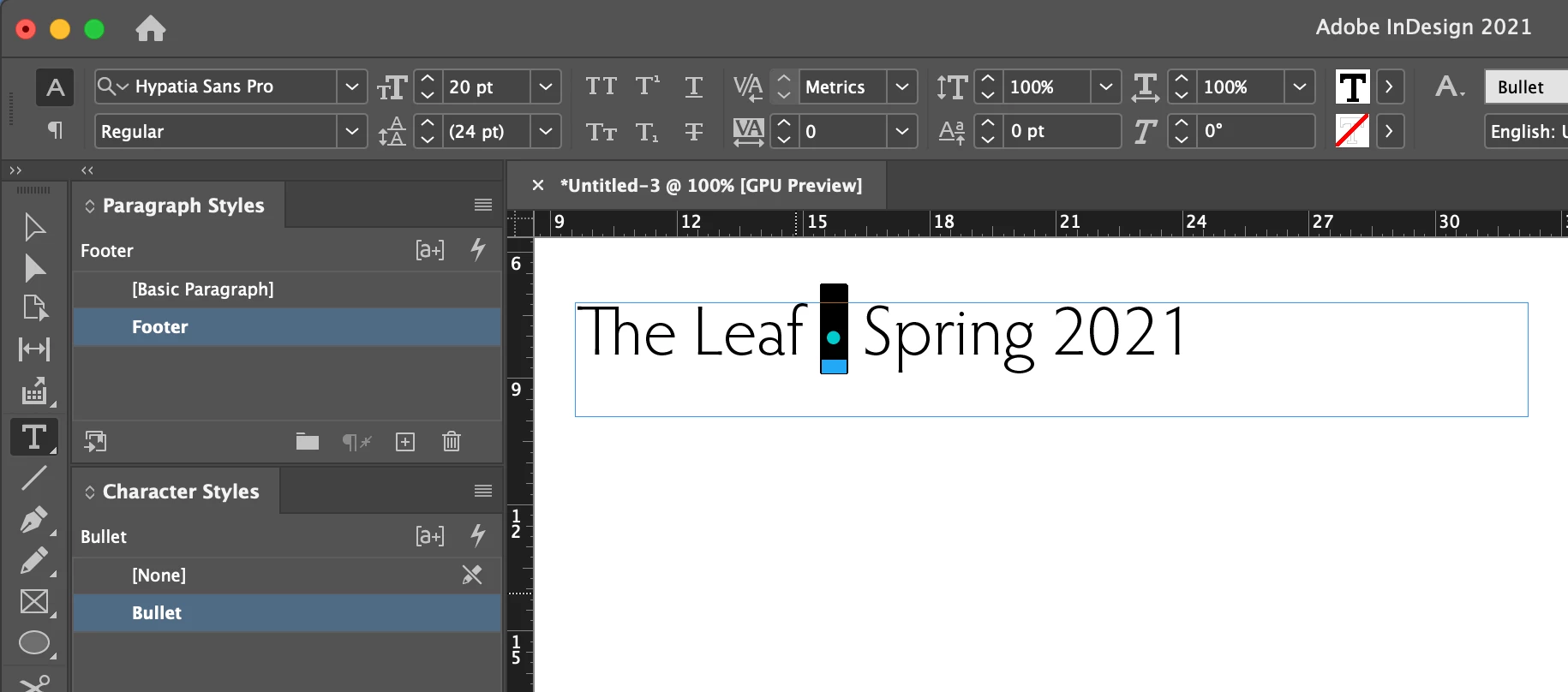
Hi, I am working on a magazine and in my master page's footer I am wanting " The Leaf (bullet) Spring 2021". The bullet when inserted formates to the character style of that text, which is too large for what I want it to appear. When I try to adjust it to make it more minimal the alignment with the text then is not centered. I cannot figure out how to align the bullet with me making it smaller than the character format text. Any fixes? Thank you! (screenshots provided - I know it's so minimal, but I want it to all be aligned)
This topic has been closed for replies.
Correct answer Barb Binder

I would create a paragraph style for the footer, and then apply a character style to just the bullet. If you aren't comfortable using styles yet, take the same approach to manually formatting using options on the Control panel or Properties panel.


Edit: when you said "centered", I assumed horizontally. If you meant vertically, use a baseline shift with just the bullet selected in your character style. 


~Barb 

1 reply

Barb Binder
Community Expert
Barb BinderCommunity ExpertCorrect answer
Community Expert
March 9, 2021

I would create a paragraph style for the footer, and then apply a character style to just the bullet. If you aren't comfortable using styles yet, take the same approach to manually formatting using options on the Control panel or Properties panel.


Edit: when you said "centered", I assumed horizontally. If you meant vertically, use a baseline shift with just the bullet selected in your character style. 


~Barb 

~Barb at Rocky Mountain Training
DWest133Author
Participant
March 9, 2021

Thank you! I knew this was going to be something simple that would make me feel silly that I even needed to ask. lol