
dugost
Inspiring
December 13, 2022
Question

Can a GREP Style target a Text Variable by name or a combination of Text Variables?

  • December 13, 2022
  • 1 reply
  • 492 views

Hi. I'm wondering if it's possible to have GREP Style target Text Variables in a couple of ways in order to meet some conditions.
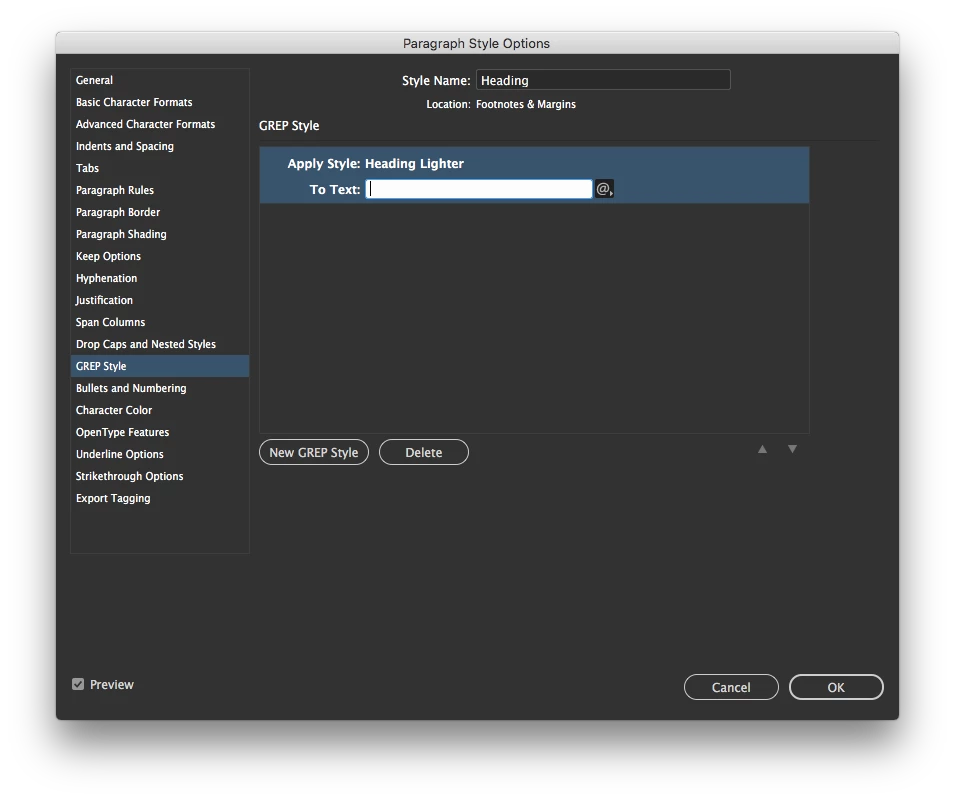
1. In the GREP Style's To Text field, I can enter ~v for Any Variable, ~Y for Running Header (Paragraph Style), ~u for Custom Text, etc. Can these metacharacters be included in an expression to target Text Variables by name as a string? For example, a Running Header called "Name" using something like ~Y=Name or a Custom Text Variable called "Country" as ~u=Country.


Obviously, those won't work but I don't know if it's because I haven't formatted the expression properly or if it's simply impossible. Anything I've tried so far has failed.


2. Similarly, can a GREP Style target a sequence of Text Variables? Either a simple sequence like Custom+Running Paragraph+Custom (~u~Y~u) or specifically by name like (~u=Prefix~Y=Name~u=Country)?


The goal is to set up pages with conditions that these GREP styles target conditionally.


Any help is appreciated!

This topic has been closed for replies.

1 reply

Mike Witherell
Community Expert
Community Expert
December 13, 2022

No, this is not possible with GREP and InDesign. What are you trying to do to the variables and text?

Mike Witherell
dugost
dugostAuthor
Inspiring
December 13, 2022

Thanks. I'm trying to theme sections of a document conditionally. The top margin has a text variable for displaying the author credit of the current article. I would like to style the margin's text and rule colour based on the author.


My thinking was to have distinct styles for each author and corresponding text variables. If the text variable in the top margin could have a GREP style conditional to the current author then a unique colour could be applied automatically. For example:


  • Stack separate text frames for authors A, B and C in the top margin. Apply a paragraph style with the text colour set to None and the rule set to Text Colour (rendering frame content invisible).
  • Create a unique paragraph style for each author for their name at the beginning of each article.
  • Create a Running Header Text Variable for each author and add them to the corresponding frame in the top margin.
  • Create a character style for each author with a unique text colour only.
  • In the paragraph style used in the margin text frames, add a new GREP style for each author (e.g. Apply Style: Author A Colour / To Text: ~Y=Author A, etc.). The text and rule in the margin would change from invisible to the current author's specific colour.


Without that condition the GREP Style, every text frame displays the current author's name in all colours instead of keeping the other frame content invisible.


As this isn't possible, I'm about to approach this a different way to see if I can make it work, though.