Participant
November 19, 2022
Answered

Can I recover InDesign file after external hard drive crashed?

  • November 19, 2022
  • 3 replies
  • 434 views

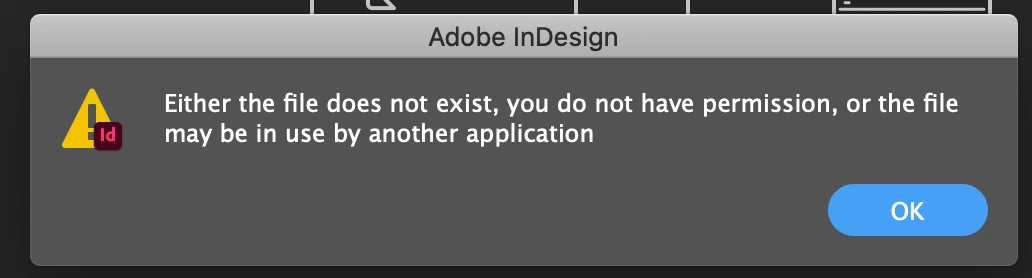
Is there any way I can access an InDesign file that was saved to my broken external hard drive? The drive crashed the other day after my comptuer froze and is now being worked on for data recovery/replacement, but I really need this file today! Please help!  
 

This topic has been closed for replies.
Correct answer BobLevine

Sadly, if that's the only place this file existed, you've learned a very painful lesson. Always have a backup plan.

For me, that means always working in a Dropbox or OneDrive folder. Even deleting a file intentionally that way allows you recover it with one click. You can even go back and recover different versions.

3 replies

BobLevine
Community Expert
BobLevineCommunity ExpertCorrect answer
Community Expert
November 20, 2022

Sadly, if that's the only place this file existed, you've learned a very painful lesson. Always have a backup plan.

For me, that means always working in a Dropbox or OneDrive folder. Even deleting a file intentionally that way allows you recover it with one click. You can even go back and recover different versions.

Abambo
Community Expert
Community Expert
November 19, 2022

There is not really a good chance to recover that file, if no backup exists.

ABAMBO | Hard- and Software Engineer | Photographer
Community Expert
November 19, 2022

You can try these file recovery suggestions here.


This old thread may also have some suggestions you could try.


There is always the chance that the file is corrupted though. In the future it's always best to save backup versions in different locations in case something does occur.