

Answered
Can't Change Picture Size
Please Help!
I am using Indesign CC 2018 on a MacBook Pro.
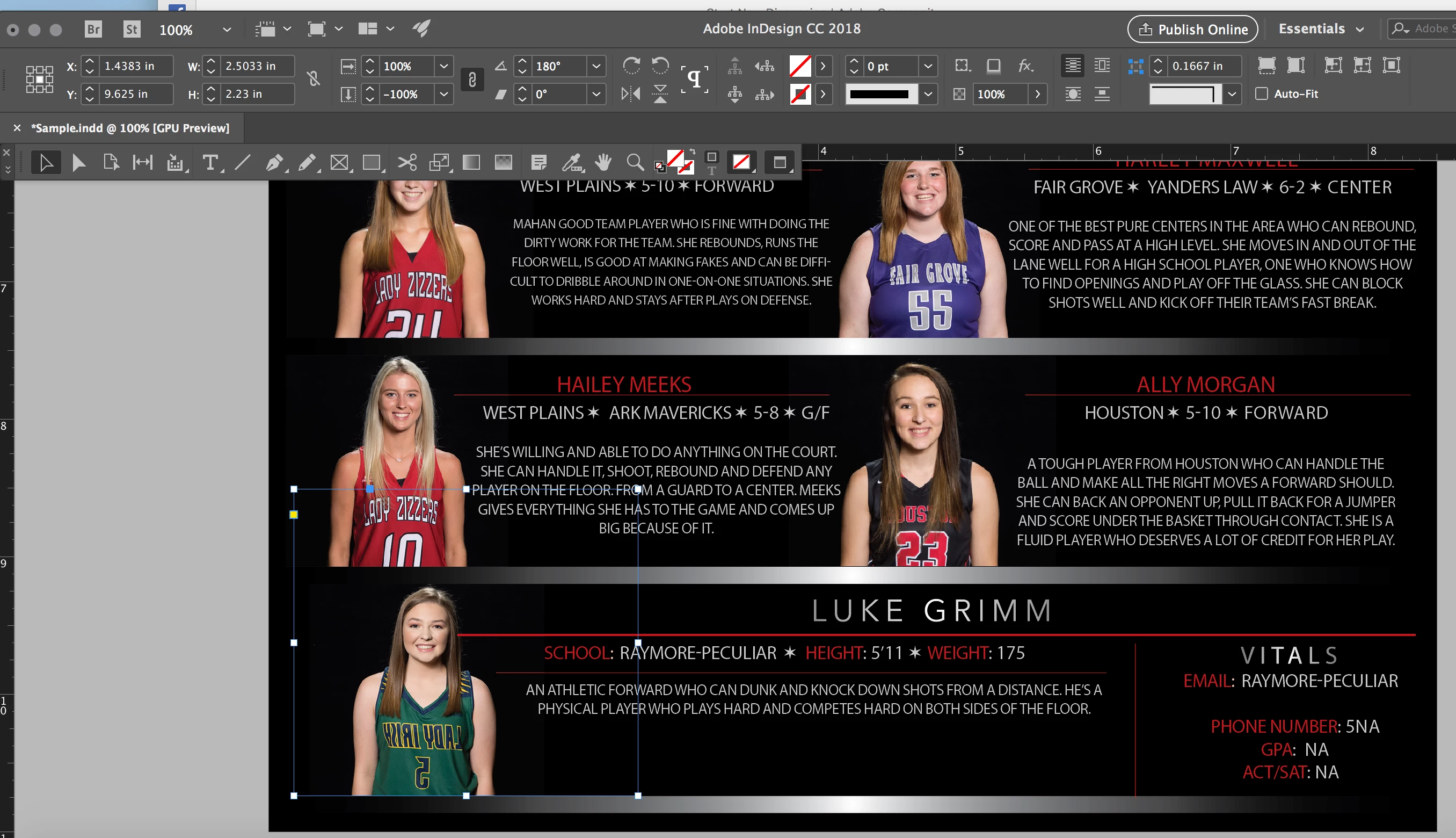
Used to be when I placed an image on the page, all I had to do to make the image larger or smaller was to make sure I grabbed a blue corner, then drag. Boom. The picture changed size as I drug the corner.
Now when I grab the blue corner, the blue box gets bigger or smaller, but the image does nothing. I've included an image and you can see my blue box bigger, but my image still the same size. I am so confused I don't even know where to start.

 AdChoices