Participant
July 17, 2024
Question

Can't copy pages to specific location in Adobe InDesign

  • July 17, 2024
  • 2 replies
  • 835 views


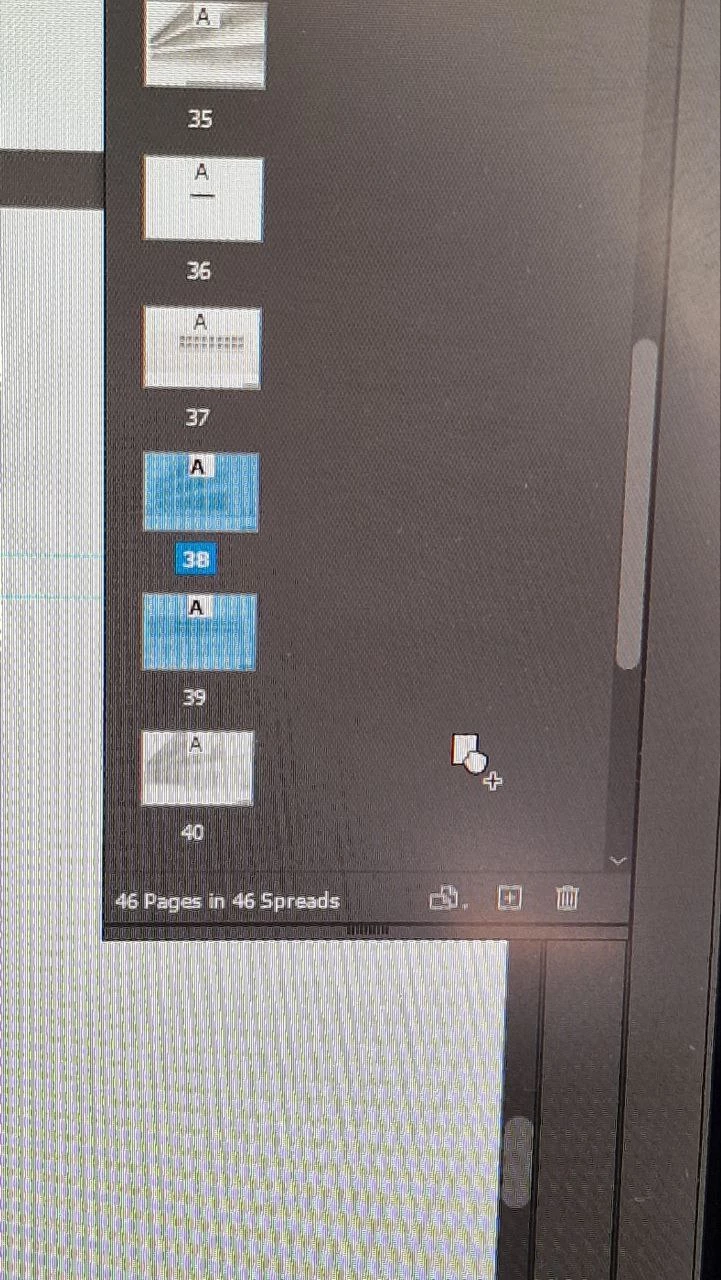
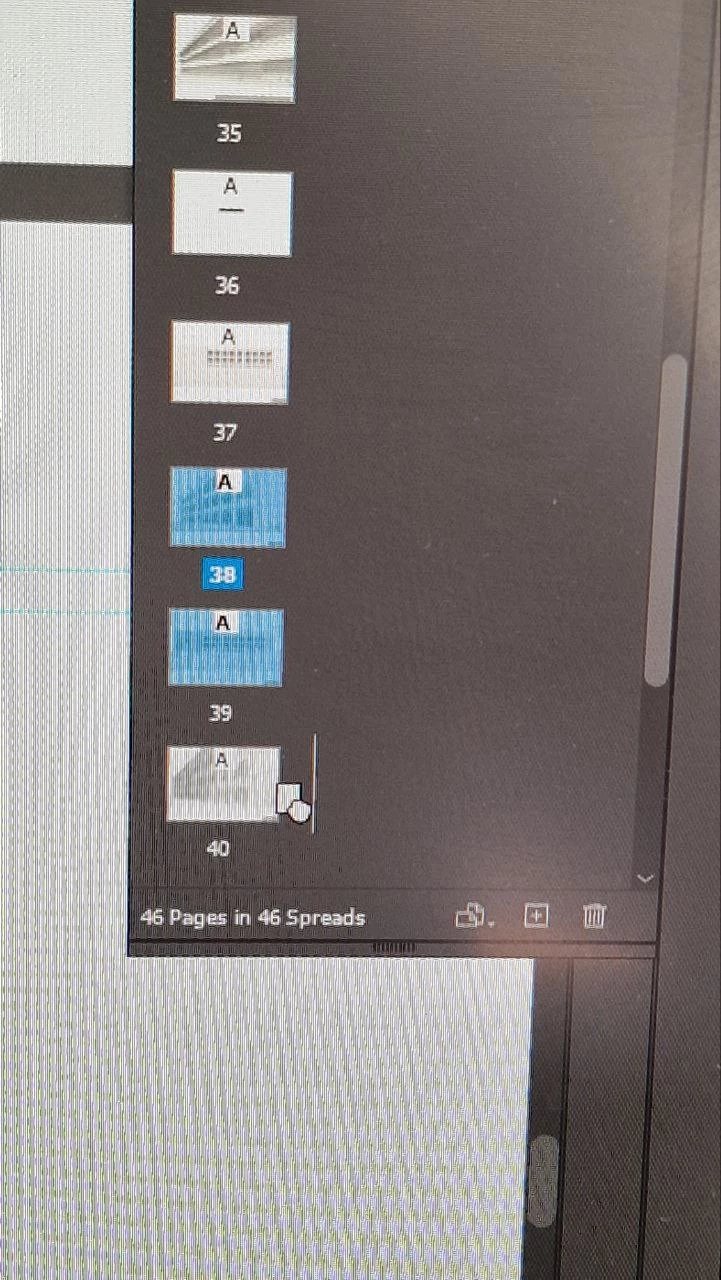
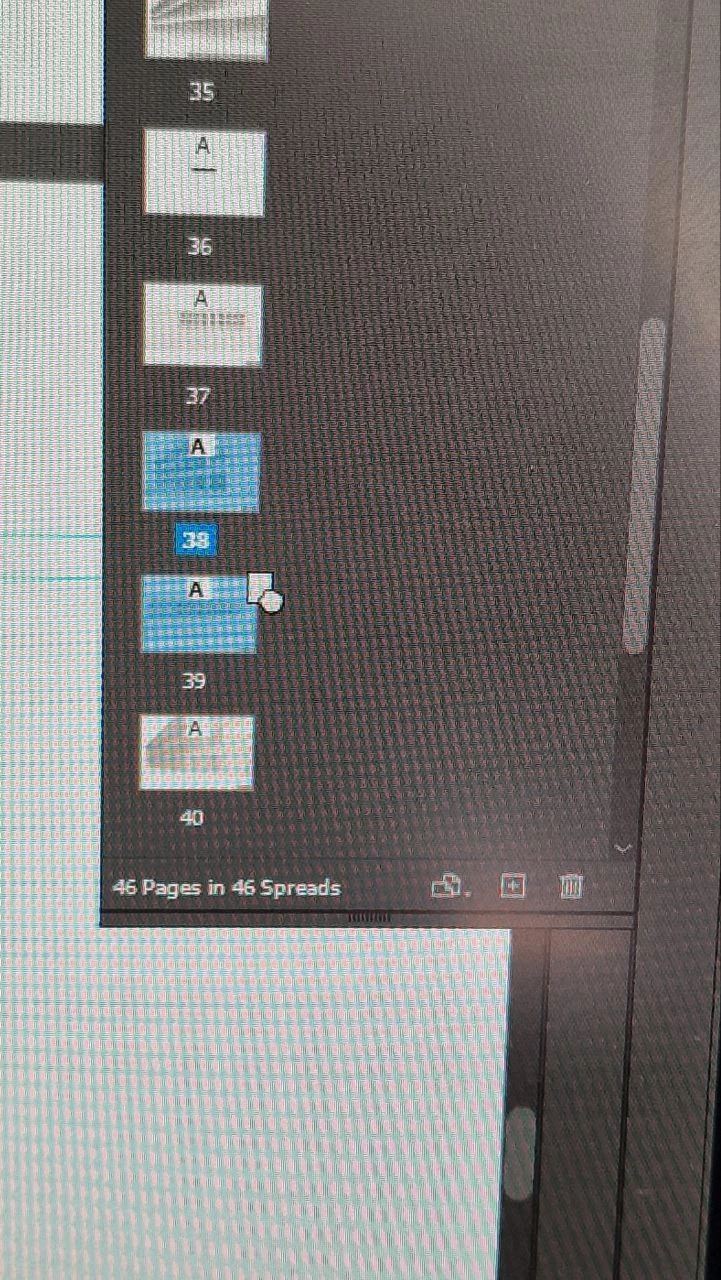
I want to copy the pages right after the selected ones using the "alt" key. However, when I press "alt" while moving the selected pages, nothing appears. The copy symbol only appears if I move the cursor a bit further, but then the copied pages end up at the end of the document instead of where I want them.


This problem doesn't occur with just one page; it only happens when I try to copy multiple pages. What could be causing this issue?


I know about a Move pages command but I found it more complicated than regular mouse dragging.


2 replies

Anshul_Saini
Community Manager
Community Manager
July 22, 2024

I'm sorry you're experiencing this issue. Could you please share a screen recording of the problem and confirm your OS and InDesign version?

If we can reproduce this issue, we'll log it as a bug. If not, then we can proceed with further troubleshooting.


Thanks for your understanding & cooperation.


Best,

Anshul Saini

Participant
July 28, 2024

Dear Anshul, 


Sure, please find a video attached
OS: Windows 10 Pro , 22H2 version

Indesign version: 17.0.1 x64

Anshul_Saini
Community Manager
Community Manager
July 31, 2024

Thank you for the information, @b fdb df38654196bs2t. I would recommend you to install InDesign version 19.5 and see if the issue persists. Unfortunately, older versions like 17.0.1 x64 will not receive further fixes.


Let us know how it goes!


Best,

Anshul Saini

Frans v.d. Geest
Community Expert
Community Expert
July 17, 2024

Just to make sure: first press and hold(!) the alt key then click and drag... That isn't working for you?

Participant
July 18, 2024

Dear Frans, thanks for the advice. Yes, alt is of course held

leo.r
Community Expert
Community Expert
July 19, 2024

Yes, I can confirm this behavior when copying multiple pages (but not one page) using this method.


If you believe it's a bug, you can submit it here:

https://indesign.uservoice.com/forums/601180-adobe-indesign-bugs