bartonlew
Legend
August 18, 2023
Answered

can't drag an image onto a page

  • August 18, 2023
  • 2 replies
  • 326 views

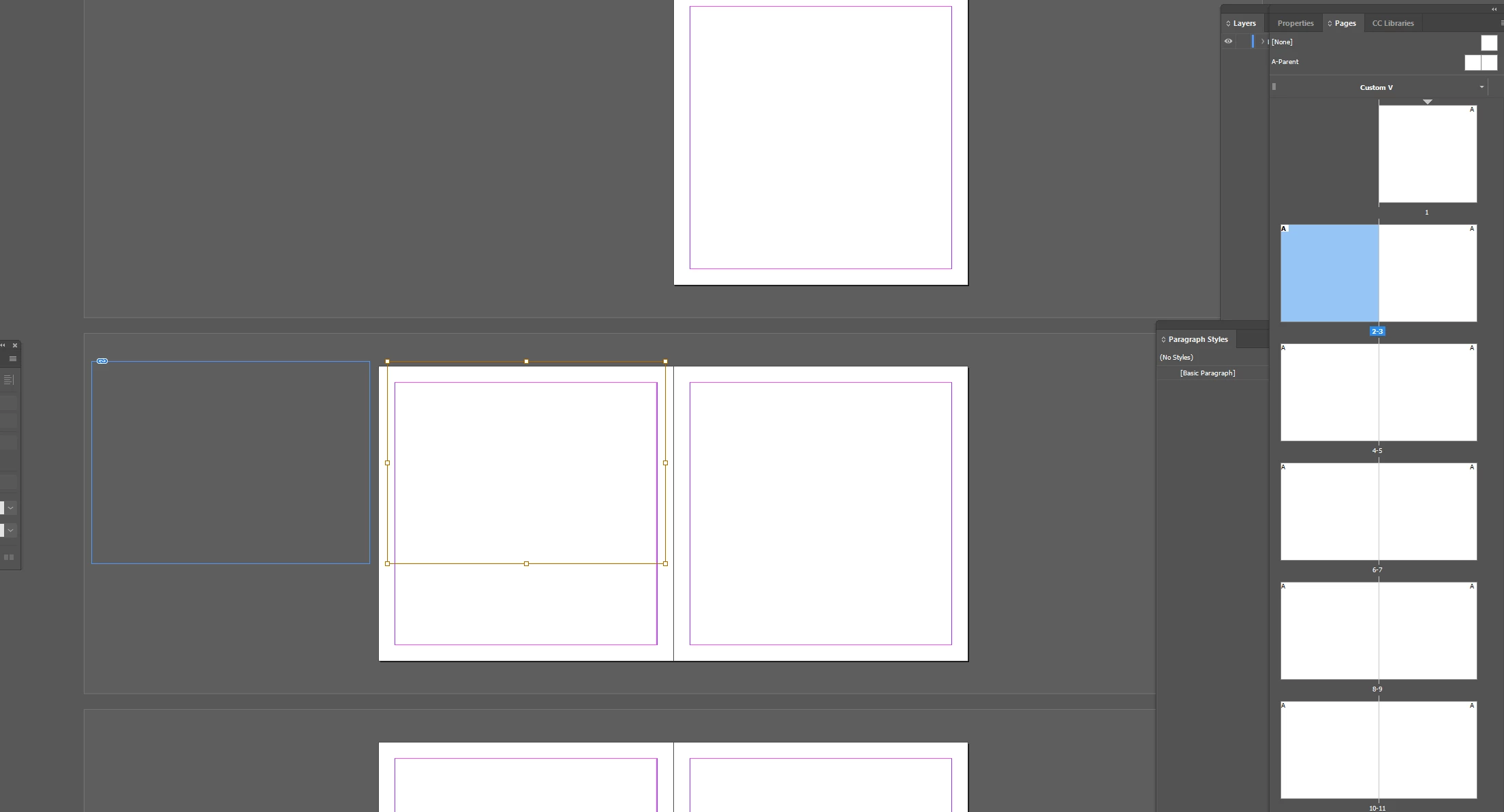
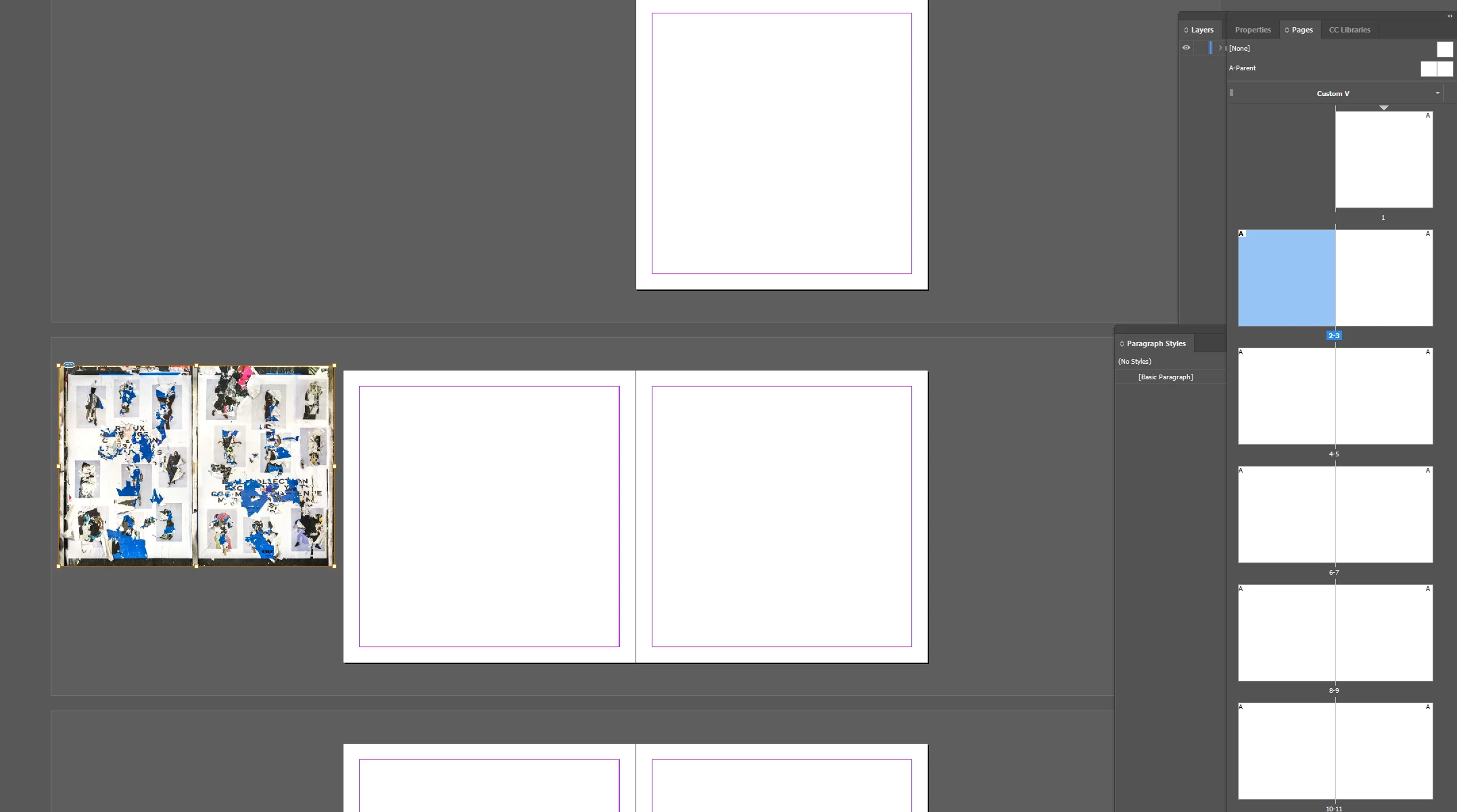
I watched a tutorial that said to insert an image into a document, go to Import File, roughly size the image outside the page, then ctrl shift drag it in.  I'm doing that, and a blank box appears inside the page.  Why?  Thanks.  


This topic has been closed for replies.
Correct answer Willi Adelberger

You probably dragged the frame, not the image with the frame to the page. Either you clciked twice with the Selection Tool or you took the Drecr Selection Tool. 


Click once with the Selection Tool and drag.

2 replies

Willi Adelberger
Community Expert
Willi AdelbergerCommunity ExpertCorrect answer
Community Expert
August 18, 2023

You probably dragged the frame, not the image with the frame to the page. Either you clciked twice with the Selection Tool or you took the Drecr Selection Tool. 


Click once with the Selection Tool and drag.

bartonlew
bartonlewAuthor
Legend
August 18, 2023

Thanks, I must have had the Direct Selection Tool selected.  It's working now.  

Derek Cross
Community Expert
Community Expert
August 18, 2023

Place the image.

Keyboard shortcut: Cmd/Control + D

(Also learn about Effective PPI in InDesign in the Links Panel – rule of thumb, aim for around 300PPI for documents you are having printed.)

bartonlew
bartonlewAuthor
Legend
August 18, 2023

Thanks.  The image is 300 DPI.  Wonder if it was showing up otherwise.