
Answered
Can't Edit Text Properties in InDesign - [Grayed out Text Properties, World/Arrow Icon]
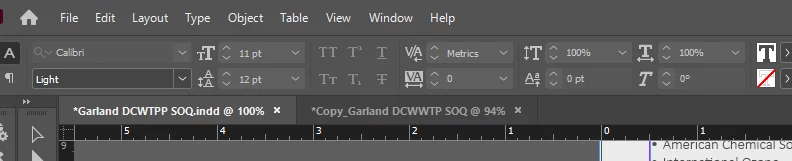
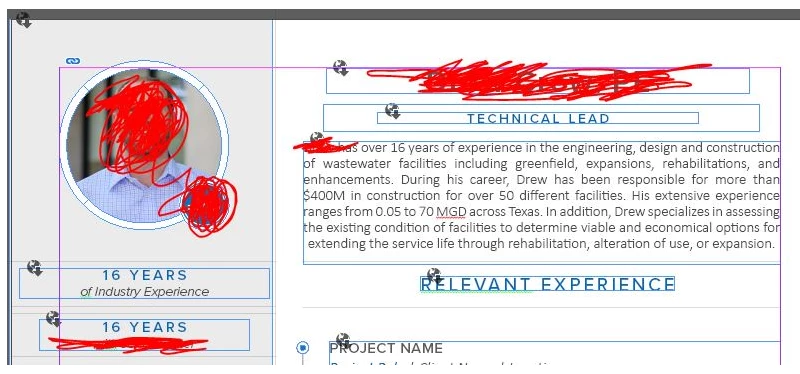
Hello - Over the last week I have been working in an InDesign file with no issues, but when opening it this morning, all of the text properties are grayed out when I try to edit the text (see first image below). Also, when hitting "W" to access the editing view, all the text boxes show a world icon with an arrow (see second image below). This is only happening with this one file. All of my other InDesign files are working fine. Has this ever happened to anyone?
Methods taken so far that have not worked:
- Restart computer
- Unistall/re-install InDesign
- Making a copy of the file
 AdChoices