Participant
January 3, 2020
Question

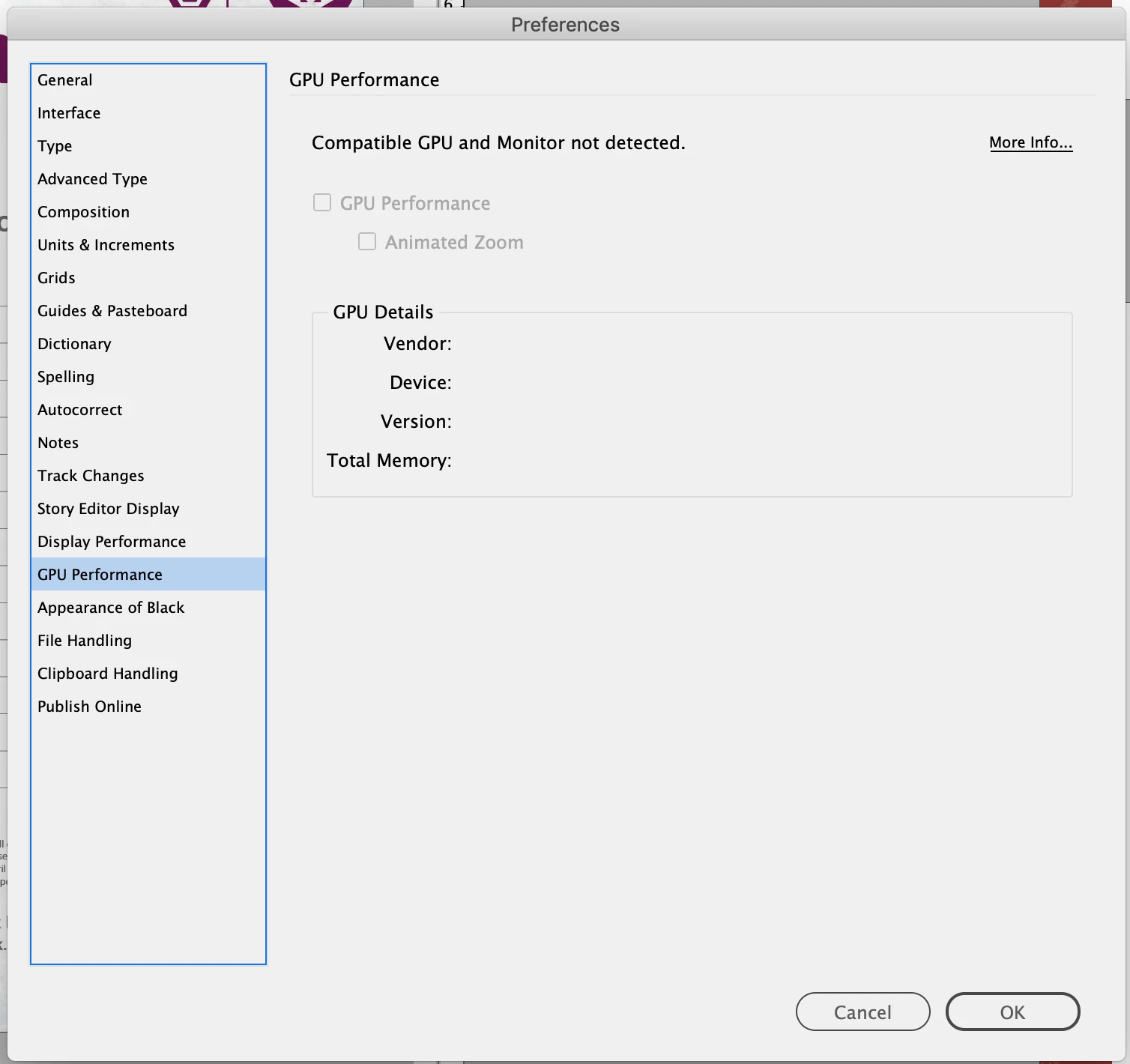
Can't enable GPU performance in InDesign on macOS Mojave

  • January 3, 2020
  • 2 replies
  • 1513 views

Hi, I used to be able to enable GPU performance & scrubby zoom in InDesign, but am now getting the message 'compatible GPU and monitor not detected' under inDesign preferences. No rocket symbol or way to turn it on via the dropdown menu.

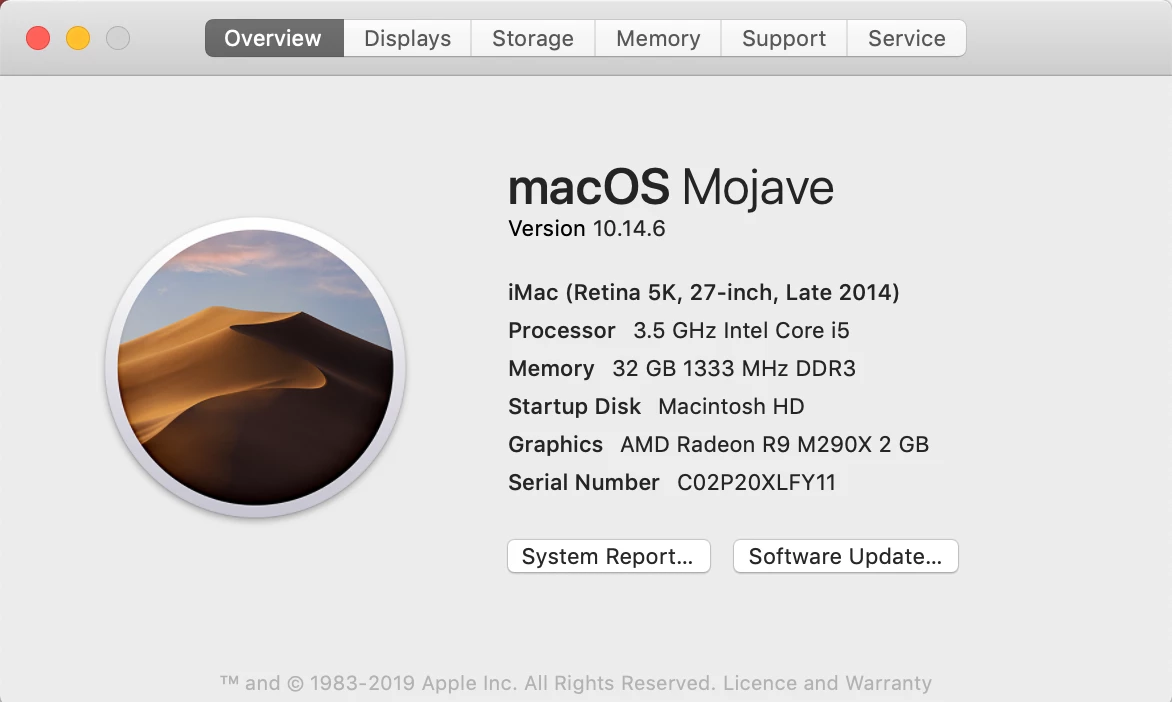
Mac specs attached - any ideas would be appreciated. Also an image of the Apple support document stating that my iMac version does support what's necessary.

Abbie

 

{Renamaed By MOD}

This topic has been closed for replies.

2 replies

Abbie2333Author
Participant
January 9, 2020

Hi both, thanks for your suggestions. This morning I came into work and the problem appears to have fixed itself - I must admit I haven't made any changes or done anything but can now scrubby zoom and swap between 'Preview on CPU' and 'Preview on GPU' under 'view'.

Rishabh_Tiwari
Legend
January 9, 2020

Glad to hear it has been resolved! Feel free to reach out if you run into any other questions or issues in the future. Thanks!   

Rishabh_Tiwari
Legend
January 3, 2020

Hi Abbie,


Sorry to hear about the trouble you are facing with InDesign. I would request if you can share a few more details like:


  1. The exact version of InDesign.
  2. You can also try resetting the preferences for InDesign by following the steps below and see if you are able to activate it after that:
  • Close all Adobe applications 
  • Go to Locations:  
  • ~/Library/Caches 
  • ~/Library/Preferences 
  • Rename Adobe InDesign and com.adobe.indesign to Adobe InDesign.old and com.adobe.indesign.old 
  • Launch InDesign from the CC 

Disclaimer: Please note that resetting preferences will remove all the custom settings and InDesign will launch with default settings. This way all your old settings will be saved in .old folders and InDesign will recreate new folders with default settings.  


Regards

Rishabh

Abbie2333Author
Participant
January 3, 2020

Hi, thanks for your reply. The version of InDesign i'm using is InDesign 2020 (15.0). I might try resetting the preferences /renaming and relaunching although i'm wary of deleting any preferences... i'll give that a try and get back to you.

BobLevine
Community Expert
Community Expert
January 3, 2020
First things first...update to 15.0.1.
Secondly, be aware that GPU performance has been troublesome from day one and InDesign 2020 introduced some serious issues in presentation mode.