
Can't get iD to 'release' and move to second monitor
Ok, I know this has be covered in some fashion...but I'm not seeing an answer that works...so here goes (again?!)
My setup:
Macbook Pro M1 16" (Ventura 13.1)
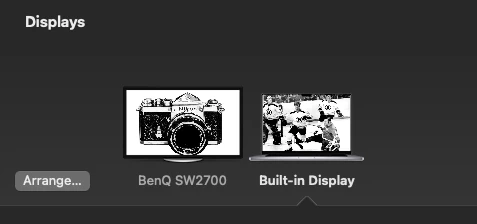
Secondary monitor: BenQ photo series 27"
Quandry:
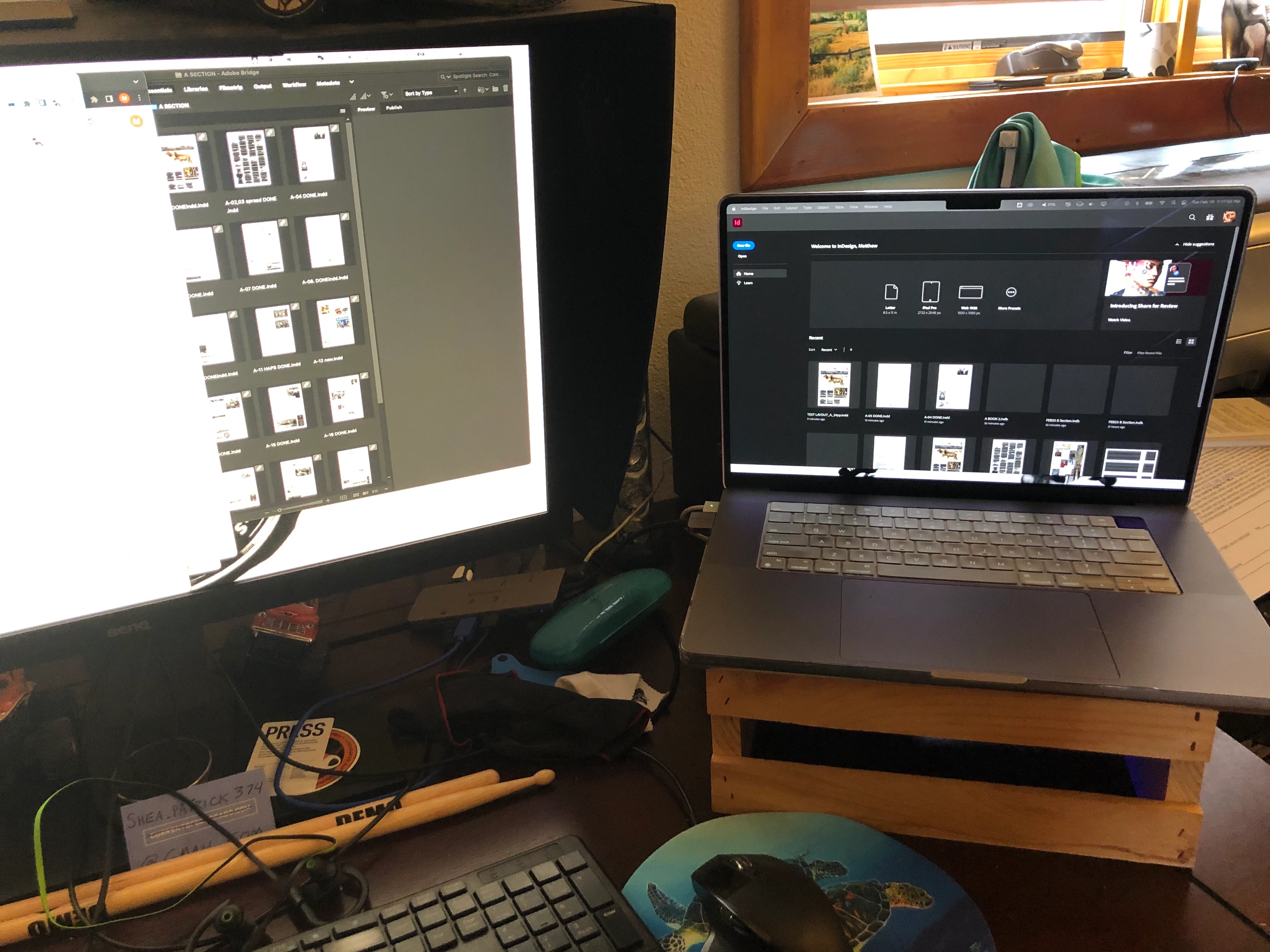
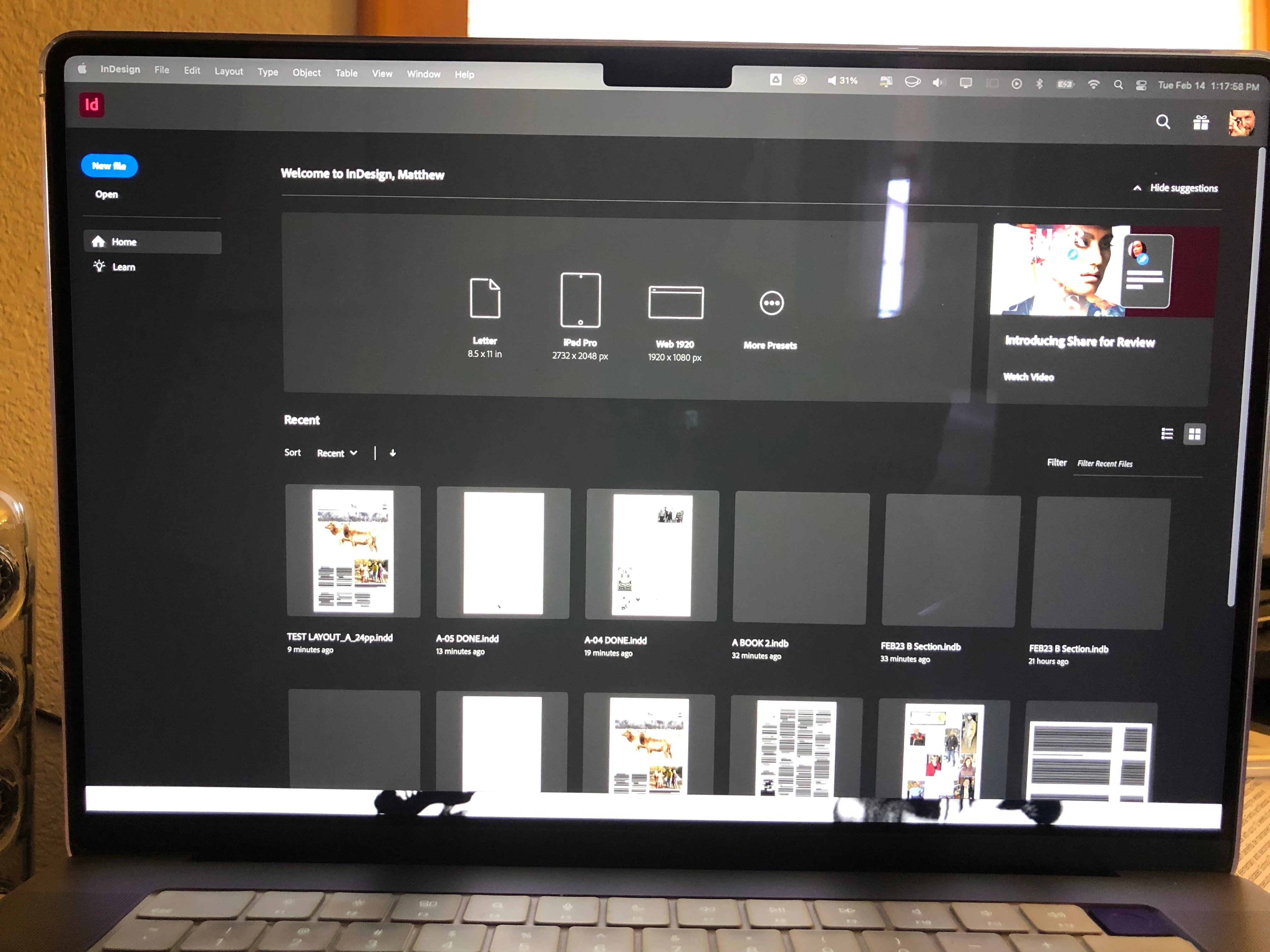
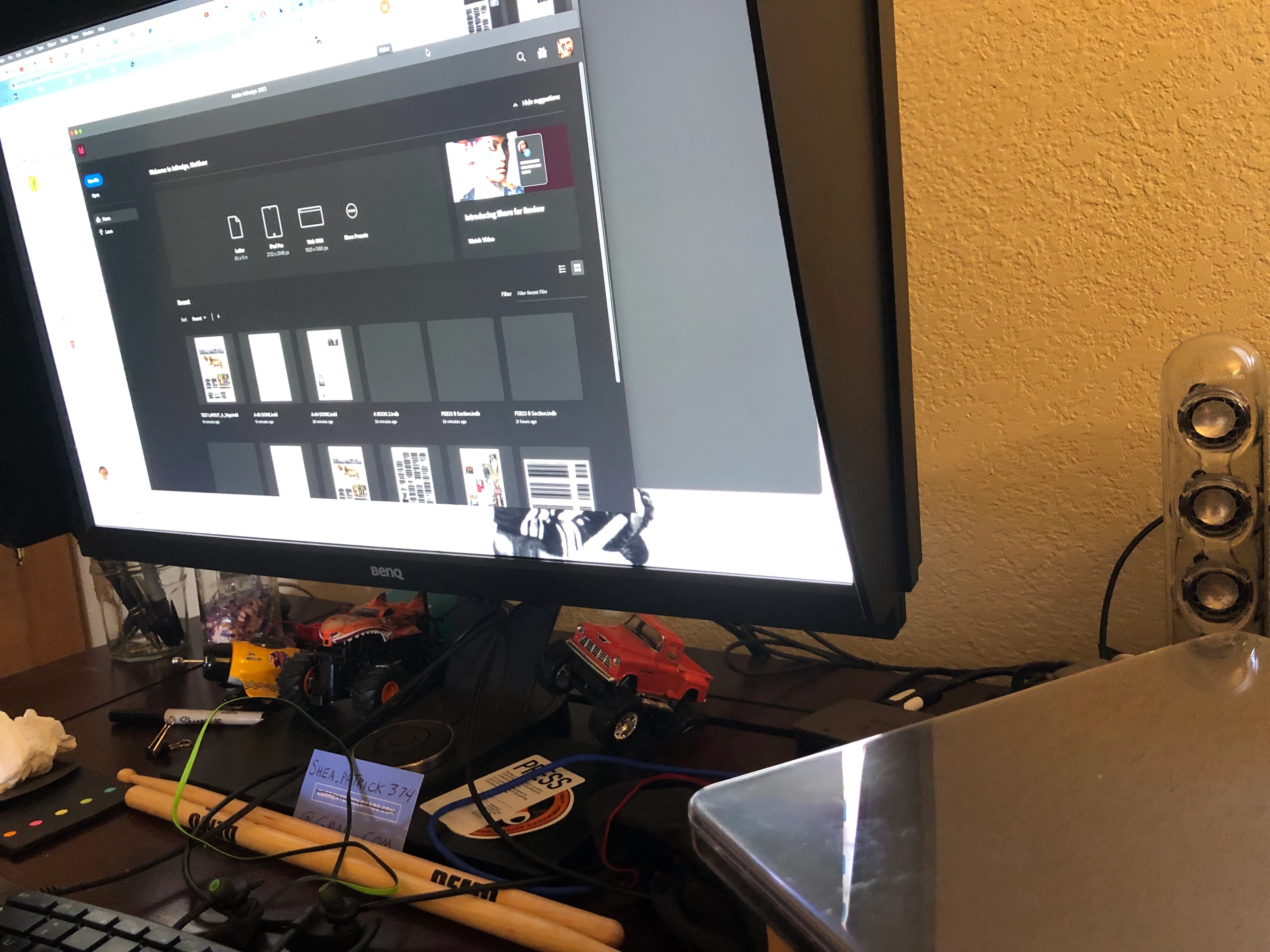
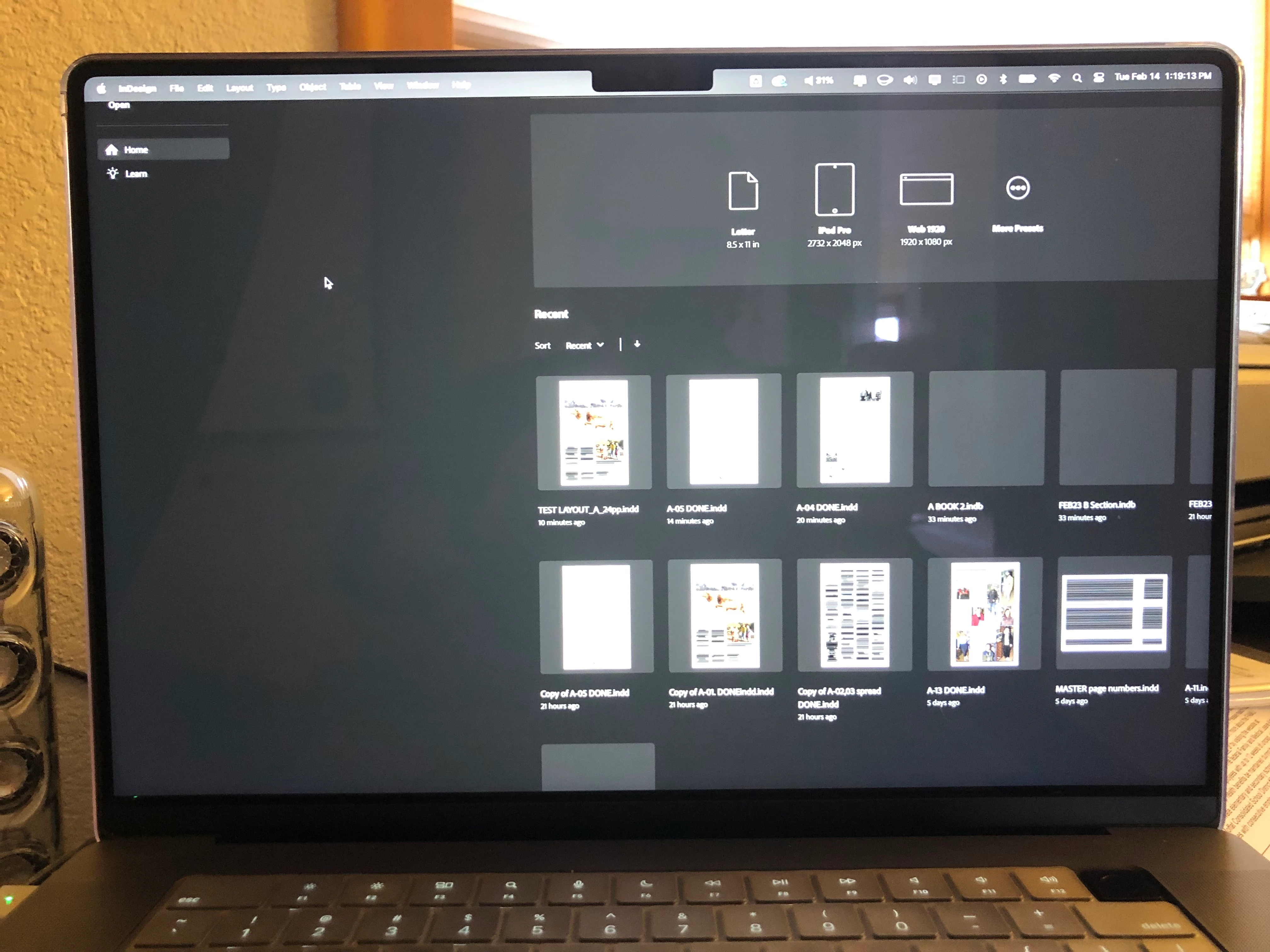
1) When I launch iD it is locked onto the main (Macbook) display. There is no way to release it to move to my BenQ.
2) If I close the Macbook it pushes the display over to the BenQ. iD is then free to move and arrange the full program window on my BenQ.
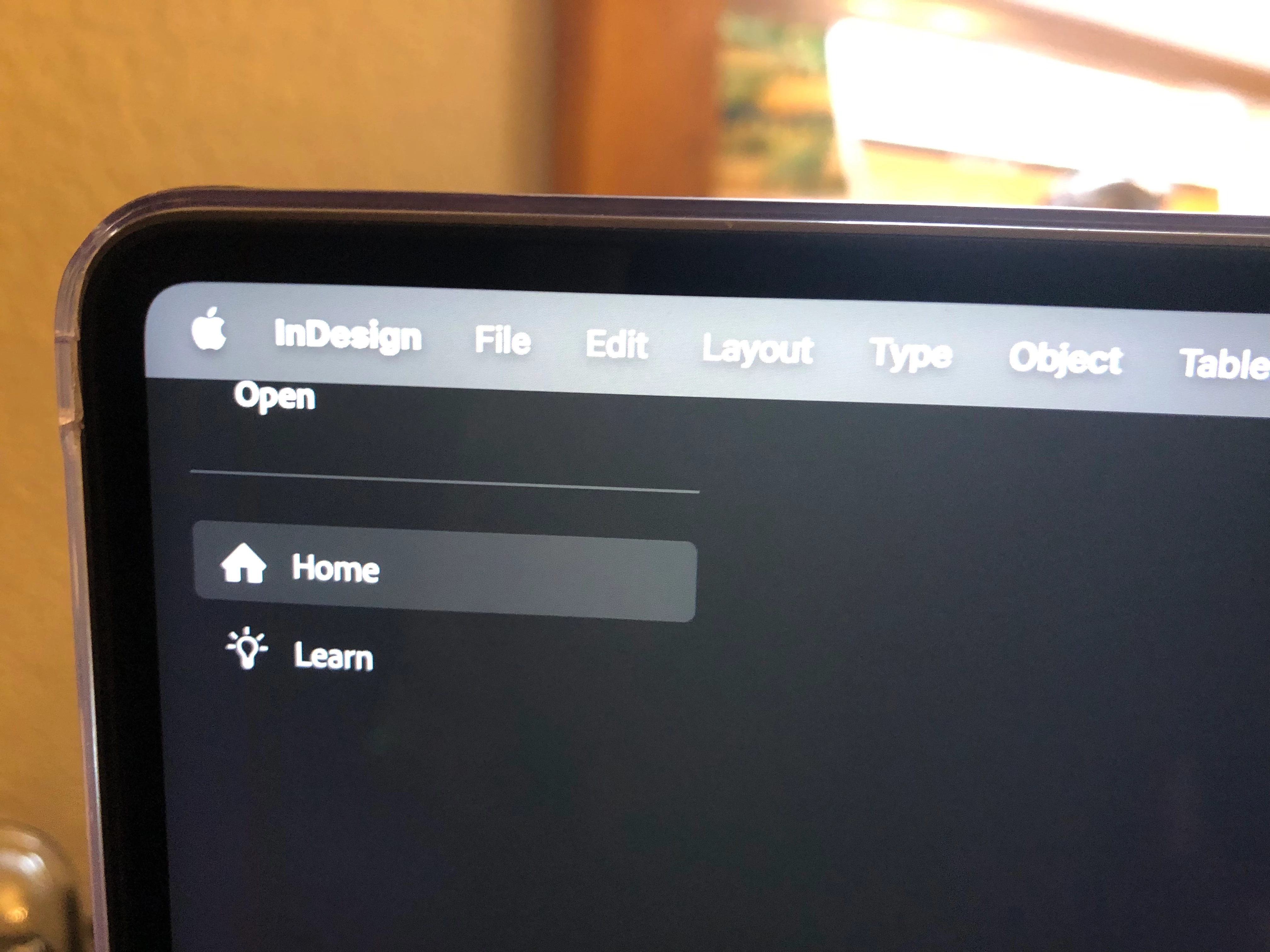
3) However, when I open the Macbook it jumps back over in a locked position. Further, it appears that when I do that it is in a slightly different position.
My question: Why is this happening and how do I fix it? There's something about it that doesn't make intuitive sense and seems like a bug. And, you know, I just can't imagine that Adobe would ever release something with bugs.
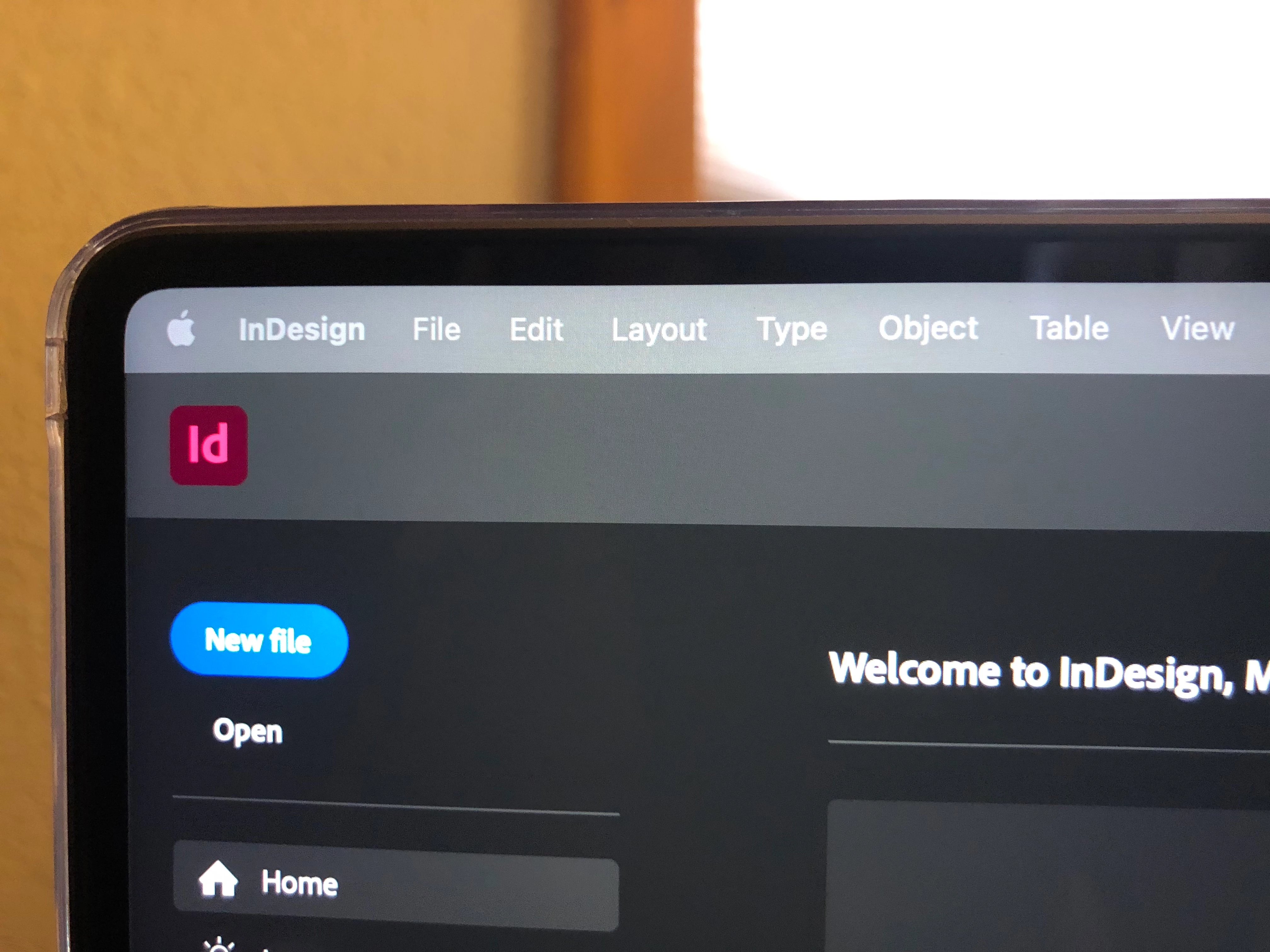
Here are screengrabs and iphoner photos to illustrate.
 AdChoices