
Can't get rid of underline in exported EPUB
Hi, I have an InDesign book that has a persistent underline that only shows up in the exported EPUB, and only in certain documents. I can't get rid of it.
Here are the underline settings for my paragraph style:
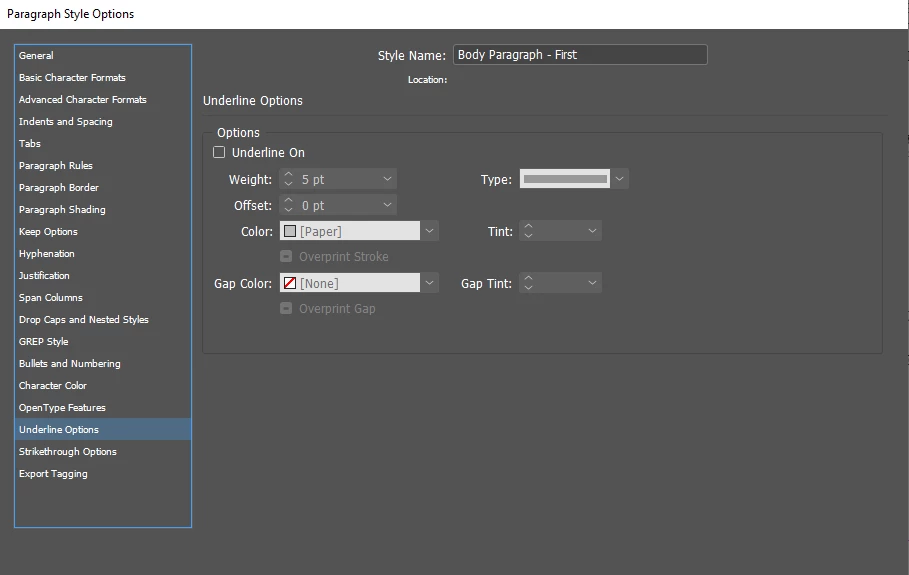
All paragraph styles are set this way. The settings look the same when I highlight any text and click "underline options" at the top right:
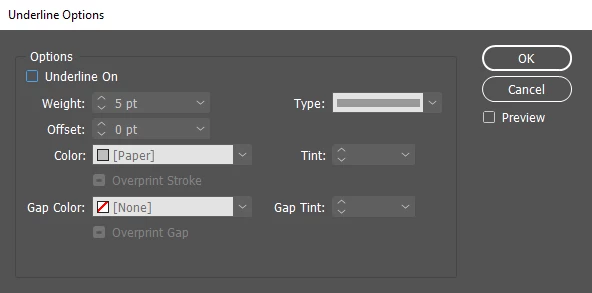
When I drag the text off the page you can see there's no underline:

Strangely, even when I underline text (after changing the settings so underlines are "text color"), no underline shows up.
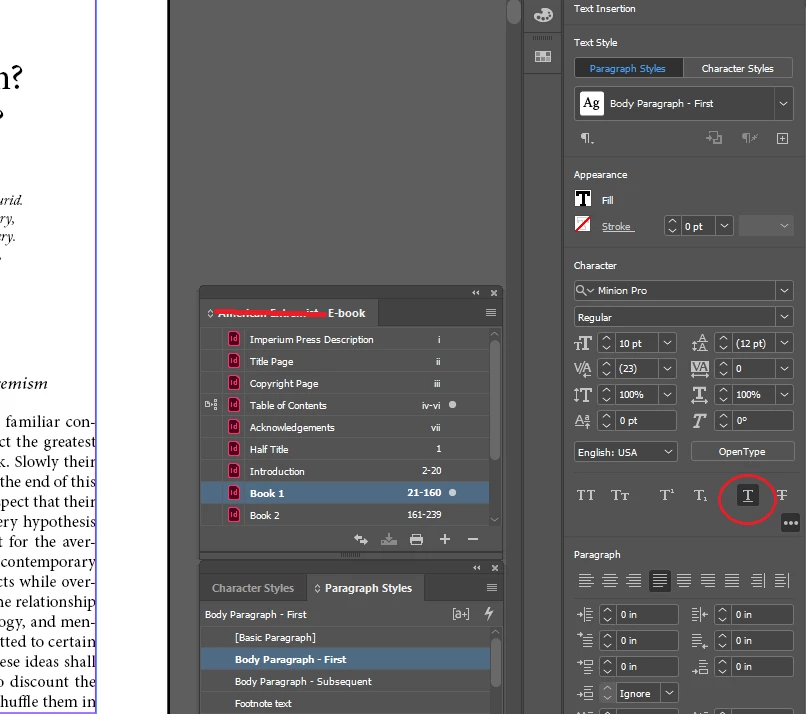
The "Acknowledgements" document has no underline problem in the EPUB:
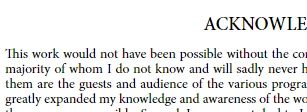
But the "Book 1" document has it:
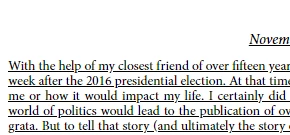
I have no idea why this is happening. I've uploaded the Acknowledgements, Book 1, style source (TOC) documents and book file to the following Dropbox folder if anyone wants to dig into the actual files:
https://www.dropbox.com/sh/kzk0knh3vlghpc3/AADllwOGMc6aOyZ4Be-A-i30a?dl=0
Thanks for any help.
 AdChoices