
thomass60087362
Participant
November 17, 2018
Answered

Can't go full screen beyond bottom dock in MacOS

  • November 17, 2018
  • 1 reply
  • 7778 views

Hi,

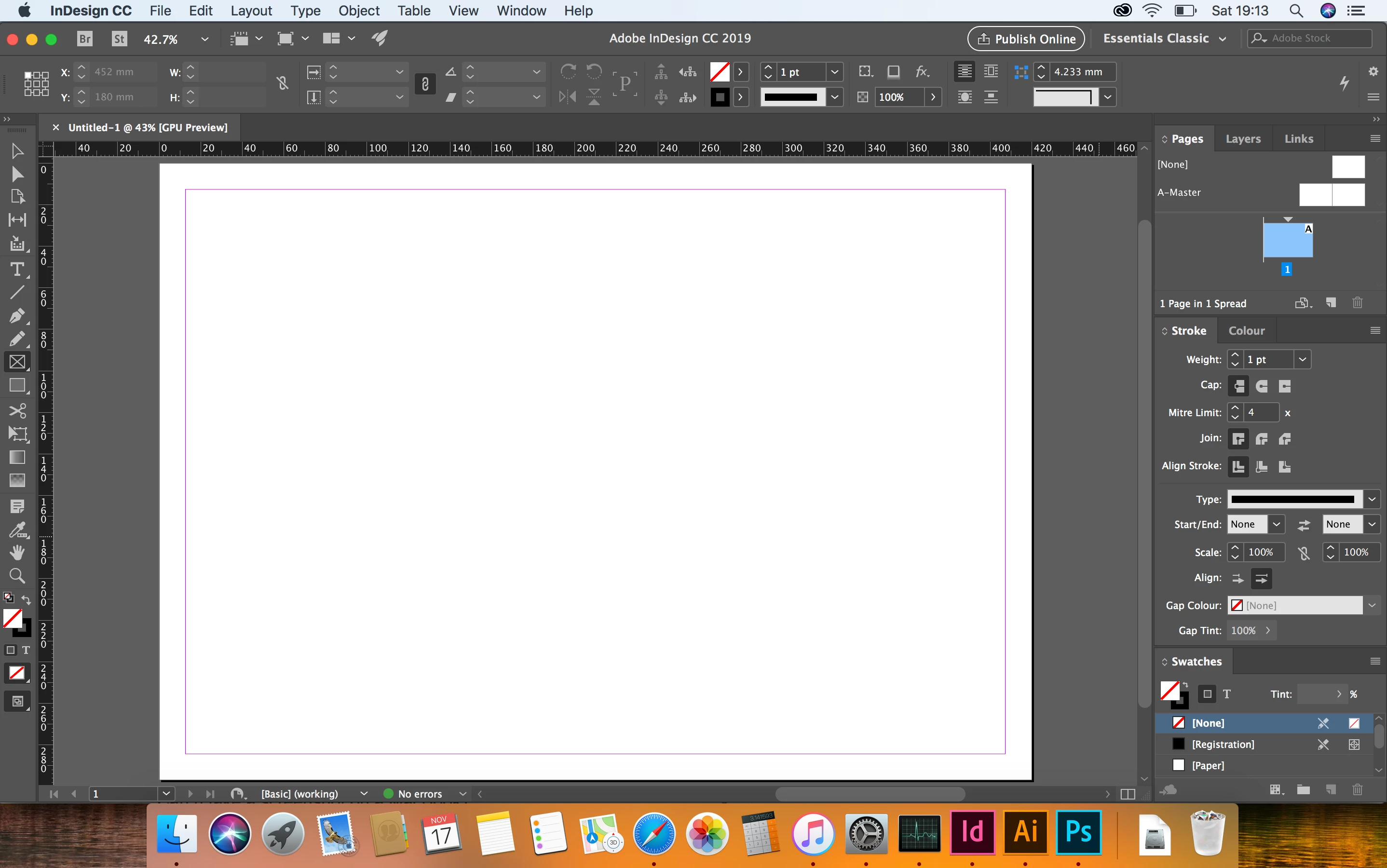
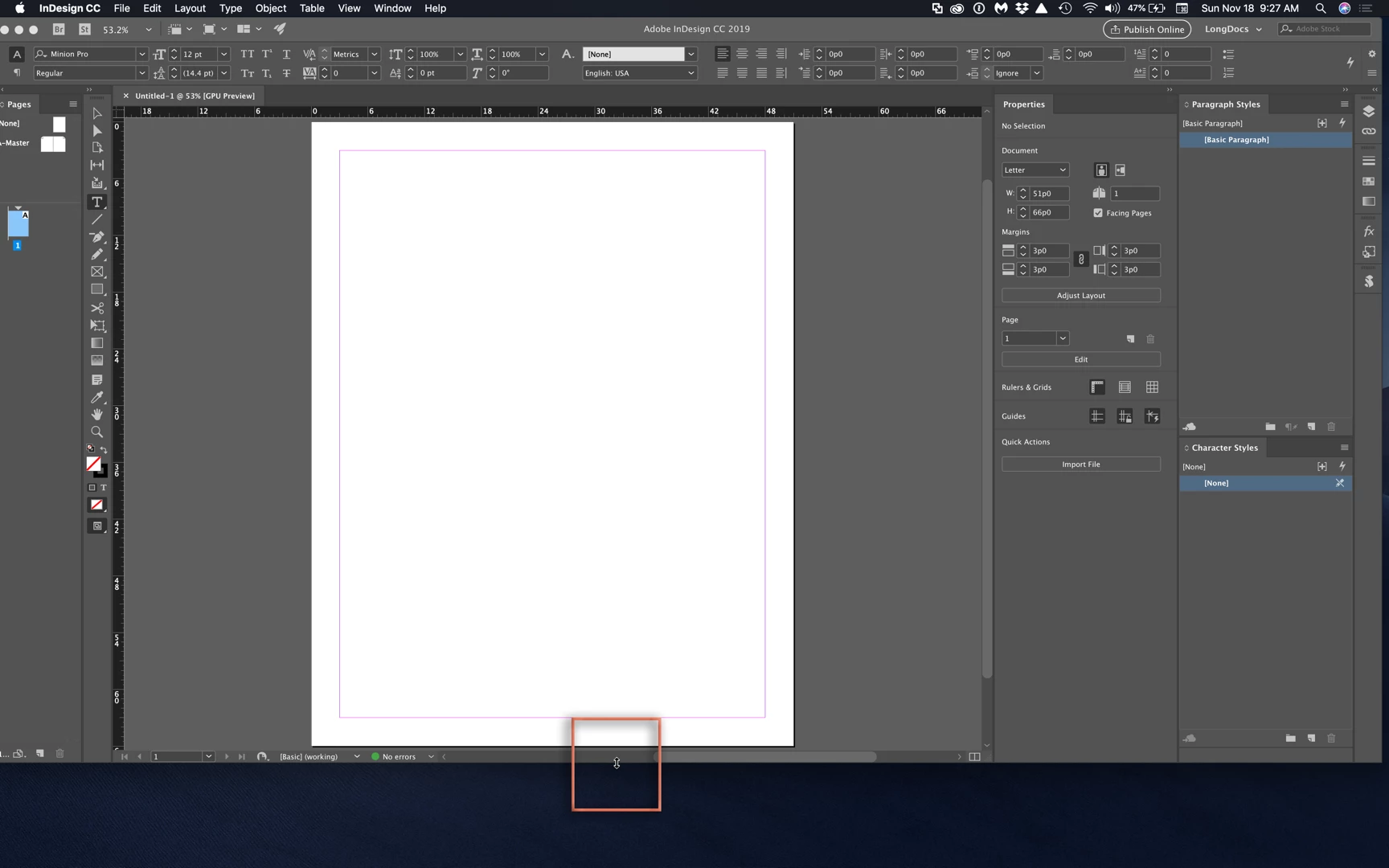
I'm using InDesign CC 2019 in Mac OS High Siera 10. My issue is I can't seem to expand InDesign to complete full screen beyond the dock at the bottom of the screen. It just stops at the dock at the bottom hence wasting quite a lot of real estate screen space.

Anyone know is there anyway I can go real full screen to the very bottom of the screen? See screenshot below.Thanks.

Thomas
    This topic has been closed for replies.
    Correct answer Barb Binder

    That's definitely not normal, Thomas.

    To clarify, you tried both of Chad's suggestions?

    1. Clicked the green circle on the top left on your screen to maximize?
    2. Dragged the bottom of the screen down? (Look for the double sided arrow before pressing down and dragging the mouse.)

    If so, I'd move to to Steve's suggestion of resetting preferences. Let us know how it goes. This is a new one for me.

    ~Barb

    1 reply

    Barb Binder
    Community Expert
    Community Expert
    November 17, 2018

    Hi Thomas:

    You can change your dock preference to automatically hide. This will allow InDesign to use your entire screen when maximized.

    ~Barb

    ~Barb at Rocky Mountain Training
    thomass60087362
    Participant
    November 17, 2018

    I've tried hiding the dock, but InDesign still will not expand to bottom of screen. Really odd..

    hammer0909
    Community Expert
    Community Expert
    November 18, 2018

    Can you just grab the bottom right corner of the application window and drag it down? InDesign will not automatically resize after hiding the Dock. You can either manually grab the bottom right corner to resize or hold down the option key and click the green button in the upper-left corner of the application window.