

Inspiring
July 14, 2026
Answered

can't link this PDF

  • July 14, 2026
  • 5 replies
  • 68 views

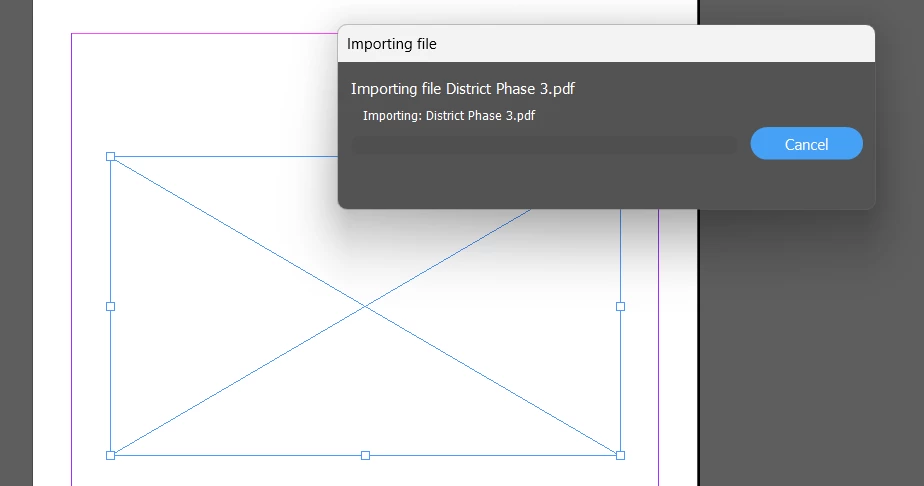
when I try to link this PDF, the program freezes at “importing.” I was wondering if anybody could try on their machine and confirm the problem. Thanks!

 

    Correct answer ct78051741

    I was linking the attached PDF into an illustrator file, doing some light drawing, then trying to place that PDF. Neither the original PDF nor exported PDF would link into indesign. 

    Then I read somewhere about exporting as PDF/X-4 and miraculously the export was able to be linked.

    5 replies

    Brad @ Roaring Mouse
    Community Expert
    Community Expert
    July 15, 2026

    There is nothing inherently “wrong’ with your original PDF, but it’s quite big (68” across), and as CAD drawings often are, it’s an extremely complicated file, despite it being vector. (It’s an Autodek Revit file and there are more than 380,000 paths in it)

    Although I was able to place the file, it did take some time. That’s because InDesign is rendering it ALL to create an image you can see when it’s placed. Depending on your View > Display Performance settings, this can take a lonnng time (High Quality), or less time if you select something less, but it still needs to render it.

    I looked at Revit’s Export PDF settings and there’s nothing there that could have made the file any smaller or more efficient.

    Legend
    July 16, 2026

    To add to these observations, the file was apparently written by Adobe’s PDFLib.

    When I placed the PDF in the debug build of InDesign with Xcode attached, it still locked up the entire machine and caused a system reboot.

    Neither the originally reported program freeze nor my hard crash should happen with InDesign working its way thru a genuine PDF, so it would be worth further investigation, even if the OP found his workaround.

    Brad @ Roaring Mouse
    Community Expert
    Community Expert
    July 16, 2026

    “Adobe’s PDFLib”

    That’s what Autodesk Revit uses for PDF export.

    Mike Witherell
    Community Expert
    Community Expert
    July 15, 2026

    My general advice is to avoid putting files inside files inside files, etc. If you opened that PDF into Illustrator to add some more info, then I would save that as an .AI Illustrator file and File > Place the .AI file into InDesign.

    Mike Witherell
    Inspiring
    July 15, 2026

    Thanks Mike.


    In general, does linking an AI file vs. the PDF that would be exported from that AI file change the file compression limit of the final indesign export? I know it can cause performance issues while working in indesign if the AI file is heavy, but what about the end result compression?


    Thanks.

    Mike Witherell
    Community Expert
    Community Expert
    July 15, 2026

    Do you mean to ask about compression of the file or are you asking about pixel resolution? You don’t worry about resolution nor compression if it is a vector file, as in your example you posted.

    Mike Witherell
    ct78051741AuthorCorrect answer
    Inspiring
    July 14, 2026

    I was linking the attached PDF into an illustrator file, doing some light drawing, then trying to place that PDF. Neither the original PDF nor exported PDF would link into indesign. 

    Then I read somewhere about exporting as PDF/X-4 and miraculously the export was able to be linked.

    Henry_Collins
    Participating Frequently
    July 14, 2026
     

    If it's freezing at the "importing" stage on multiple machines, it's likely something in the PDF rather than your setup. If you can share the file, be happy to try it here and see if I can reproduce the issue. That should help narrow down whether it's the document or the software.

    Mike Witherell
    Community Expert
    Community Expert
    July 14, 2026

    Are you opening the PDF in InDesign so as to convert to an InDesign file? Or are you File > Placing the PDF file? This file Places just fine for me. Have you gone to Preferences > Generative AI and turned OFF both switches?

    Mike Witherell